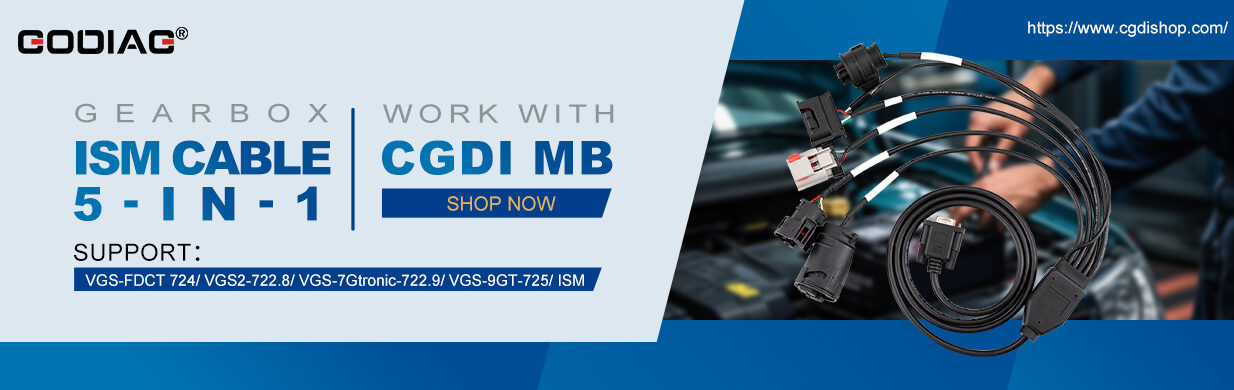
Having trouble shifting gears due to a VGS fault? Use CG FC200 to perform identification, read the complete data set, and proceed with VGS repair.
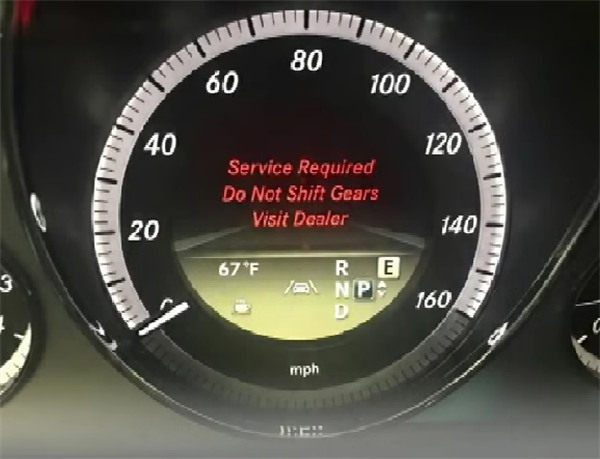
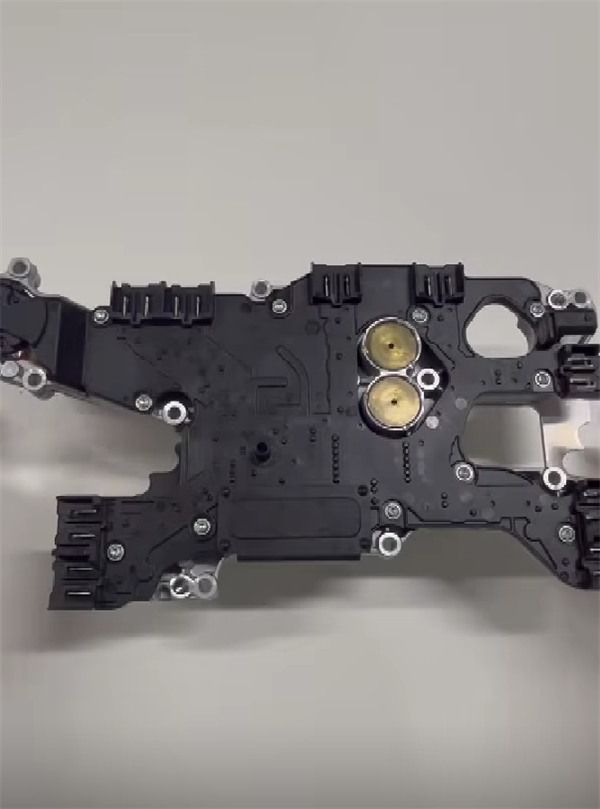
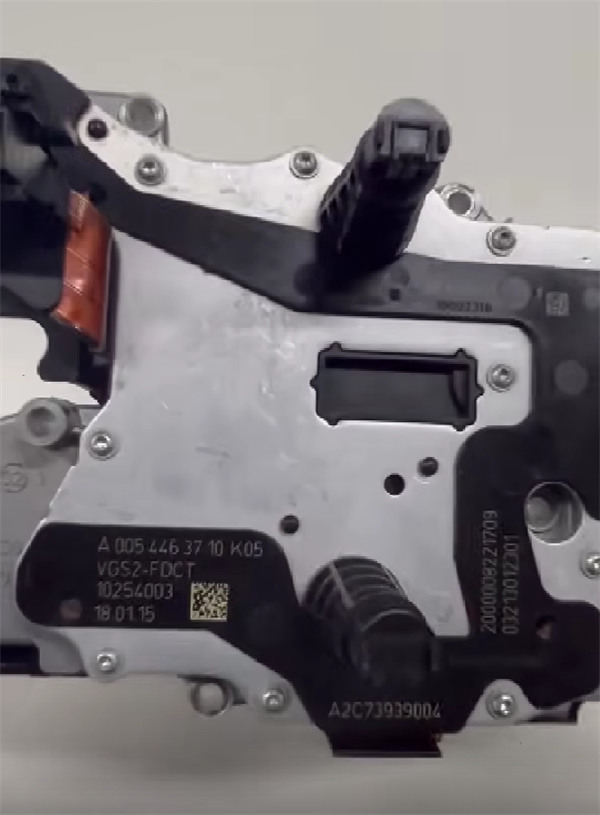
FC200 itself does not have an automated “one-click” repair function for this specific issue. For the “cannot shift gears” problem (usually linked to error code P051300), FC200 serves as the hardware interface to access the corrupted data, which then requires manual repair using external software or specialized files.
Here is the step-by-step process based on how professional shops use the CG FC200 to resolve this issue:
Step 1: Read TCU Data with CG FC200
Before any repair can happen, you need to extract the corrupted file from the transmission computer. Do not skip this step, as the original file is required for rebuilding the data.
Connect CG FC200 Programmer to the Mercedes-Benz VGS2-FDCT TCU (usually via Bench connection or specific adapter).
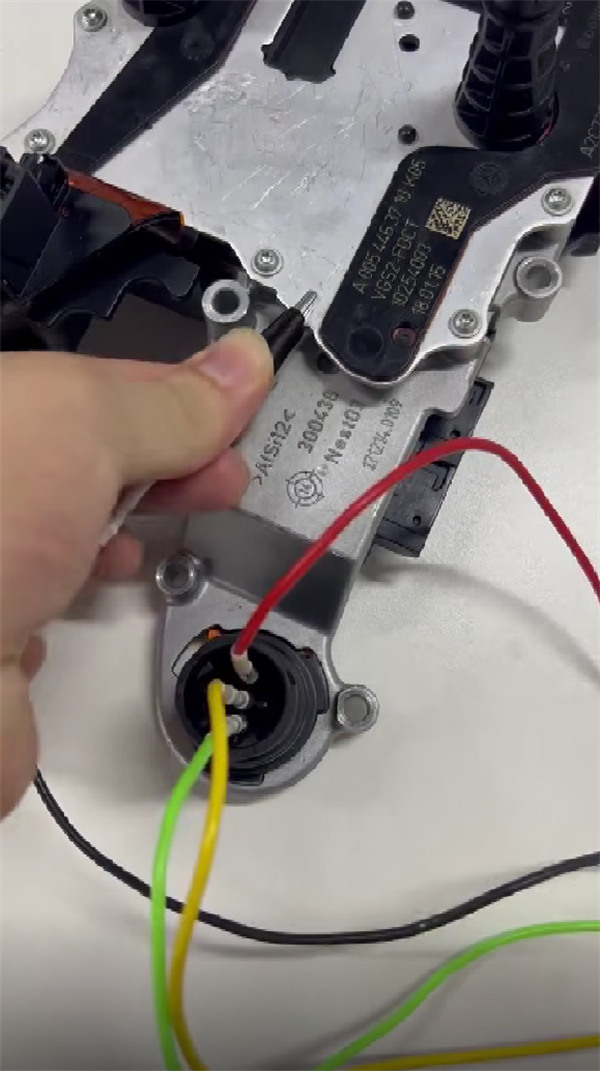
Launch CG FC200 software on your PC.
Navigate to the Mercedes-Benz section and select VGS2-FDCT.
Note: Ensure your FC200 software is updated to at least V1.2.5.0. Previous versions (like V1.2.0.0) had a bug where the tool failed to recognize the VGS2-FDCT correctly, leading to read/write errors.
Read the EEPROM data (and/or Flash if required by the repair guide).
Save the original files (.bin or similar) to a safe folder on your computer. Do not lose these.
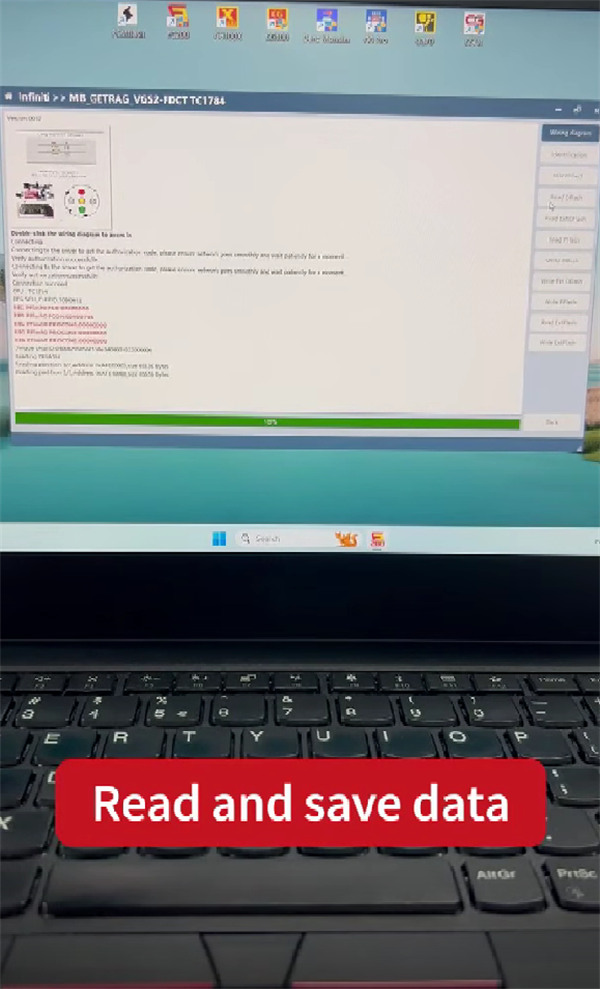
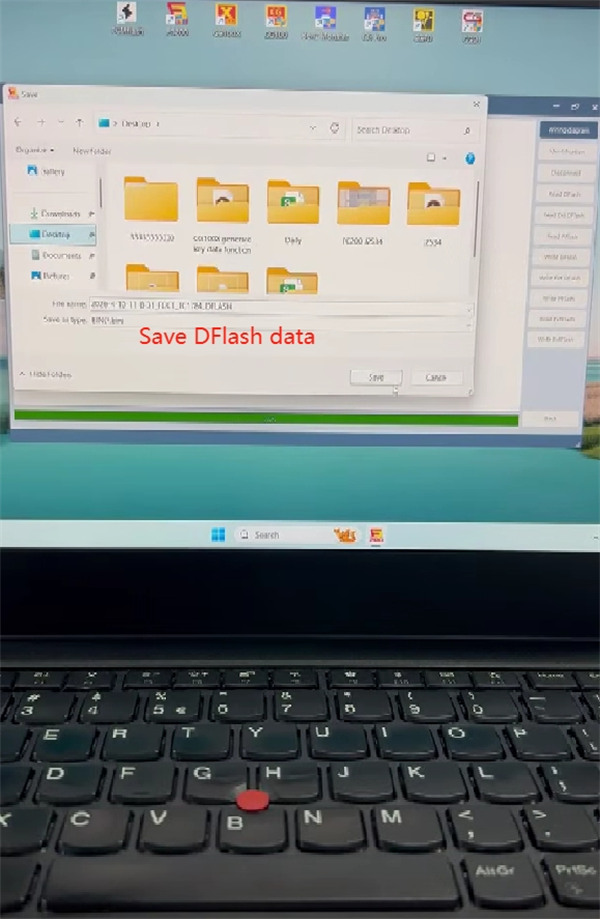
Step 2: Perform “File Repair” (The Critical Step)
CG FC200 ECU Programmer cannot fix the gear-shifting error by simply pressing a button. The P051300 error usually means the “Drive Authorization” data inside the file has been corrupted or lost.
You have three options to fix this:
- Option A (Free/Custom): Use Hex editing software (like HxD) to manually repair the EEPROM structure. This requires advanced knowledge of VGS2 checksums and data mapping.
- Option B (Paid Service): Send your saved file to a professional auto-tuning or ECU repair service. Many online forums offer this service for a fee (often 50−150). The technician edits the file and sends back the “Repaired” version.
- Option C (Community Help): Share your file on professional forums (like MHH Auto or Digital-kaos). Caution: While some users report kind strangers fixed their file for free, many users also report waiting days without help.
- Cause Alert: Most users report this error occurs simply because the car battery went flat. The voltage drop corrupts the TCU authorization data. If this is your case, the data repair is often straightforward .
Step 3: Write Repaired Data
Once you have obtained the repaired file (either edited manually or sent back from a service):
Reconnect CG FC200 to VGS2-FDCT TCU.
Open FC200 software and navigate back to the VGS2-FDCT section.
Select “Write”.
Load the repaired EEPROM file.
Execute the write process. Do not interrupt the power or disconnect the cable during this step.
Step 4: Clear Fault Codes and Test
Reinstall the TCU back into the Mercedes-Benz.
Reconnect the car battery (if it was disconnected).
Use a diagnostic scanner (preferably Mercedes XENTRY or a high-end bidirectional scanner) to clear the fault codes.
Turn the ignition off for 30 seconds, then start the car and test if the gears engage.
