



Programming a replacement key on 2018 and newer Jaguar Land Rover (JLR) vehicles with All Keys Lost (AKL) presents a challenge: an active factory alarm blocks diagnostic communication across the vehicle network. While replacing or soldering the RFA module is a common approach, it carries a high risk of module damage.
Using CGDI CG100X programmer to modify the EEPROM data on the BCM module offers a reliable alternative that disables the alarm and restores system communication.
Step 1: BCM Chip Identification & Wiring
1.Locate the integrated Gateway and BCM module
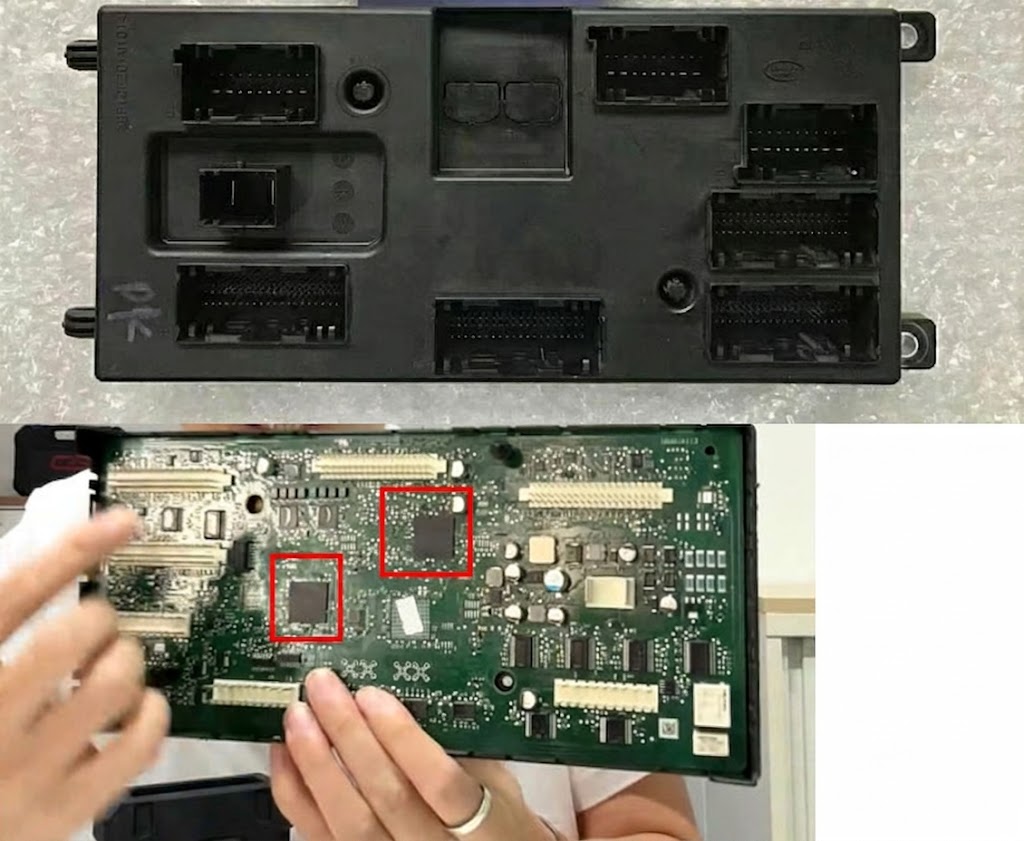
2.Identify the BCM component alongside the gateway chip

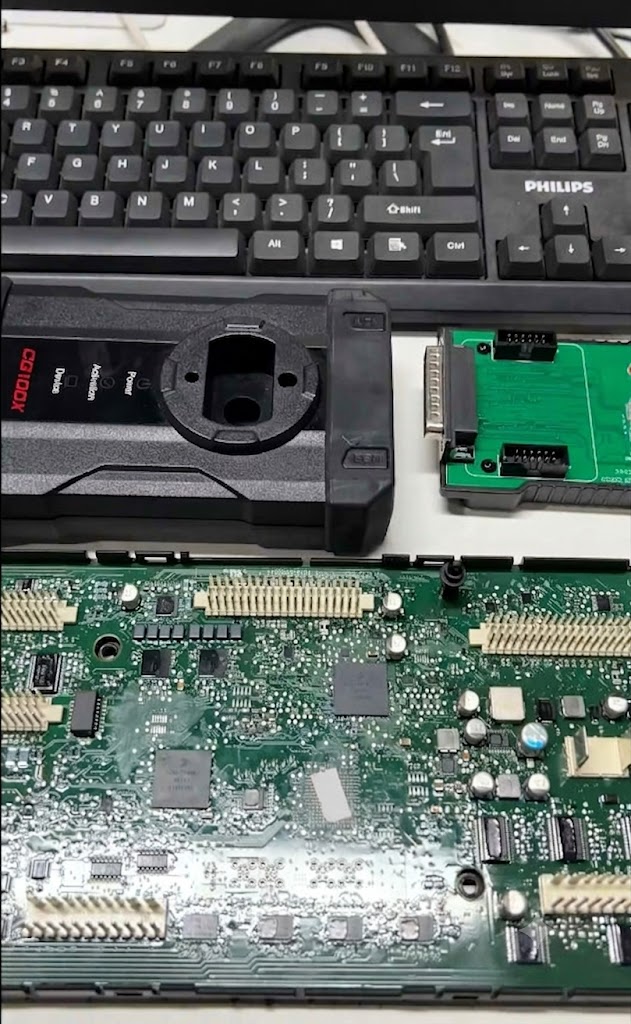
The target for this procedure is the 95128 8-pin EEPROM chip.
3.Solder the 8 connection wires to the BCM board according to CG100X wiring diagram
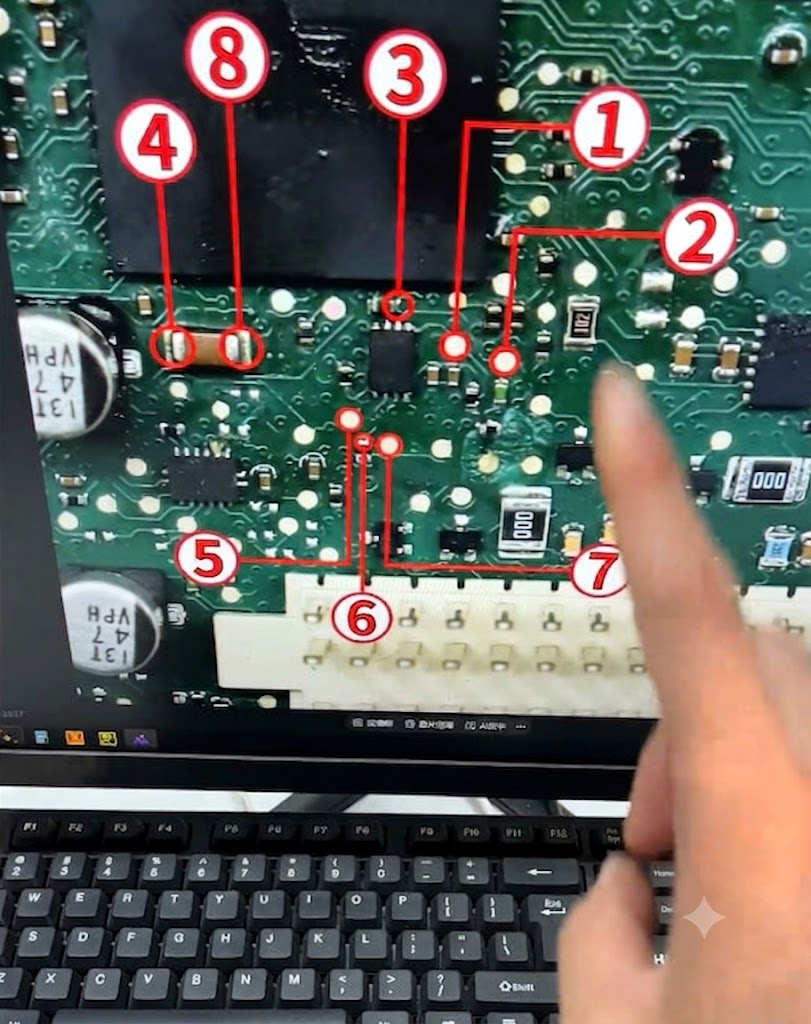
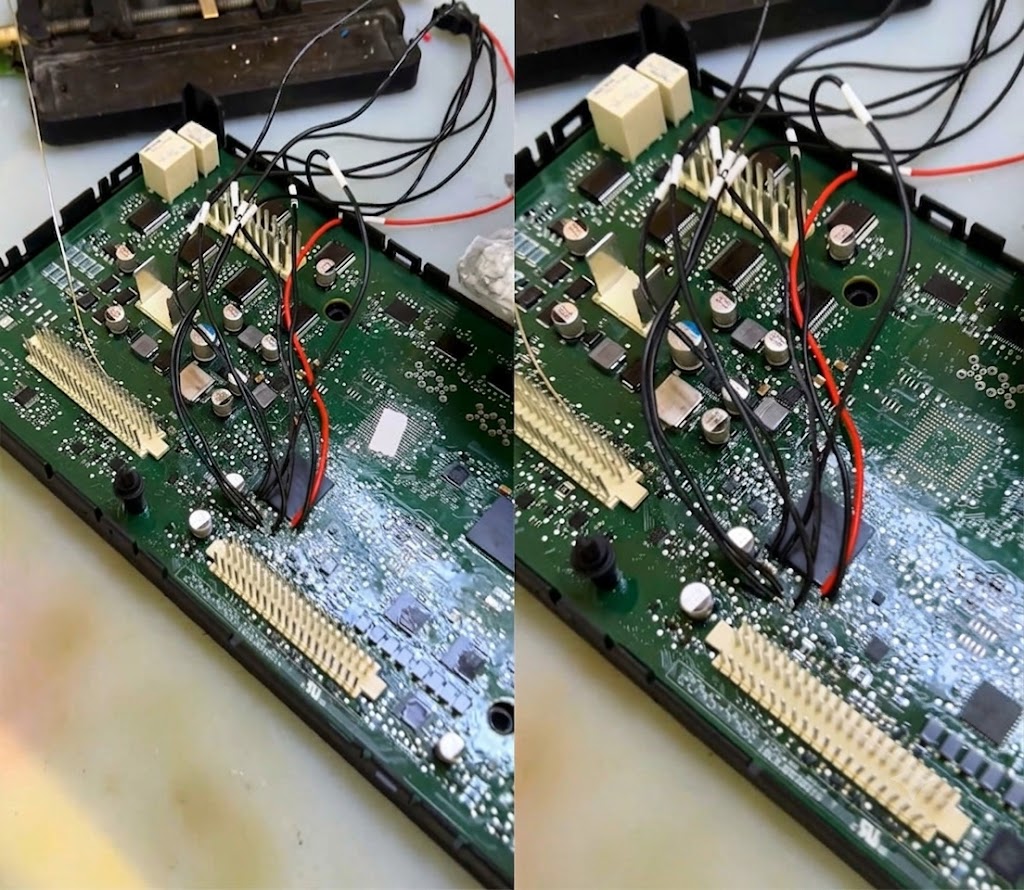
4.Connect the wiring harness to CG100X EEPROM adapter and attach it to the programmer.
Step 2: Reading & Flashing 95128 Chip Data
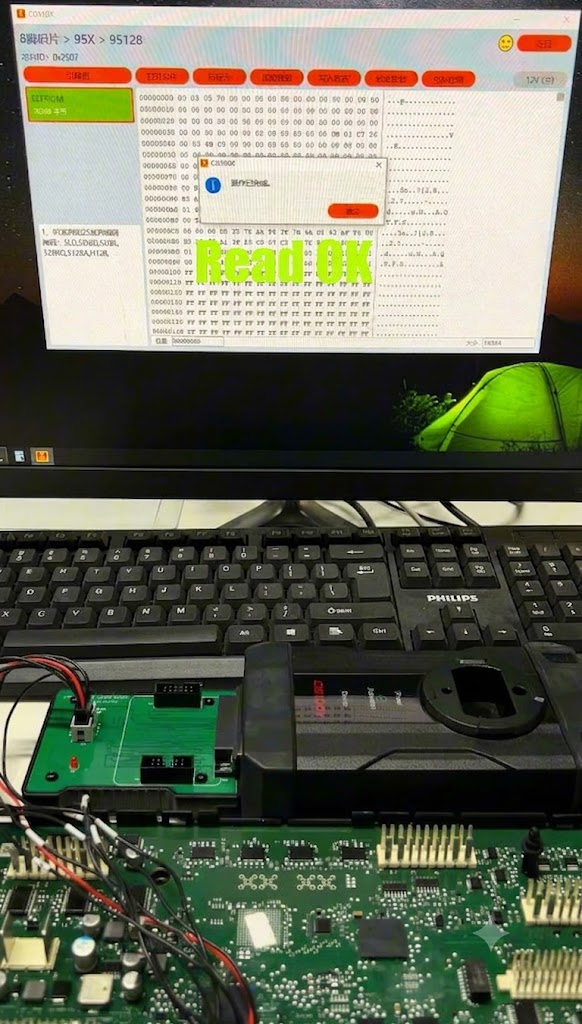
1.Launch CG100X software and navigate to: 8-pin chip > 95X > 95128
2.Read the original chip data and save a backup file to your computer.
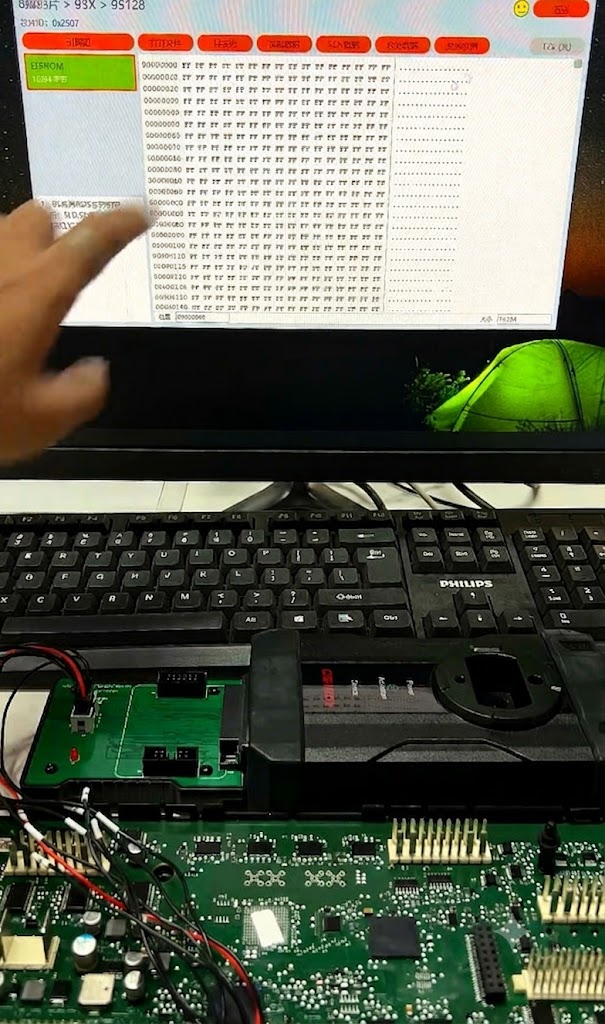
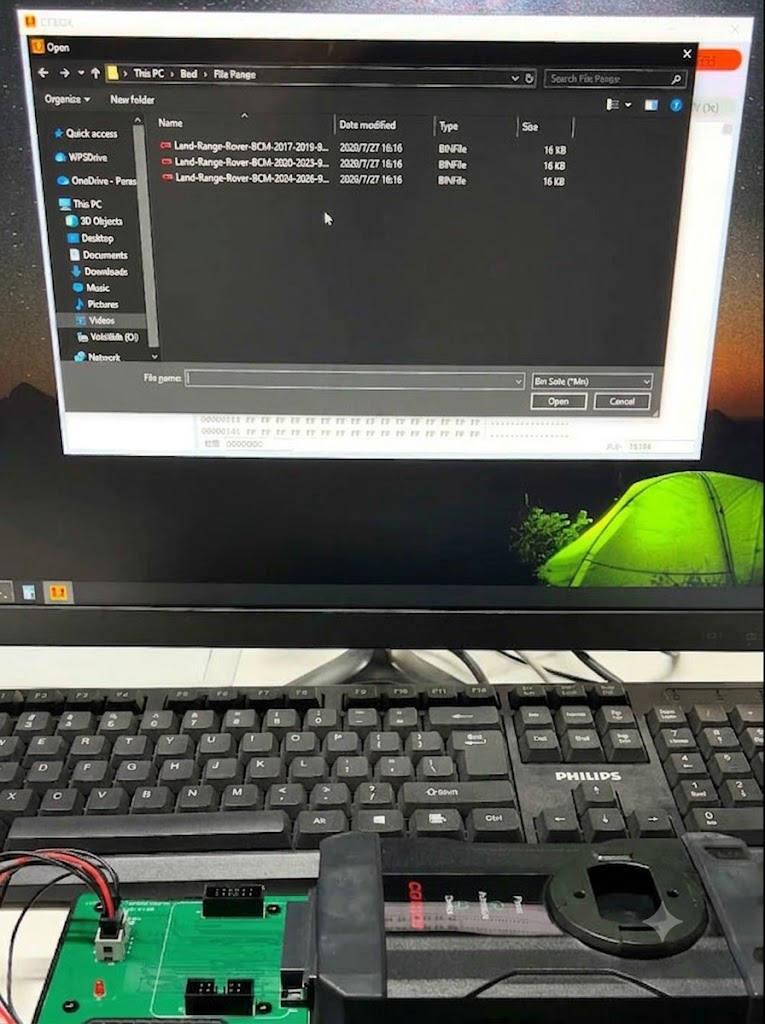
3.Obtain the model-year-specific alarm-disable file (available via CG technical support or verified third-party sources).
4.Write the modified flash file directly to the 95128 chip
Step 3: Vehicle Reassembly & Key Adaptation
Once the write process finishes, the active alarm is disarmed.
Reinstall the BCM module into the vehicle to re-establish full OBD/CAN communication, then proceed with standard key learning through your diagnostic tool.
