This guide demonstrates how to use CGDI K2 Smart Key Tool to identify key type and generate remote.
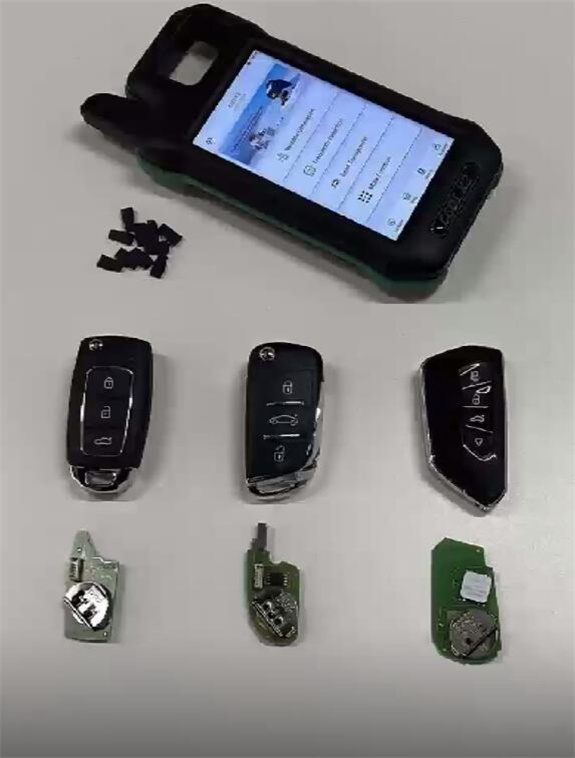
1.Wired key with no chip
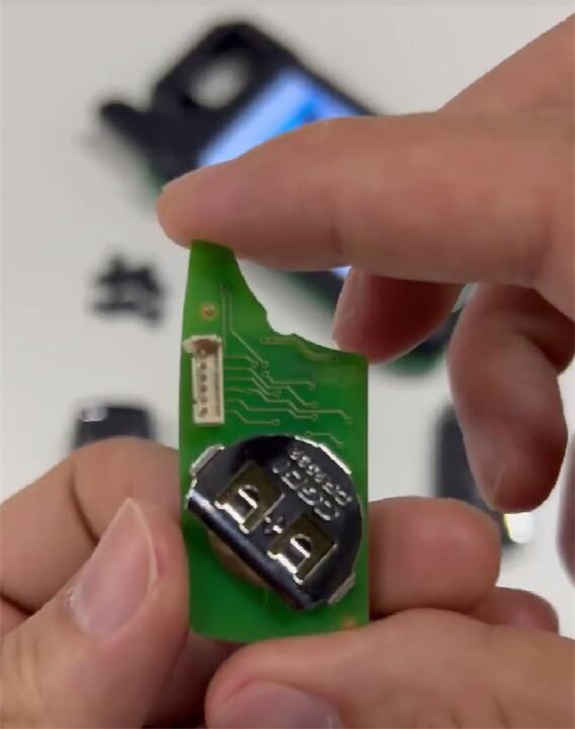
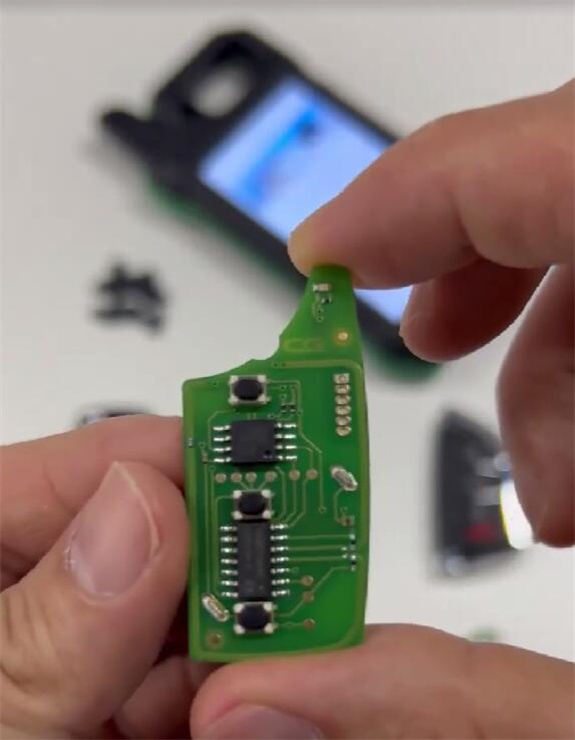
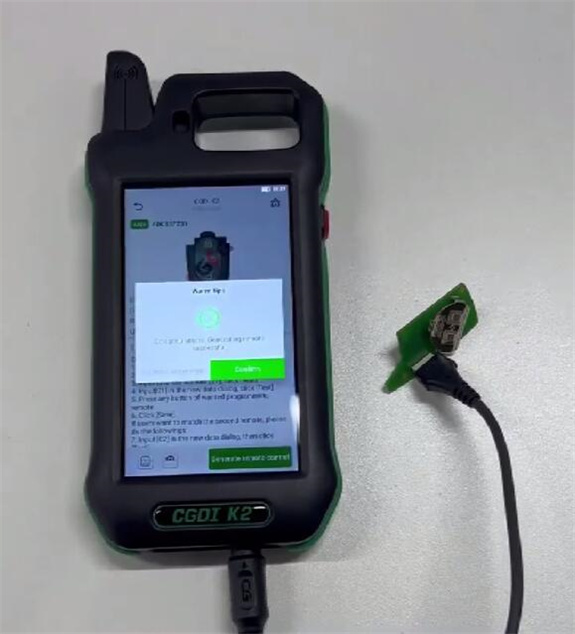
It needs to be connected to CGDI K2 during operation.
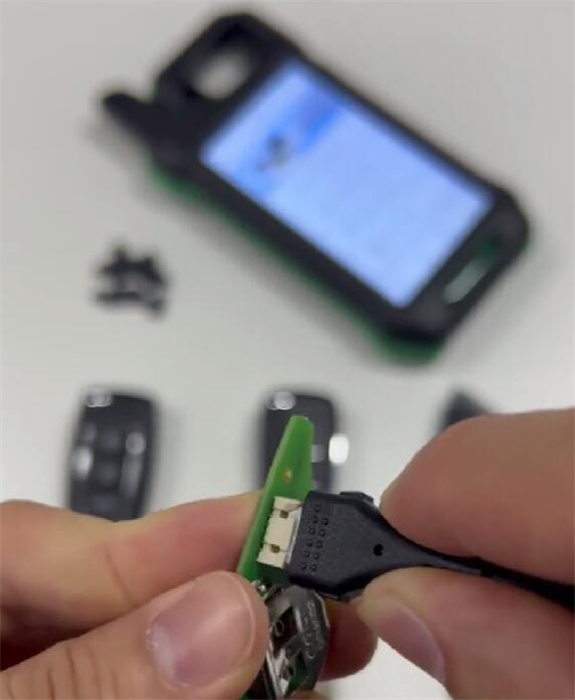
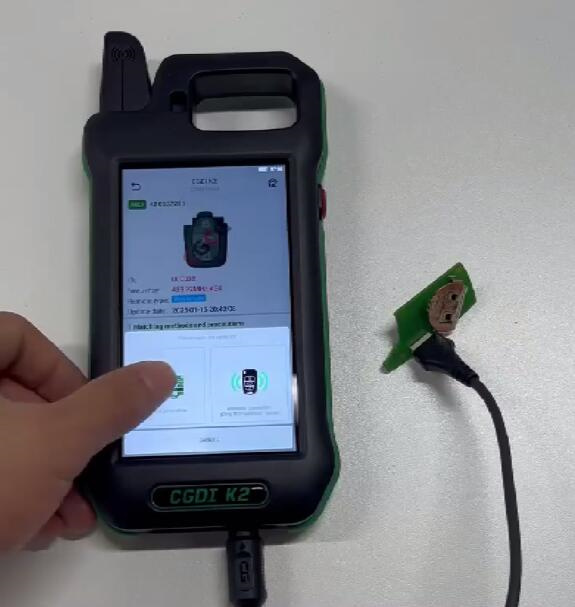
Select “Wired key” to generate
2.Wireless key with a coil inductor
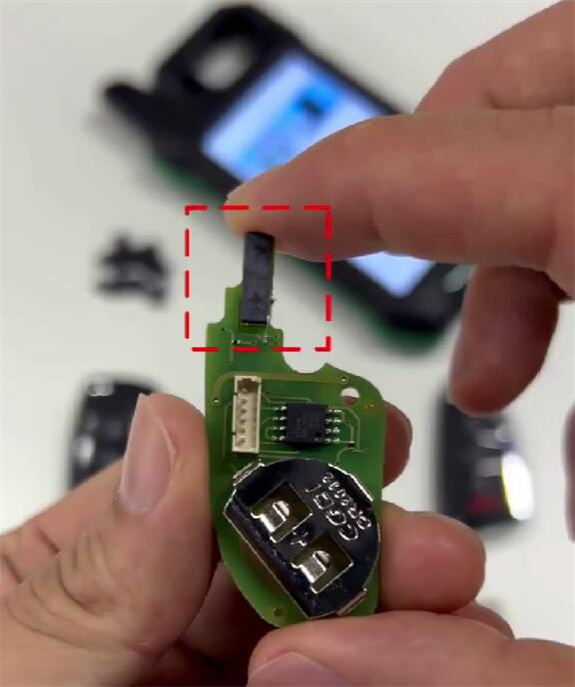
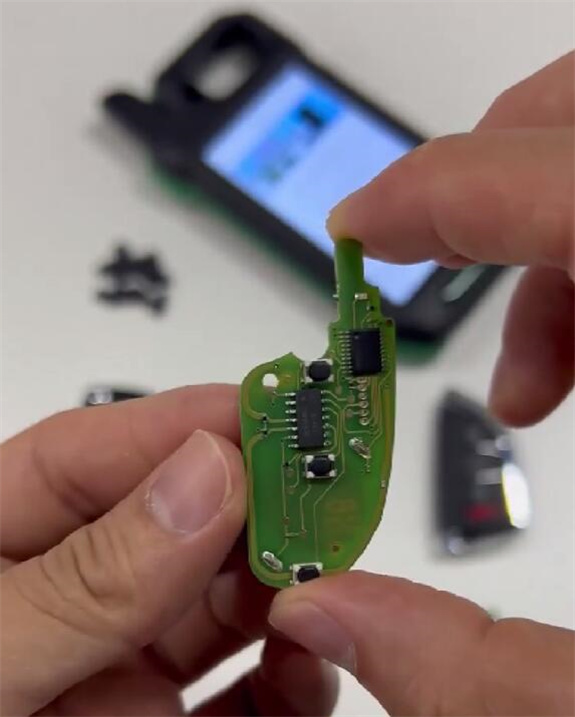
Generate data directly. Need to install the battery and put the key into CGDI K2 coil before generation.
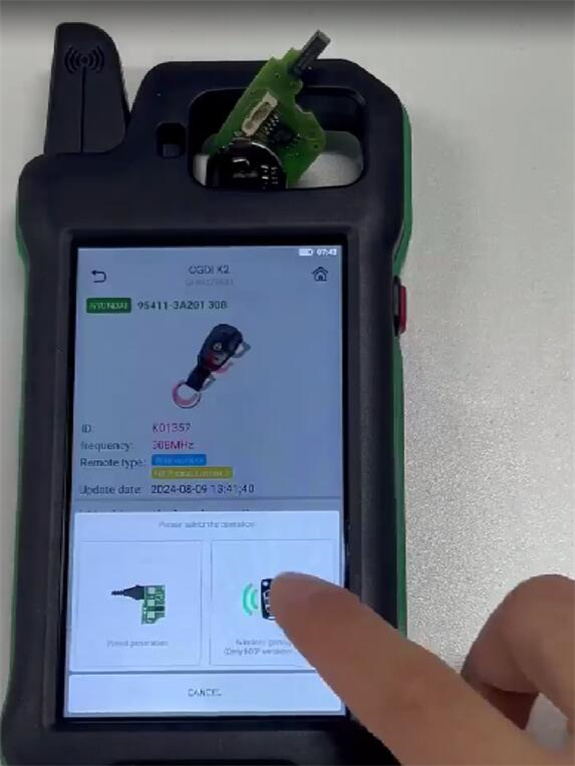
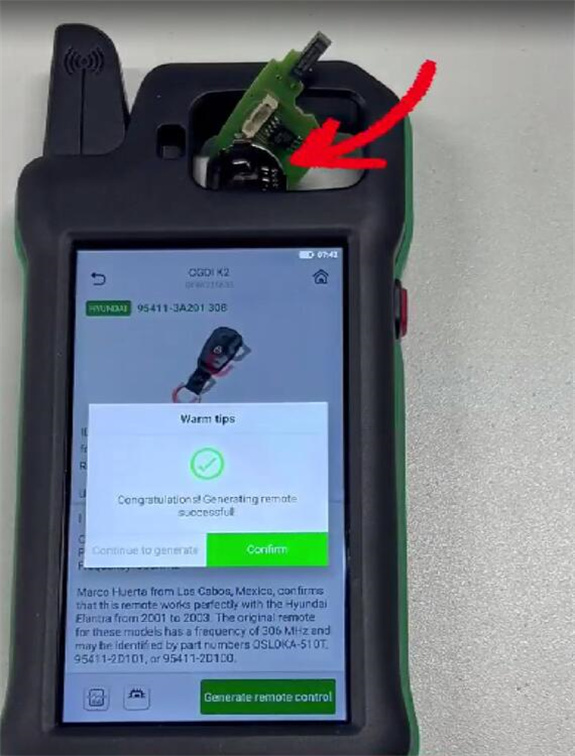
3.Smart key with a chip on the circuit board
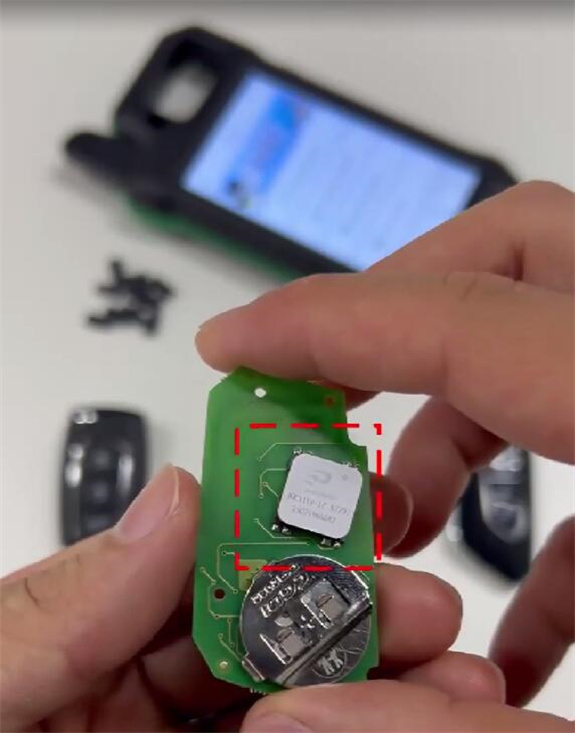
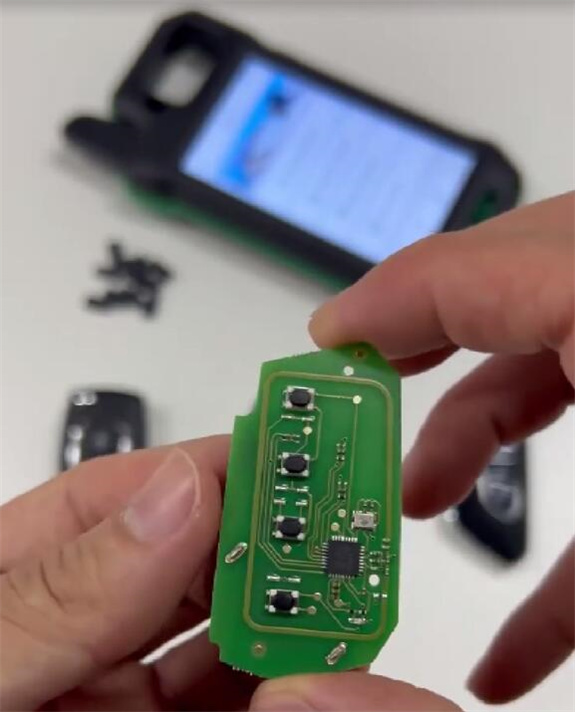
Put the smart key into the coil of CGDI K2 programmer to generate directly
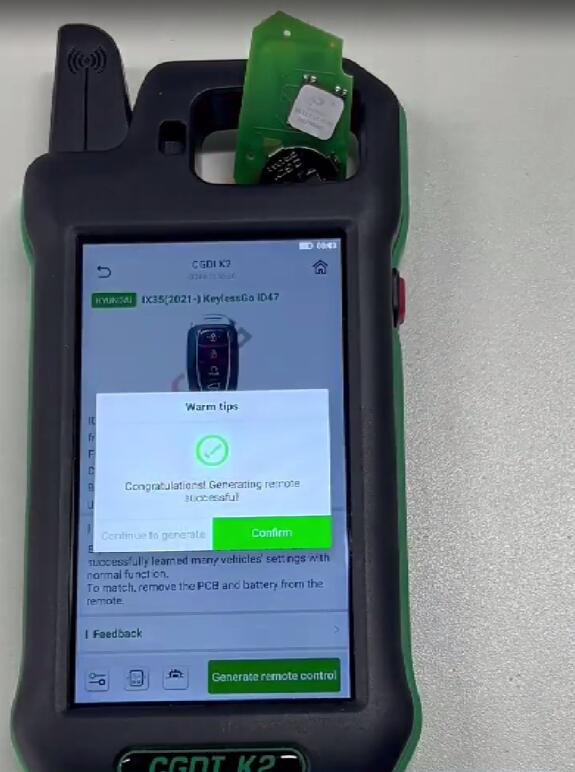
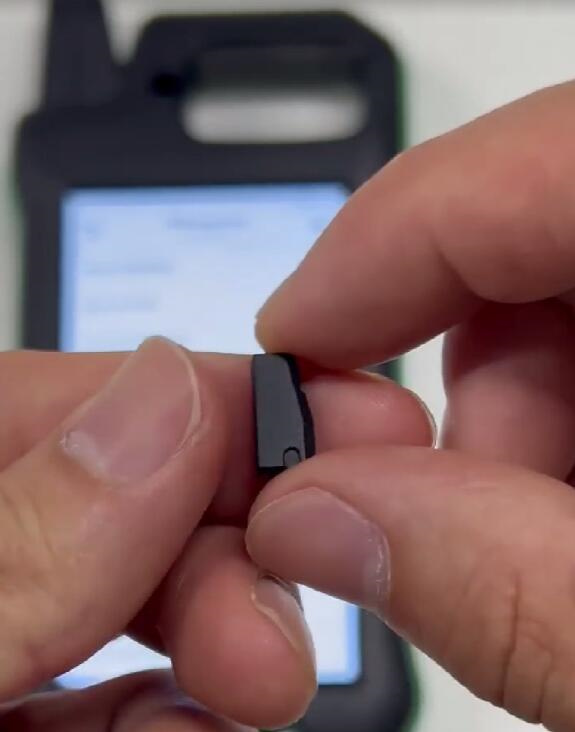
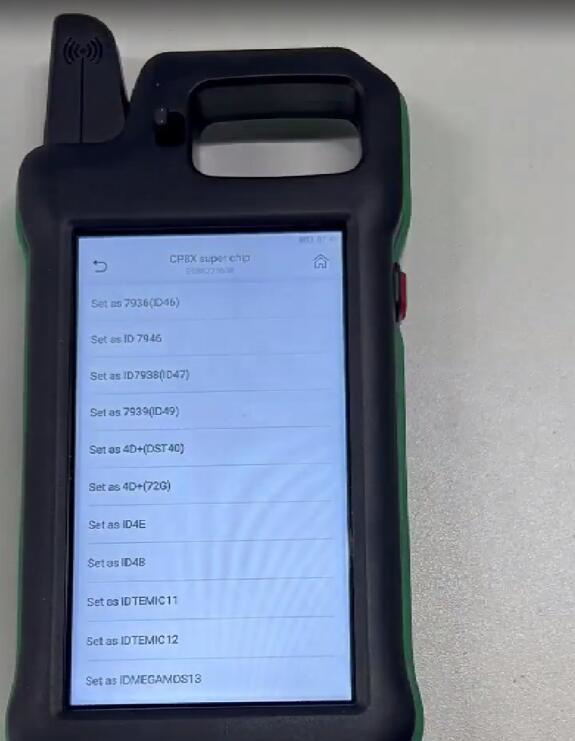
4.Super chip (CP8X/C4648 Super Chip)
Can be set to ID48/ID4A, etc
Note:
CGDI K2 key programmer cannot generate keys and smart key from other companies such as KEYDIY/Xhorse/Autel.
www.cgdishop.com
How to Identify Key Type and Generate Remote by CGDI K2?
