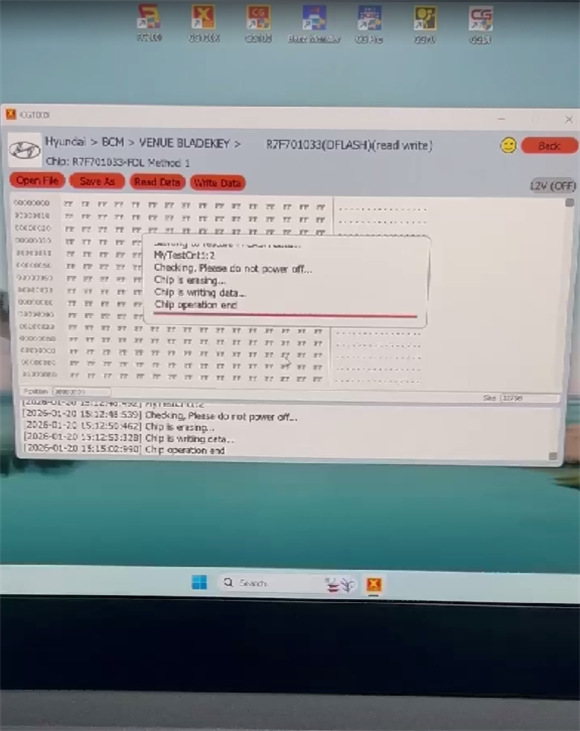
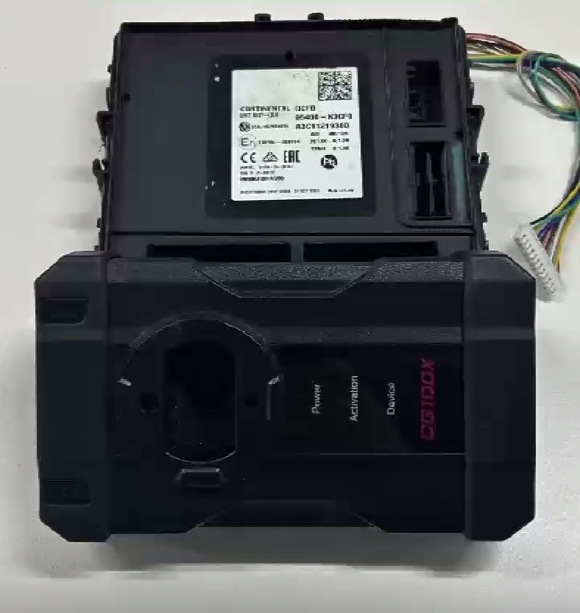
Have a Hyundai Venue R7F701033 BCM, it’s damaged. Use CGDI CG100X Programmer to clone BCM successfully.
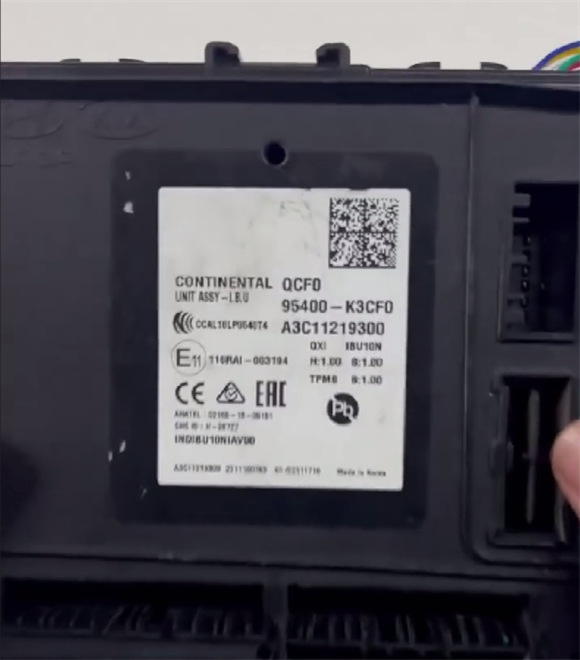
Simple process:
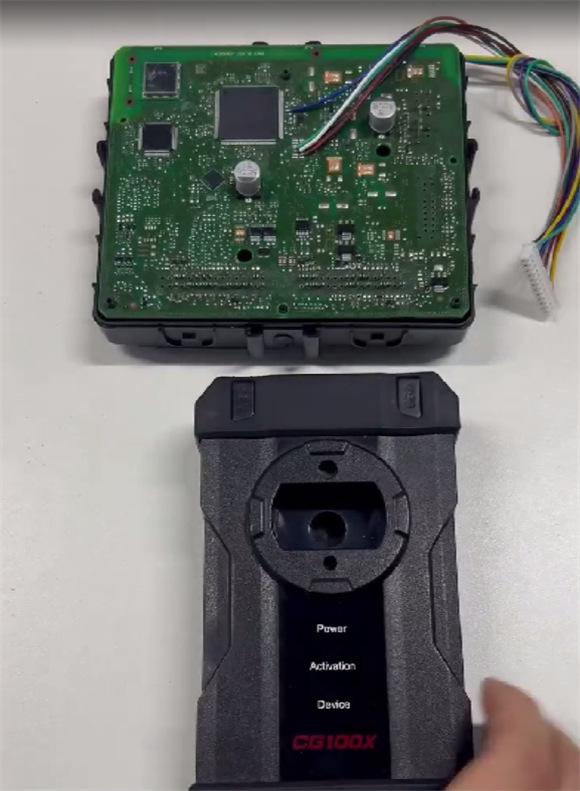
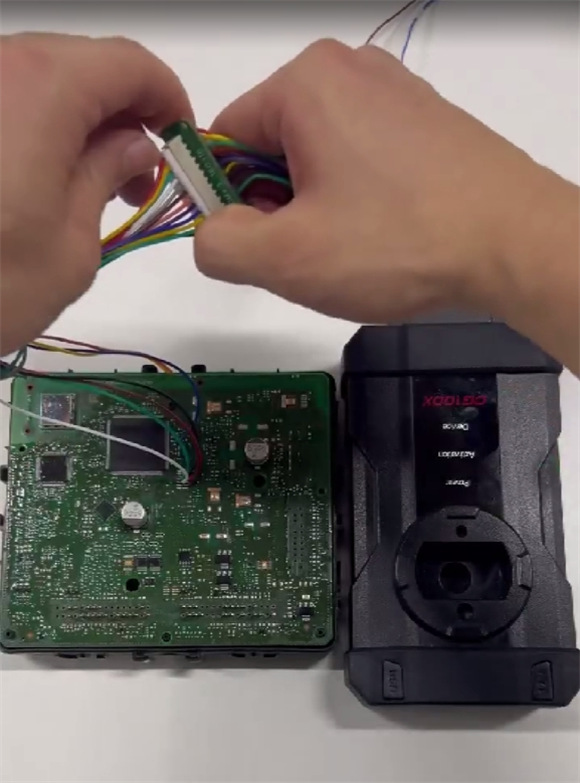
Remove Hyundai BCM shell
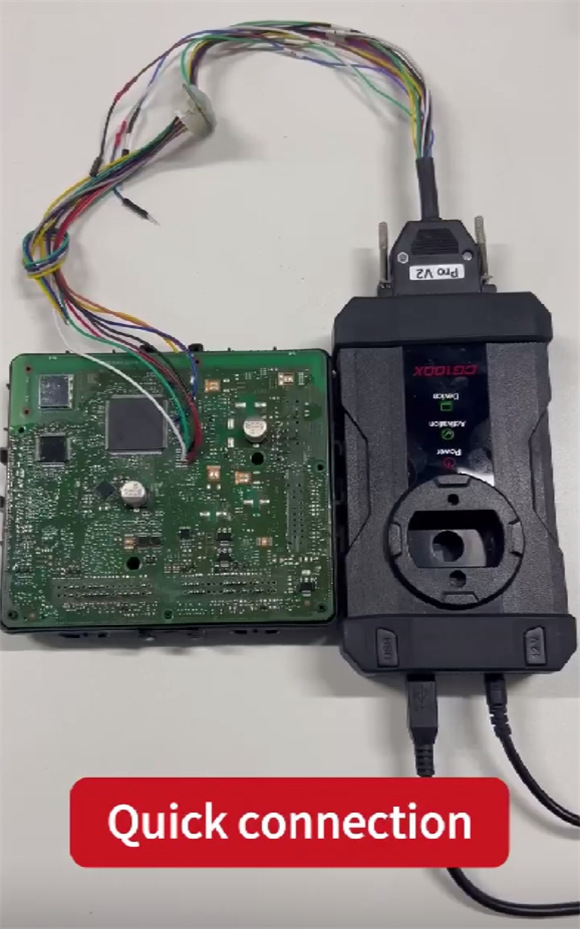
Use CG100X Pro V2 Cable to connect Hyundai BCM and CGDI CG100X correctly
Supply power to CG100X
Connect CG100X to a PC via USB cable
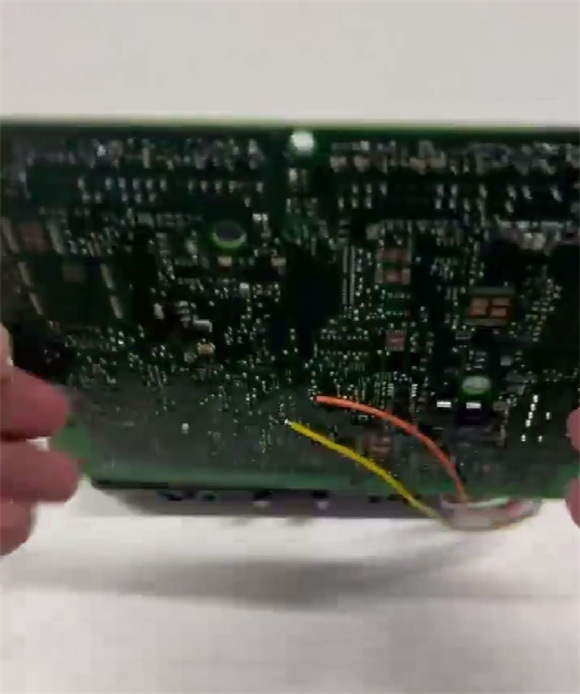
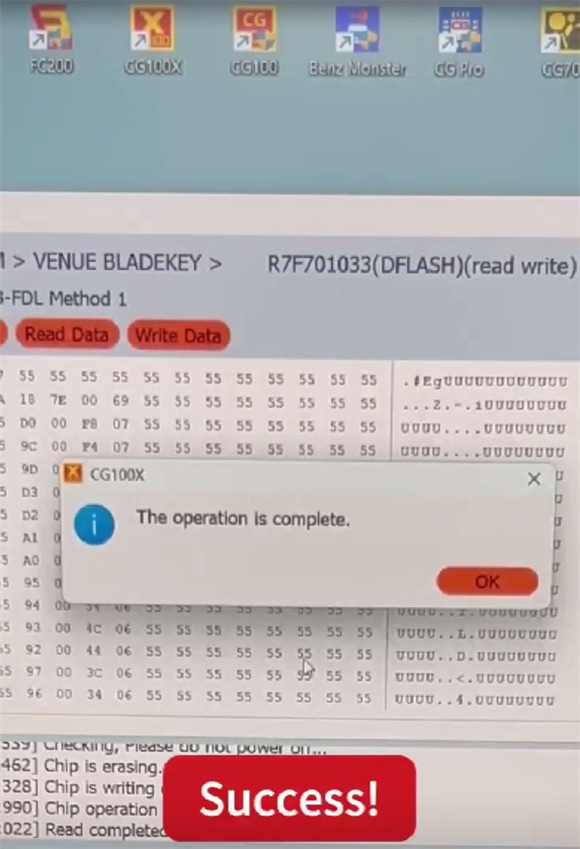
Run CG100X software, select BCM-> Hyundai-> BCM-> VENUE BLADEKEY-> 2022- R7F701033 (DFLASH) (read write)
Read and write data successfully