


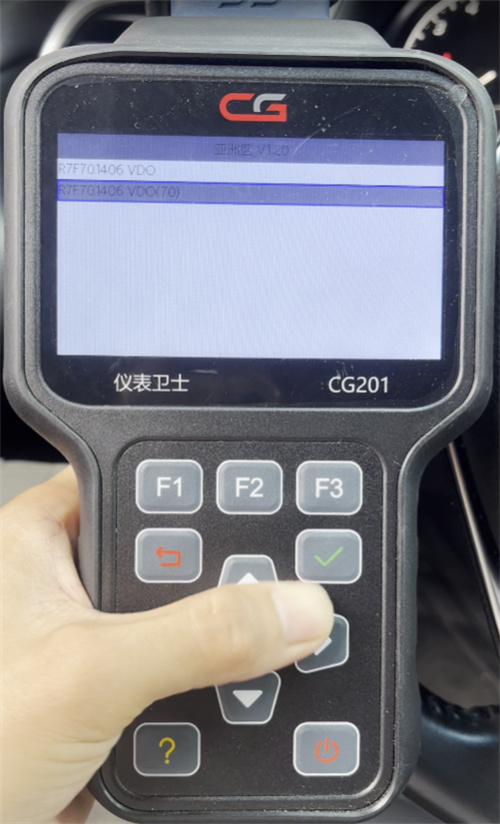
This guide demonstrates how to repair mileage on a 2018 Toyota Camry R7F701406 VDO (70) using CGDI CG201 mileage correction programmer via OBD.
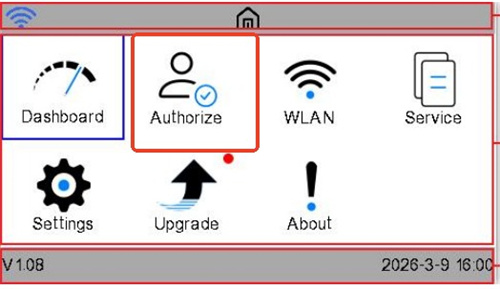
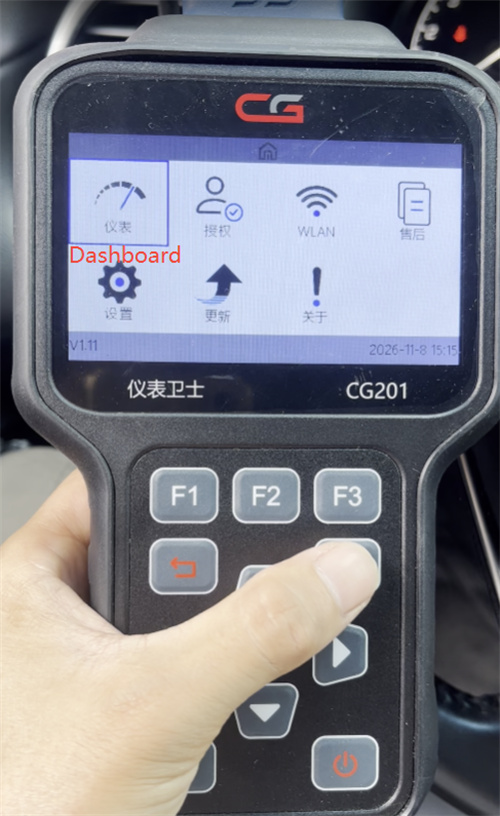
If this is your first using, turn on Wi-Fi, and select “Authorize” on the main menu to activate CG201, then the device is ready to use.
Mileage Repair Guide:
Connect CGDI CG201 and Camry vehicle via OBD cable
1.Navigation Path:
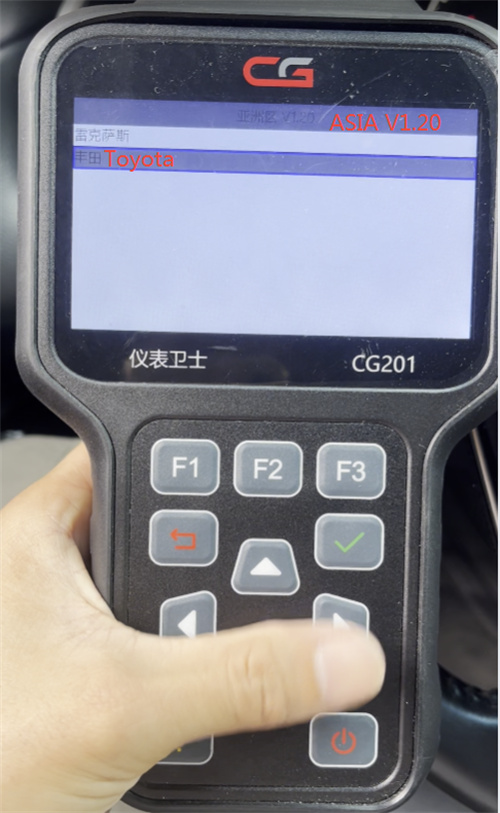
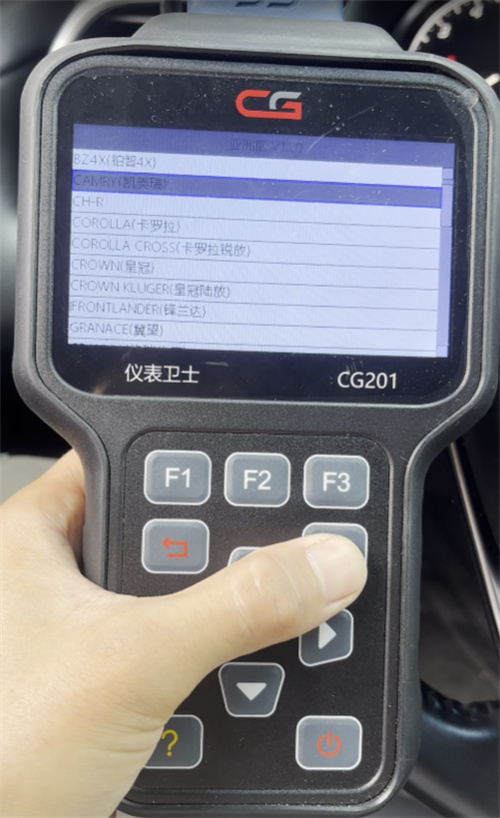
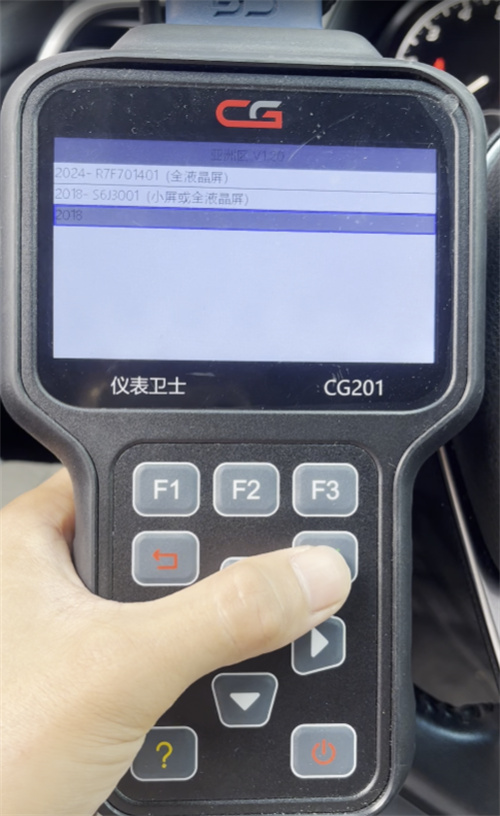
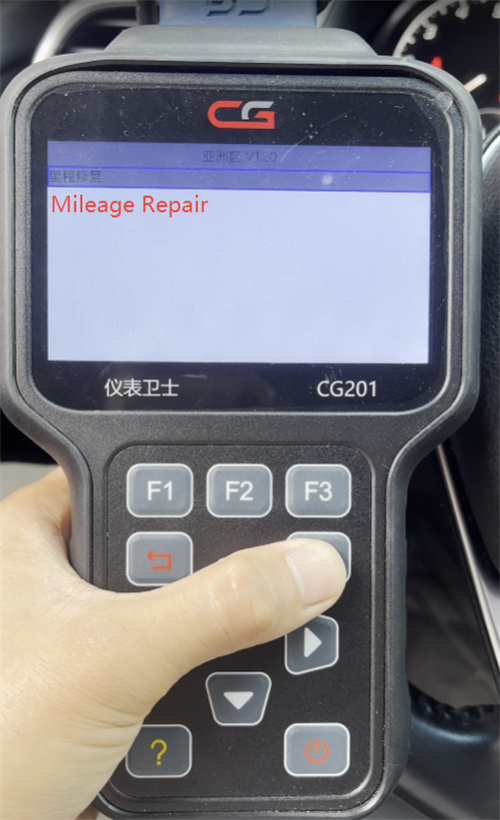
Dashboard-> Asia V1.20-> Toyota/Lexus-> Toyota-> CAMRY-> 2018-> R7F701406 VDO (70)-> Mileage Repair
2.Input New Mileage
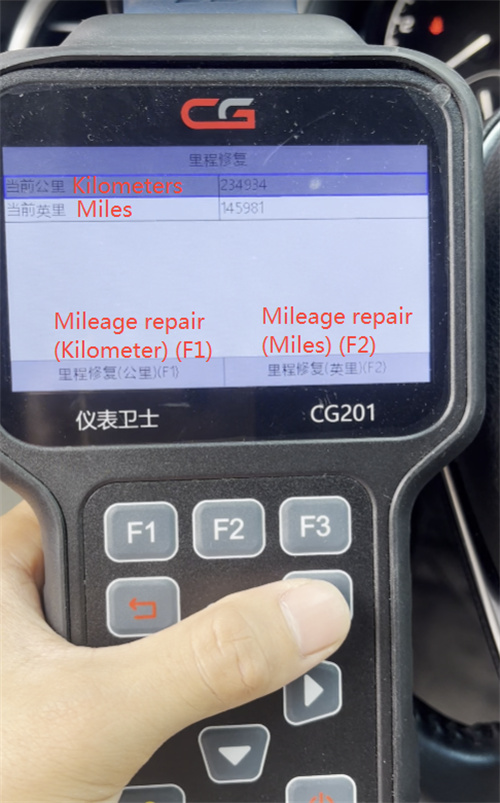
The current kilometer and mile values will display on the screen
Press “F1” button to enter mileage repair (kilometer) interface
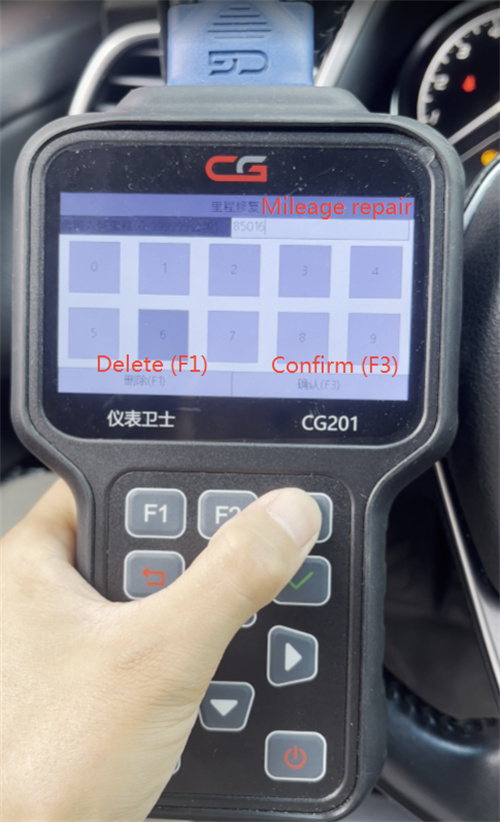
Input the new mileage (e.g.85016) you required and press “F3” button to confirm
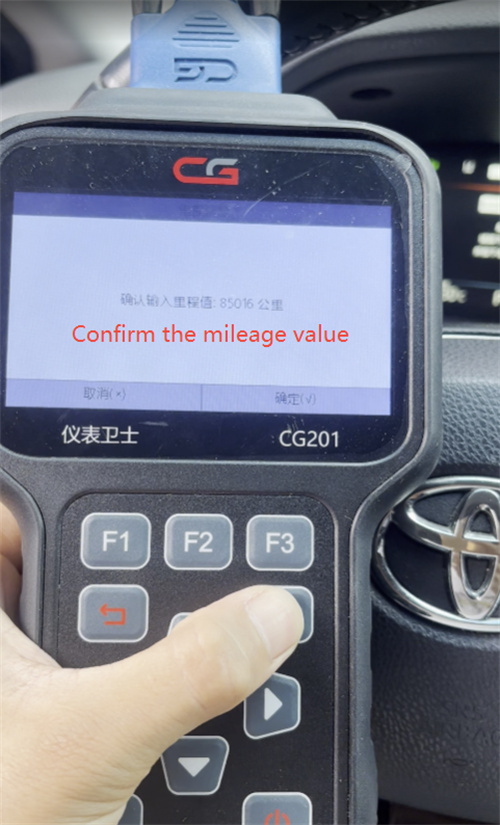
3.Verify Mileage
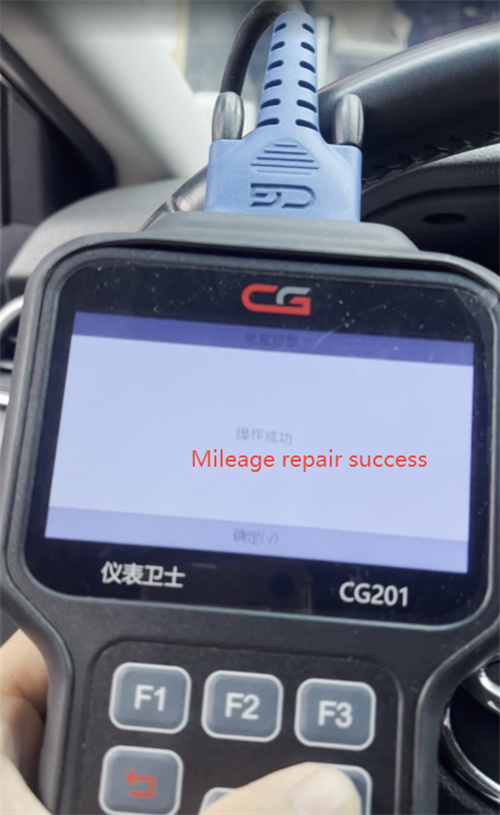
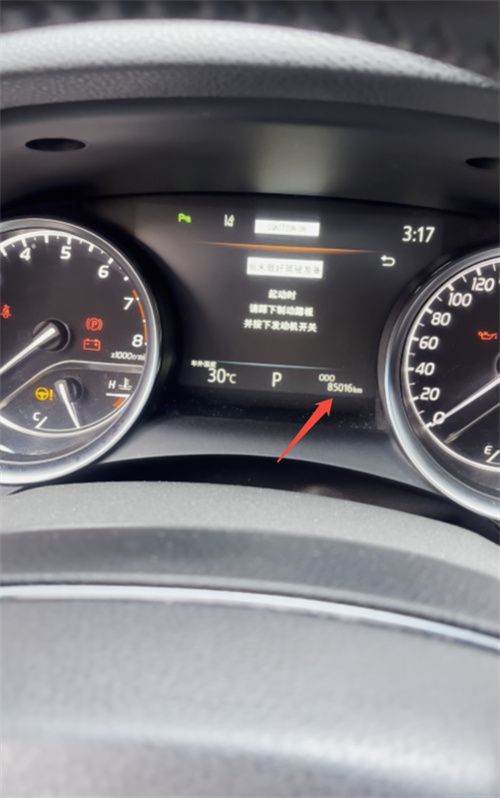
After the mileage repair is successful, verify the new mileage on the dashboard is the same as modified.
www.cgdishop.com
2018 Toyota Camry R7F701406 VDO (70) Mileage Repair with CGDI CG201
