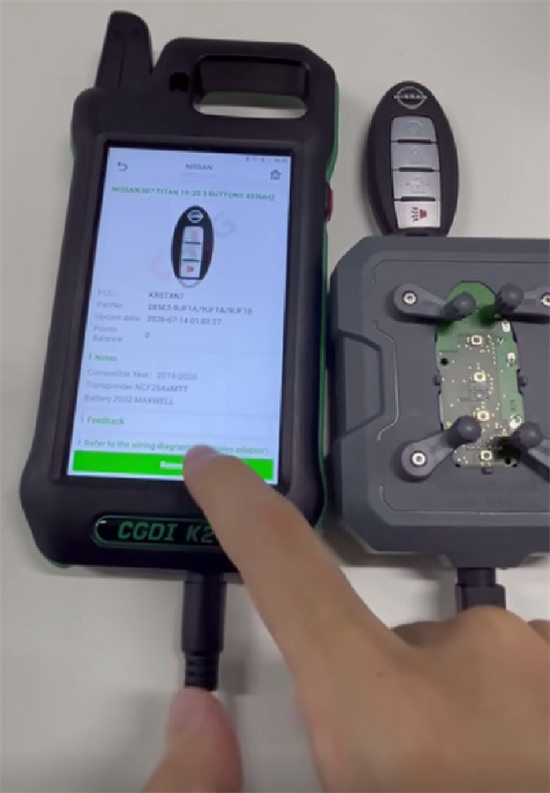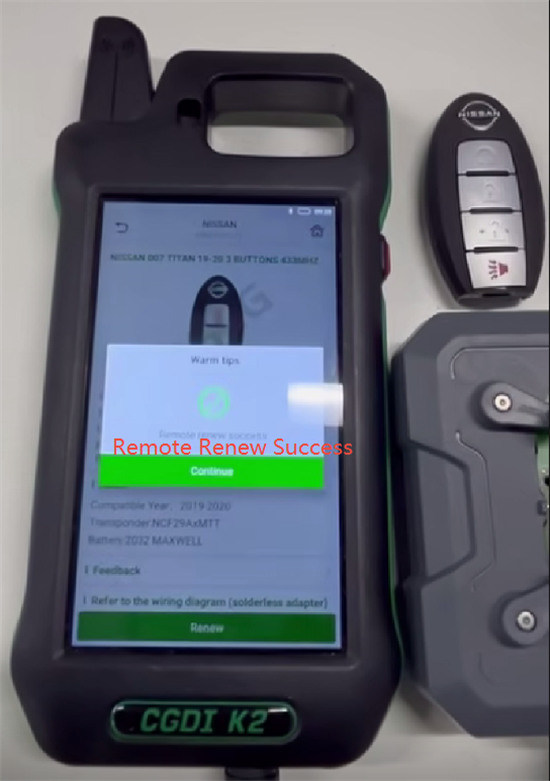

To renew a Nissan KR5TXN7 key, you can use CGDI No.15 Remote Free Adapter paired with CGDI K2 Smart Key Tool no soldering.
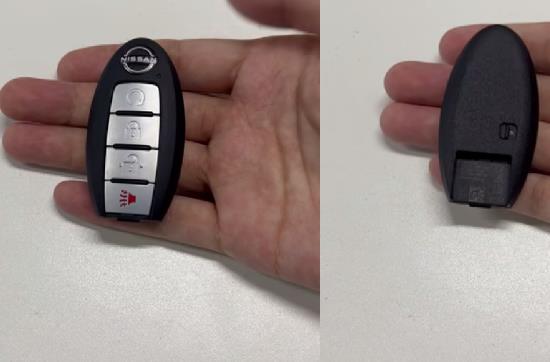
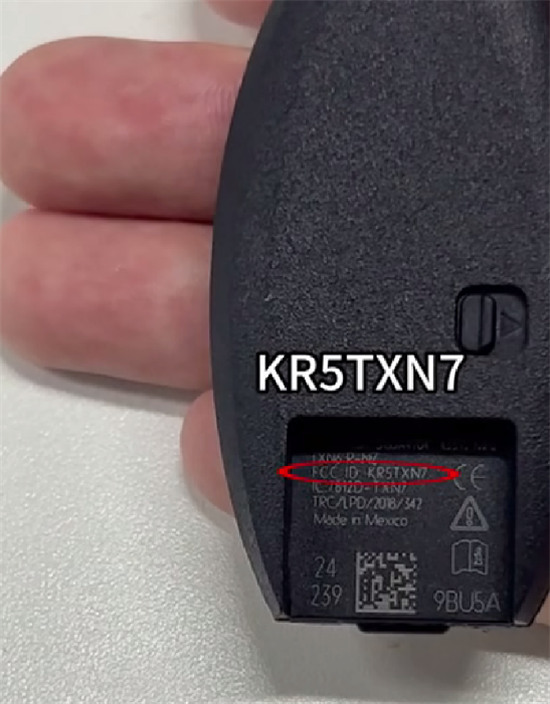
Steps to Renew the Nissan KR5TXN7 Key
1.Attach the Adapter: Place the Nissan KR5TXN7 remote circuit board (PCB) into the matching CGDI Remote Free Adapter designed for Nissan XN-series keys.
2.Connect to Device: Plug the adapter into CGDI K2 Key Tool using the designated connection cable or USB interface.
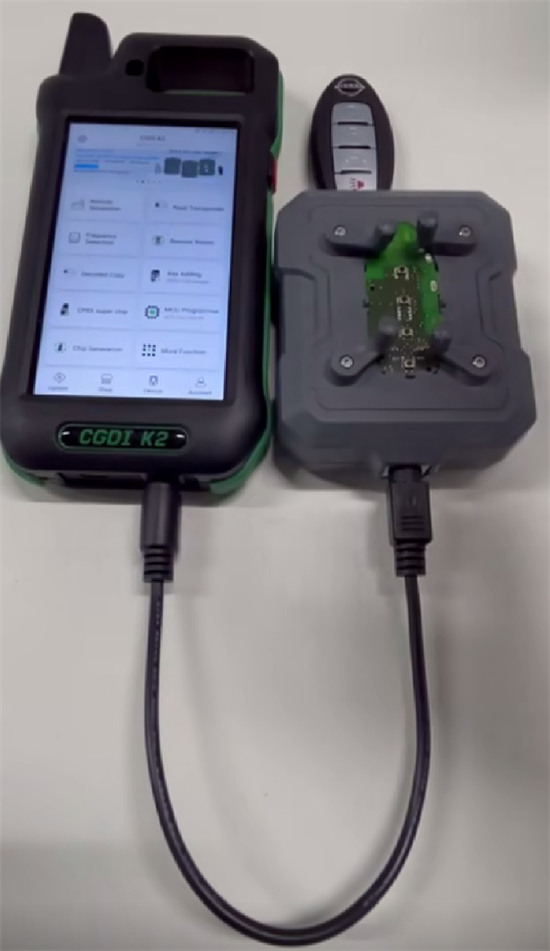
3.Select the Chip/Model: Power on CGDI K2 and navigate to the remote renew or MCU programmer menu on the software interface. Select the specific chip type (such as NCF295x / NXP smart key components) or look up the Nissan KR5TXN7 profile.
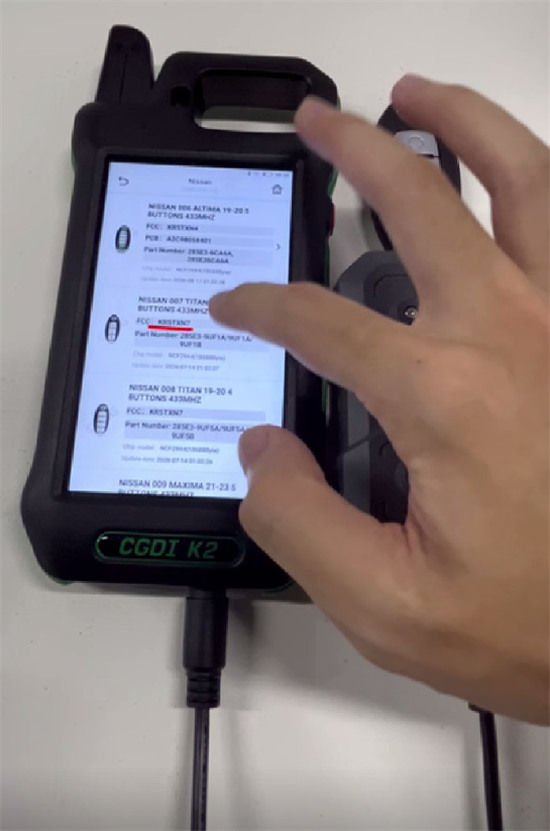
4.Renew the Remote:
Click “Renew” and wait the process is complete
No soldering is required for the entire process.