Learn how to change language, check hardware/software versions, and update software via Windows PC for CGDI BD006 Car Battery Tester.
1.Language Configuration
- Select [SET UP] and press [Enter].
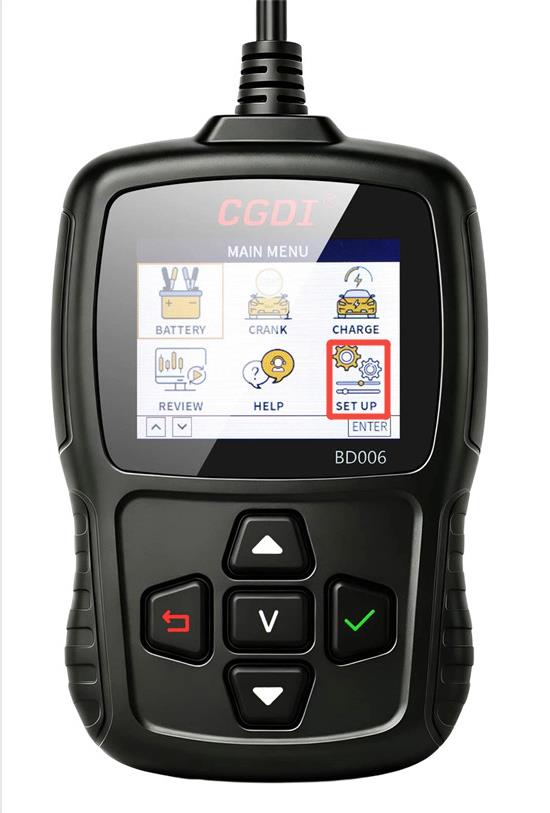
- Go to [Language]
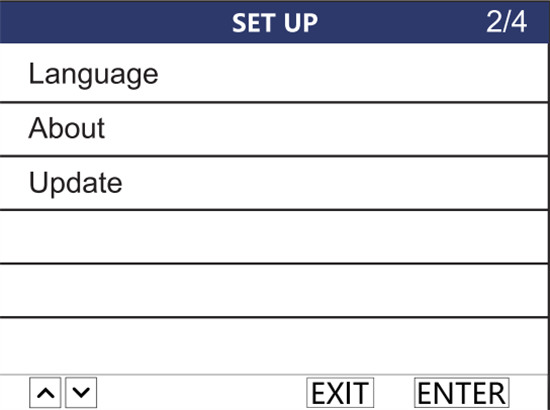
- Choose your preferred language and press [Enter] to save.
Language supported: English, French, German, Italian, Spanish, Portuguese, Russian, Japanese, and more
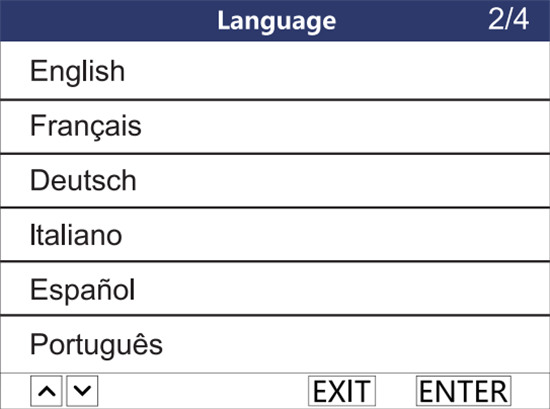
Note: Other languages can also be customized upon request.
2.Device Information (About Menu)
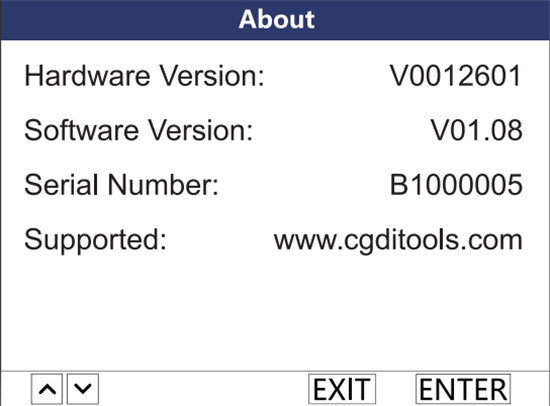
Select About from the SETUP menu and press [Enter] to display the hardware version, software version, and device serial number.
3.Firmware & Software Update (Windows PC Only)
Keep your CGDI BD006 updated with the latest software fixes, parameter additions, and expanded vehicle coverage:
- Go to https://www.cgditools.com and click Software download.
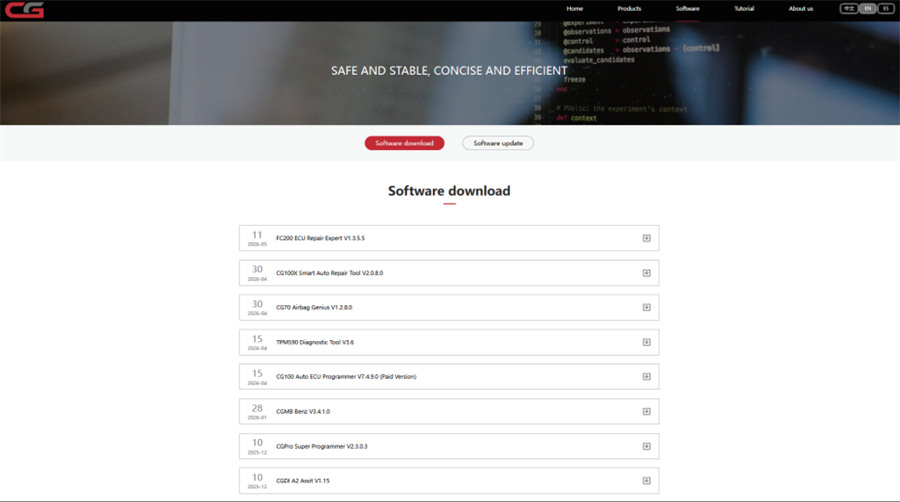
- Download and install the update utility on your Windows PC.
- Connect BD006 Battery Tester to your PC using a USB cable, then open the update app.
- Select Update on the main menu and click Confirm to enter update mode.
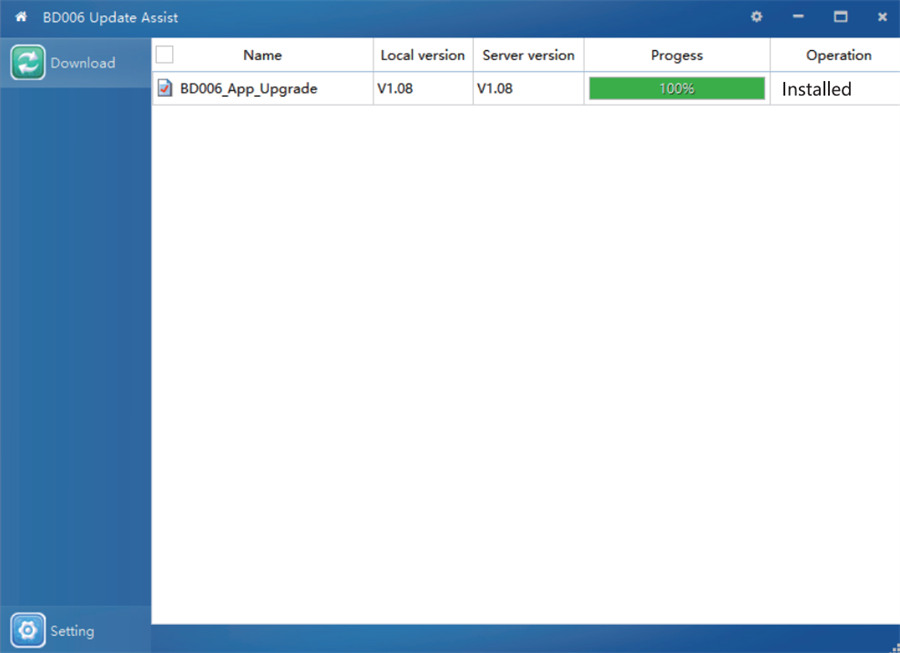
- Select the update file, click Download, and wait for the installation process to complete.
Learn more:
CGDI BD006 Car Battery Tester: Fast and Accurate Battery Health Diagnosis
