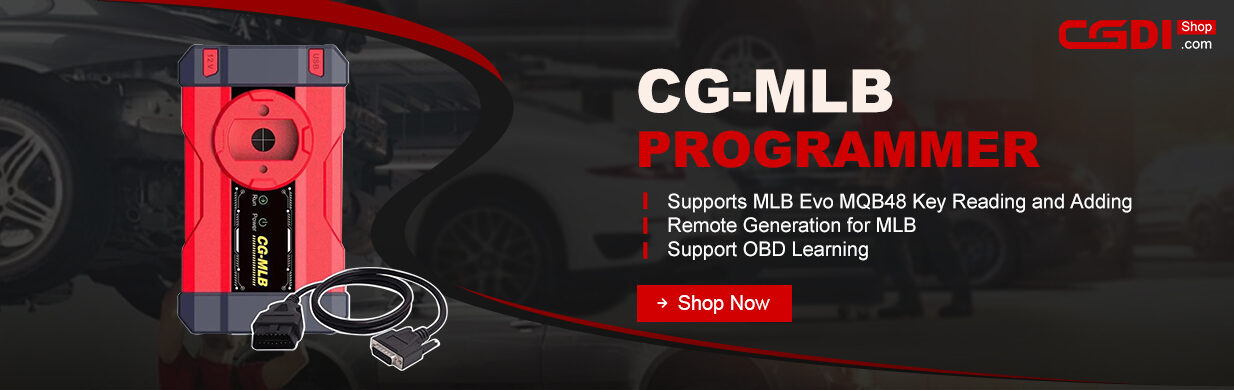
CGDI MLB Tool software now supports VAG MQB48 key adding. Follow this guide for the complete hardware setup and operational sequence to extract original key data and generate a dealer key.
Required Tools
- CGDI–MLB Programmer
- DB25OBD Cable (default in the package)
- 12V Power Supply
- Laptop / PC (with CGDI MLB software installed)
- Original Working Key
- New OEM Key or CGDI Remote
Step-by-Step Procedure
1.Disassemble the Original Key
Remove the outer casing of the original MQB48 key to expose the circuit board (PCB).
2.Select Function in Software
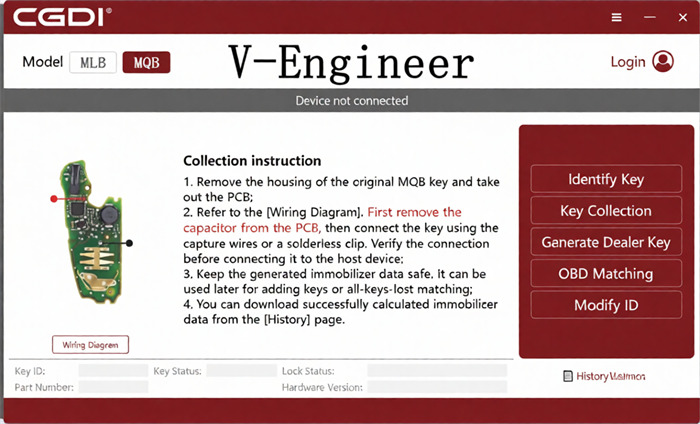
Open CGDI MLB Tool software on your computer and select the MQB48 function.
3.Check Wiring Diagram
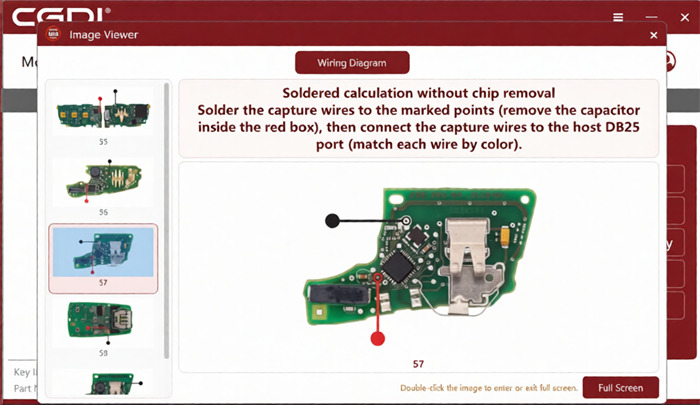
Review the in-software wiring diagram and select the one that matches your specific original key circuit board.
4.Desolder Capacitor
Locate and remove the single designated capacitor on the key PCB as shown in the wiring diagram.
5.Solder DB25 Cable Wires
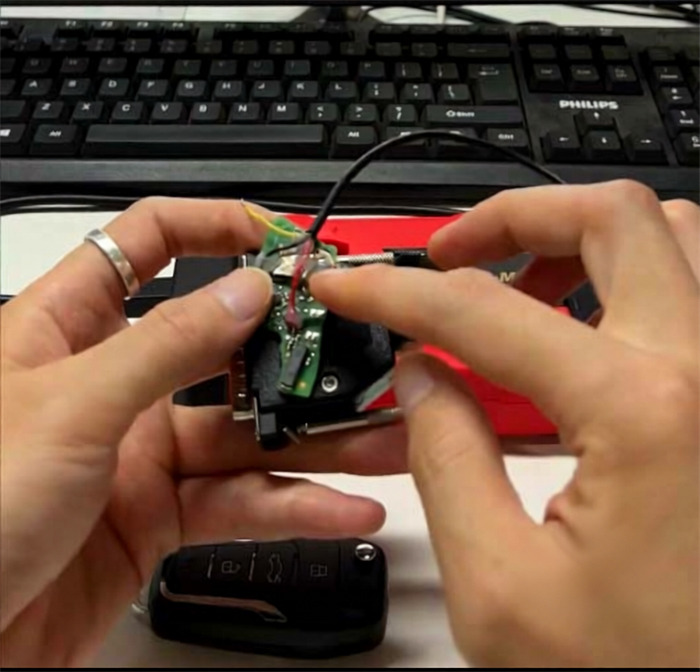
Solder the DB25 cable leads to the key circuit board. For this procedure, you only need to solder 2 wires: Red and Black.
6.Connect Cable to Device
Plug the DB25 cable securely into CGDI MLB Tool.
7.Position PCB in Induction Coil
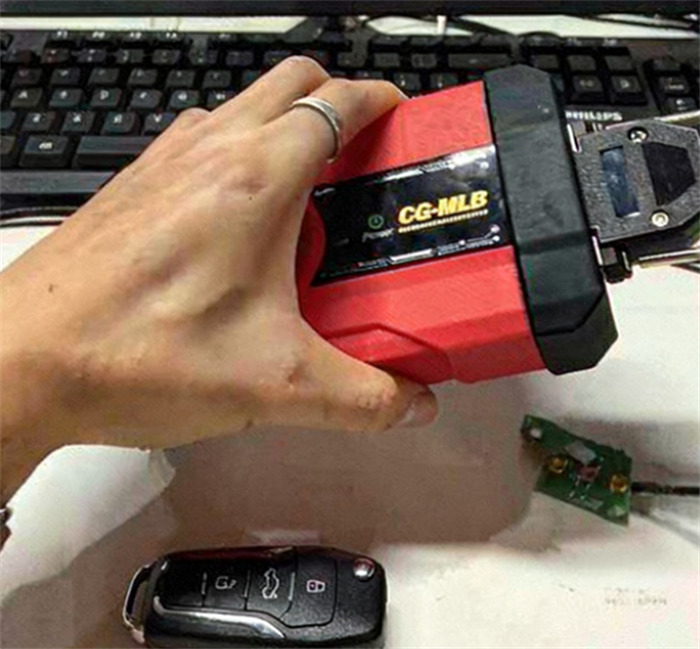
Place the key circuit board into the induction coil. Pay close attention to the placement location according to the software prompts, as incorrect placement may prevent the key from being detected.
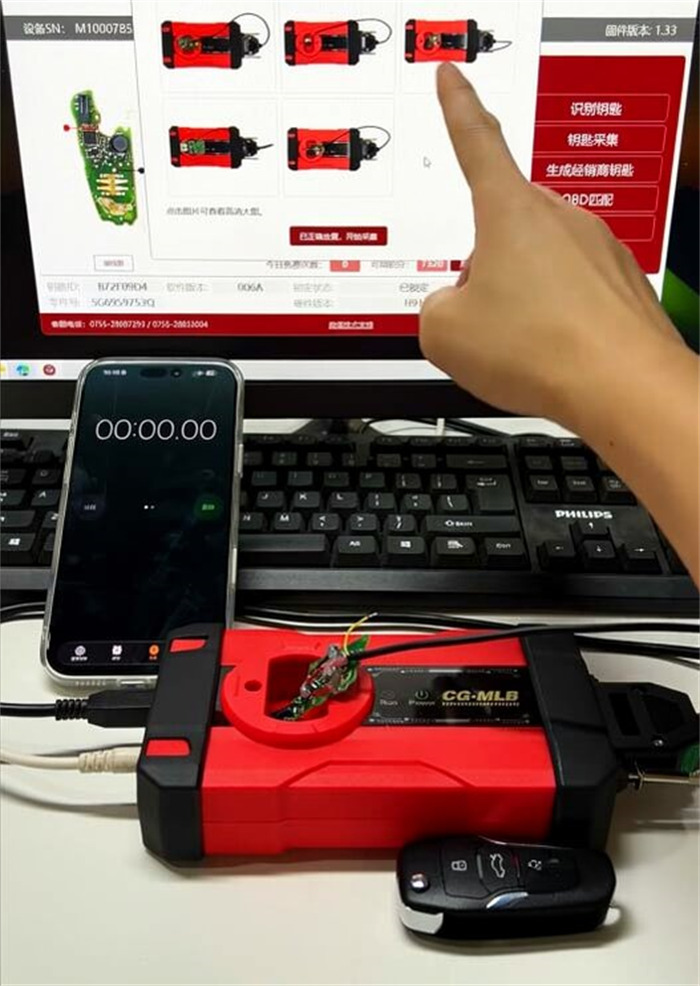
8.Read Key Data
Click to start identifying key information and complete the data reading process.
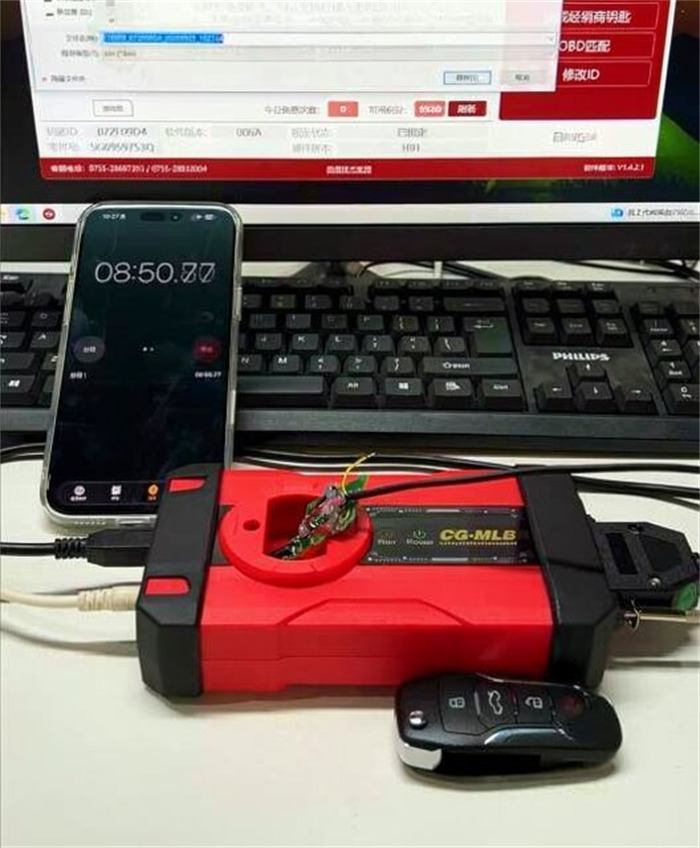
9.Generate Dealer Key
Use the extracted data to generate a dealer key using the new OEM key or CGDI remote.
10.Learn Key to Vehicle
Take the newly generated dealer key to the car and complete the key learning process.
Read also:
