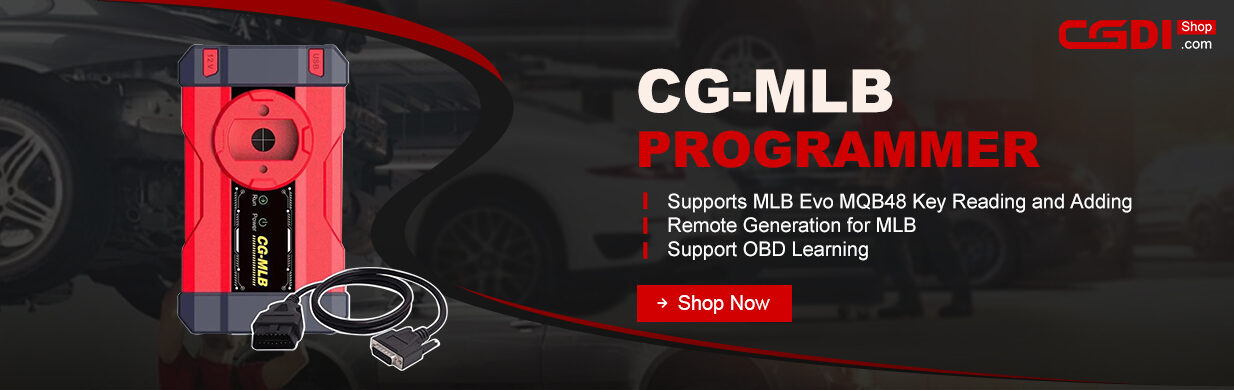
Learn how to quickly add a VAG MLB car key using CG-MLB Programmer and key adding fixture. Follow these simple steps to read the original key and write new key data.
Tools Needed
- Original MLB key
- CGMLB key programmer
- DB25 programming cable (default in the package) or CGDI MLB solder free adapter (coming soon)
- New CGDIor replacement key
Step-by-Step Guide
Step 1: Identify the Key
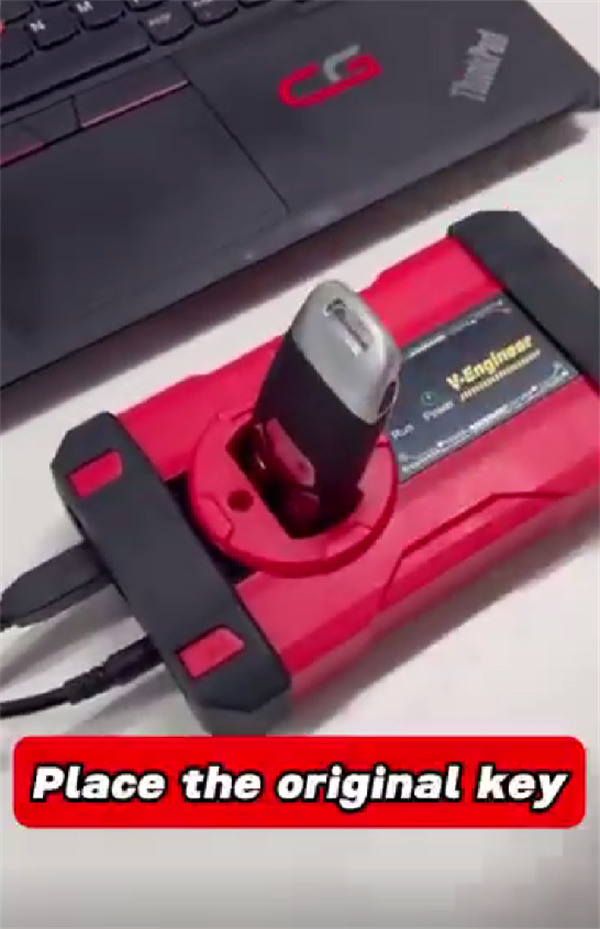
Place the original key onto the induction coil of MLB Programmer
Step 2: Set Up the Board
Open CGDI V-Engineer software
Click “Identify key” function
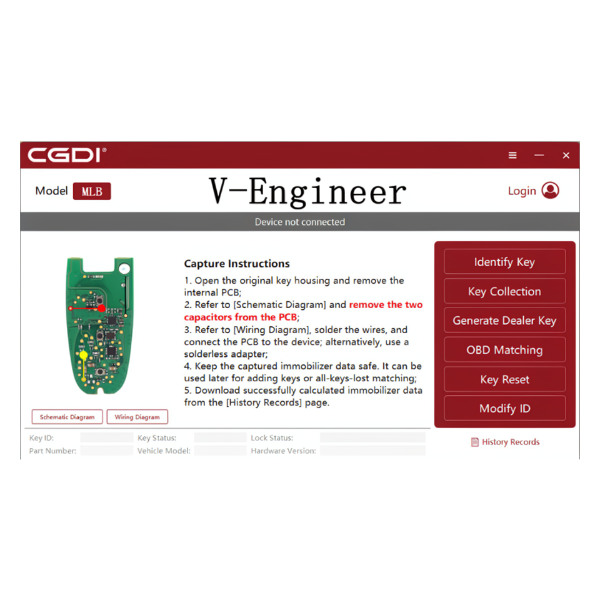
1.Take the circuit board out of the original key shell.
2.Carefully desolder and remove the two capacitors marked on the key PCB.
Connection Options
- Option A: Solder-Free Method (Recommended)
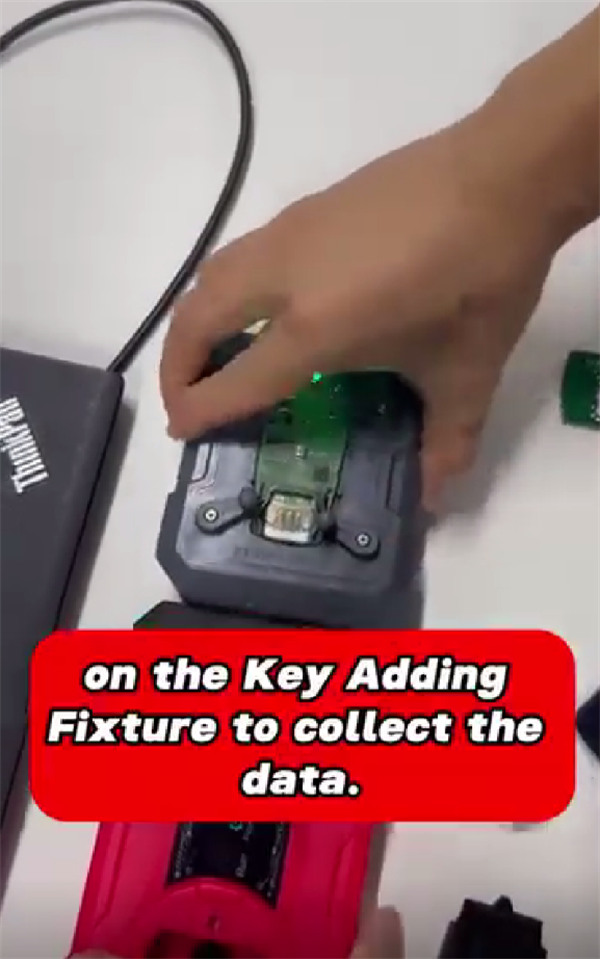
Place the prepared MLB key PCB directly into the CGDI MLB solder-free adapter, then plug the adapter into your CGDI MLB Tool.
- Option B: Soldering Method
If you do not have the solder-free adapter, connect the DB25 cable wires to the PCB points by following the wiring diagram inside the CGDI MLB software.
Step 3: Collect Data
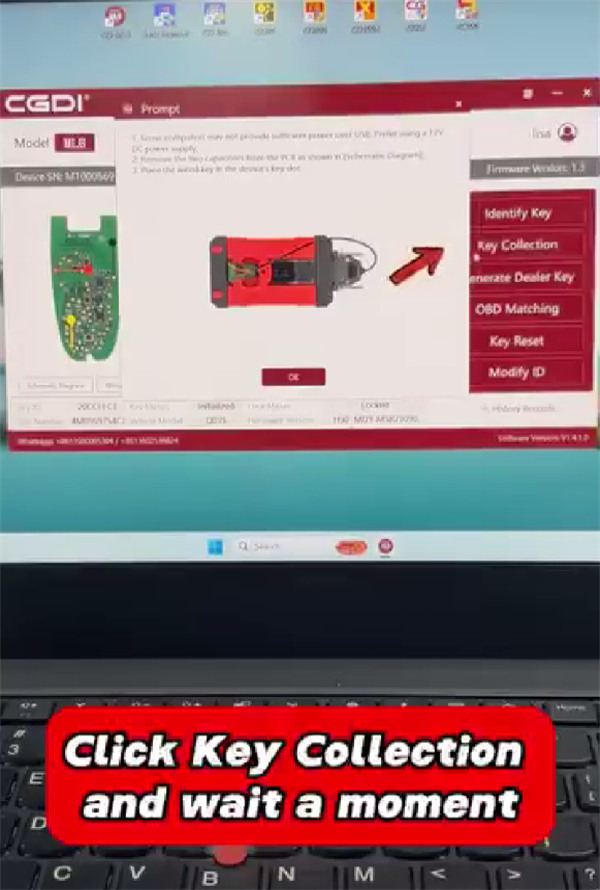
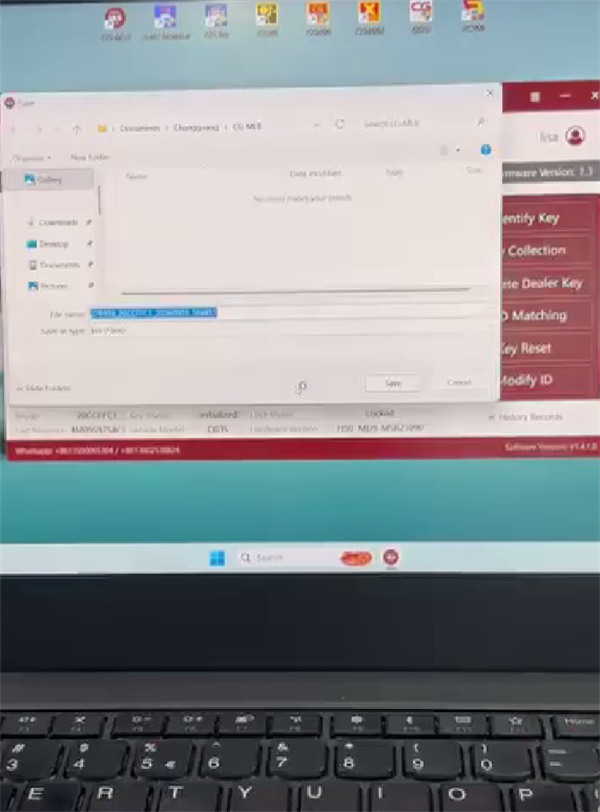
Click Key Collection on the software interface
Read and save the original key data
Step 4: Program the New Key
Remove the original key PCB
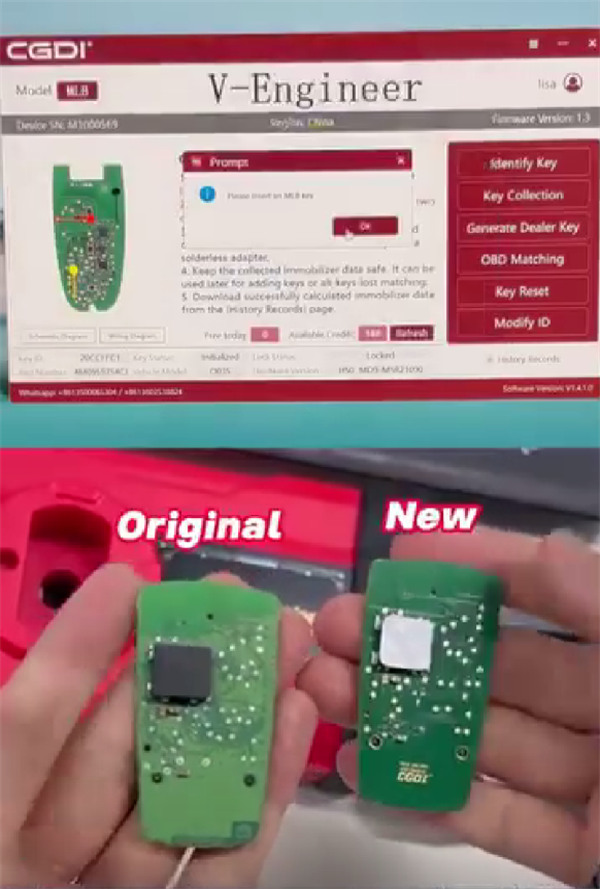
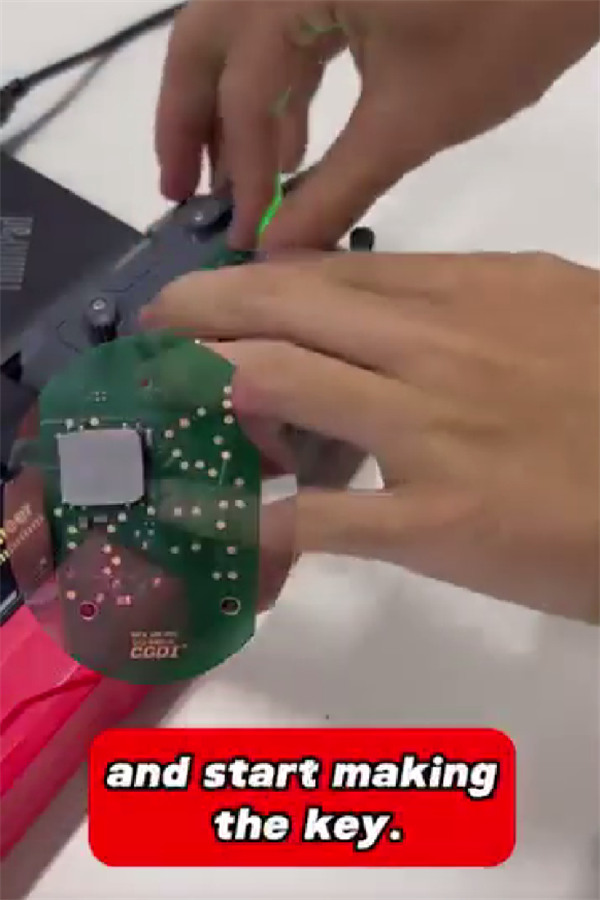
Place your new MLB key (either a CGDI key or an replacement key) into the MLB adapter. If you are not using the adapter, solder the interface wires to the new key PCB.
Click Generate dealer key in the software. Wait for the screen to confirm that dealer key generation is successful.
Connect to the car and perform the final OBD key learning procedure to finish the job.
Read also:
CG-MLB Software Guide: How to Download, Install, Register & Reset Password
