You can absolutely test your repaired CG FC200 even if the software subscription has expired.
Unlike some tools that brick completely when the license expires, roughly 40% of the FC200’s offline capabilities remain active. This allows you to thoroughly test if the hardware repair was successful without purchasing a renewal package.
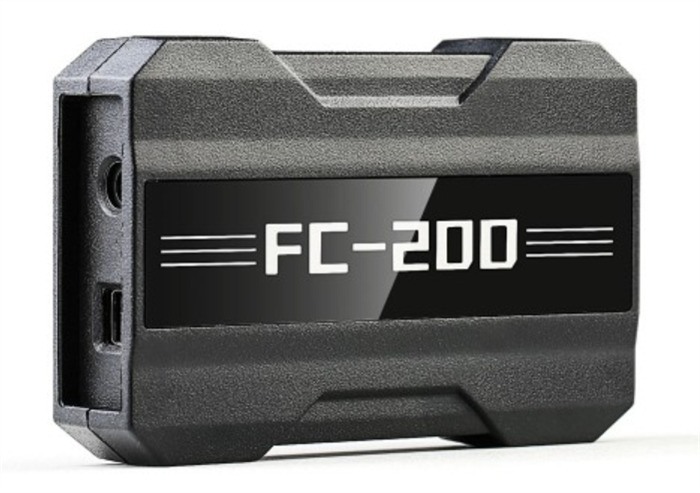
Follow these steps to safely test the device hardware:
- Re-activate the Hardware Offline Mode
When a license expires, the software may throw a “Device Not Activated” or network error. You must re-initialize the device onto its baseline offline license:
- Connect your FC200 to your computer and launch the software.
- Click on the Online Store icon in the software interface several times consecutively.
- Close the software and launch it again. This forces the software to refresh its localized license state.
Note: Make sure your computer is connected to a stable internet connection or mobile hotspot during this step so the server can verify the physical device serial number.
- Run the Hardware Communication Test
To verify the internal components have been properly repaired, test basic ECU identification and communication:
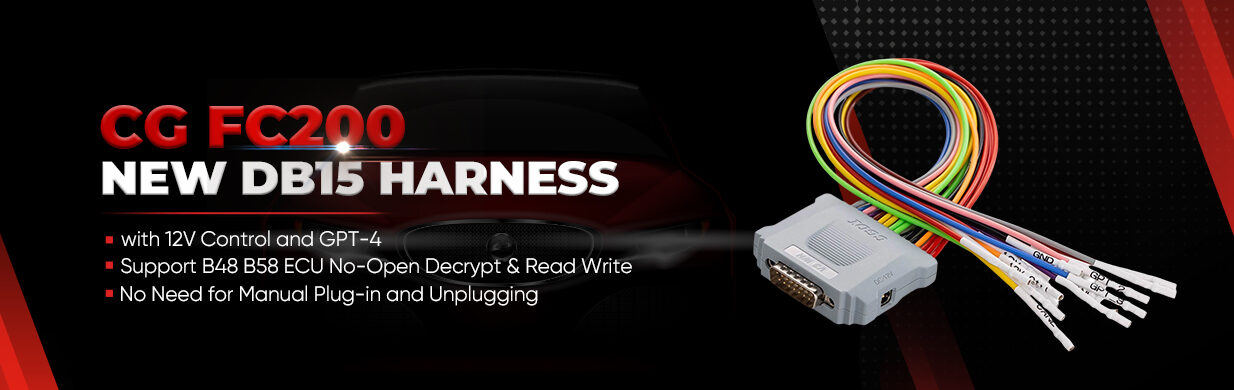
- The “Identification” Test: Grab a basic, standard Bosch ECU (such as an EDC17 or ME17) that you have on hand. Connect it to FC200 ECU Programmer using the standard DB15 bench harness and supply 12V power.
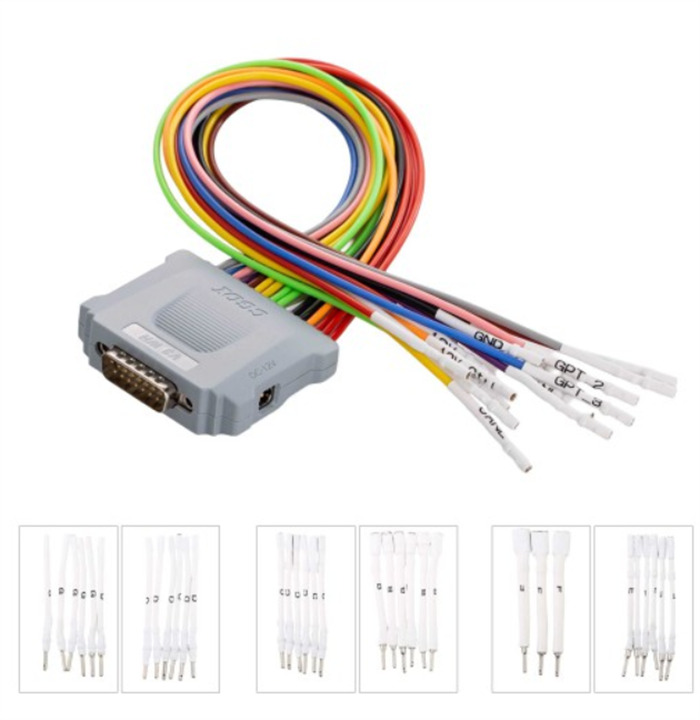
- Execute: Select the corresponding engine module in the software and click Identification.
- What to look for: If the repair was successful, FC200 should successfully wake up the ECU, handshake, and accurately pull the chip information, hardware ID, and firmware structure.
- Test Reading and Writing (Local Functions)
Once identification works, test the data lines by executing a local read:
- Try reading the DFlashor PFlash of your test ECU.
- Basic data reading, writing, and local cloning still function normally without an active license. If it saves the bin files without data corruption or communication drops, your physical repair is fully verified.
What You CANNOT Use for Testing
Do not use the following functions to test your hardware, as they are blocked server-side for expired accounts and will return errors regardless of whether your hardware is fixed:
- Bosch online checksum corrections.
- Specific complex online calculations (e.g., Mercedes SIM271DE/KE, BMW MSD80/MSD85/MSV90, and VAG Temic transmission cloning).
