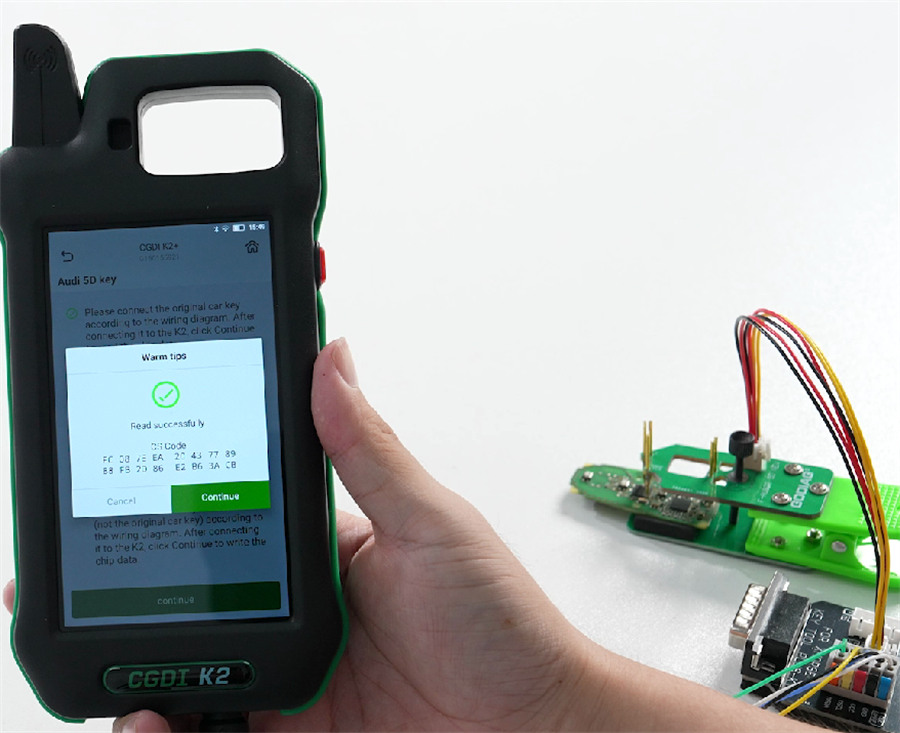

In this post, you will learn how to use CGDI K2 and GODIAG BCP BDC3 Adapter Kit to read Audi 5D key data.
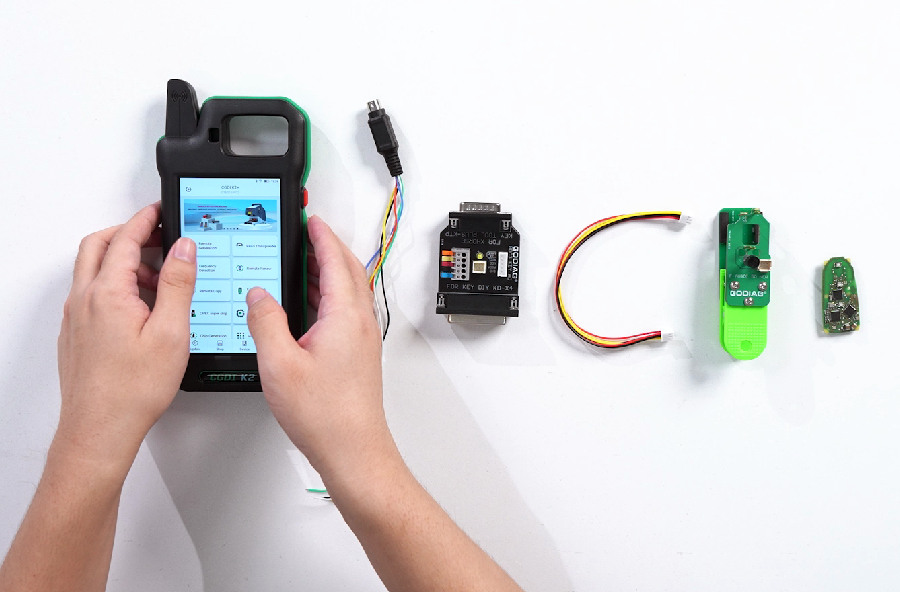
Why Use GODIAG BCP U KEY BDC2 BDC3 14-in-1 Adapter Kit?
This Adapter Kit is a professional locksmith tool used to read, write, and match encrypted car keys. It enables technicians to perform key programming and immobilizer operations—including mileage adjustment—on modern vehicles without the need to solder or disassemble modules. It is compatible with various car keys and major diagnostic programming tablets such as Xhorse VVDI Key Tool Plus, Autel IM508/IM608 series, KEYDIY KD-X4/KD-MAX, and CGDI K2 Smart Key Tool, etc.
How It Works
Instead of requiring destructive soldering or complicated module removals, the kit utilizes specialized probes, clips, and alignment screws. It securely connects directly to the key’s circuit board or immobilizer module to safely interface with the chip.
Step-by-Step Guide:
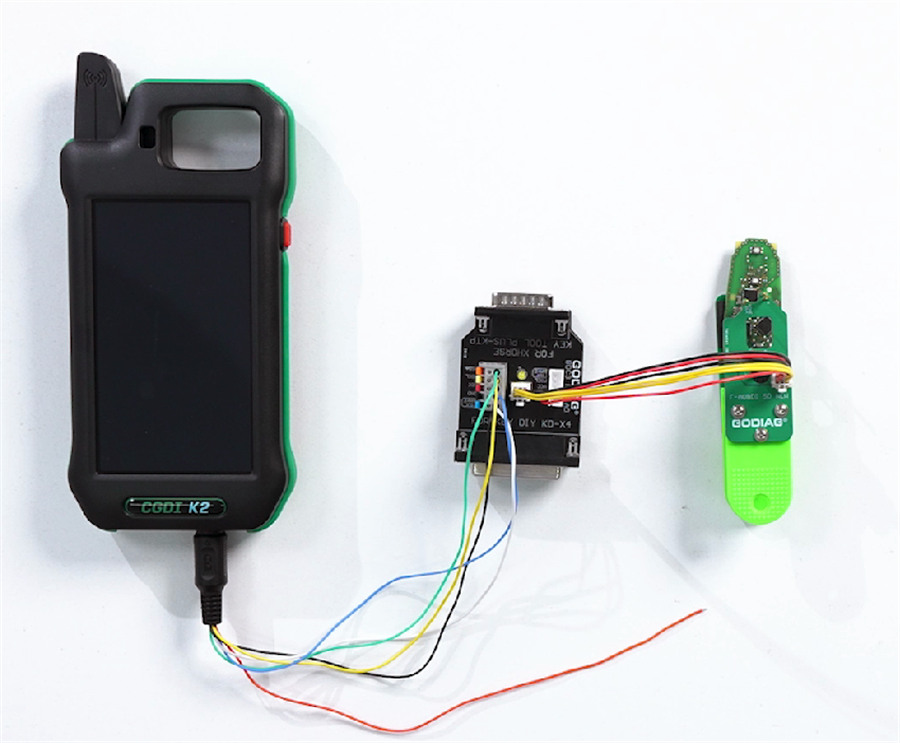
Connect GODIAG 14-in-1 Adapter Kit and CGDI K2 via key unlock renew cable
Then connect GODIAG Adapter Kit and key board correctly
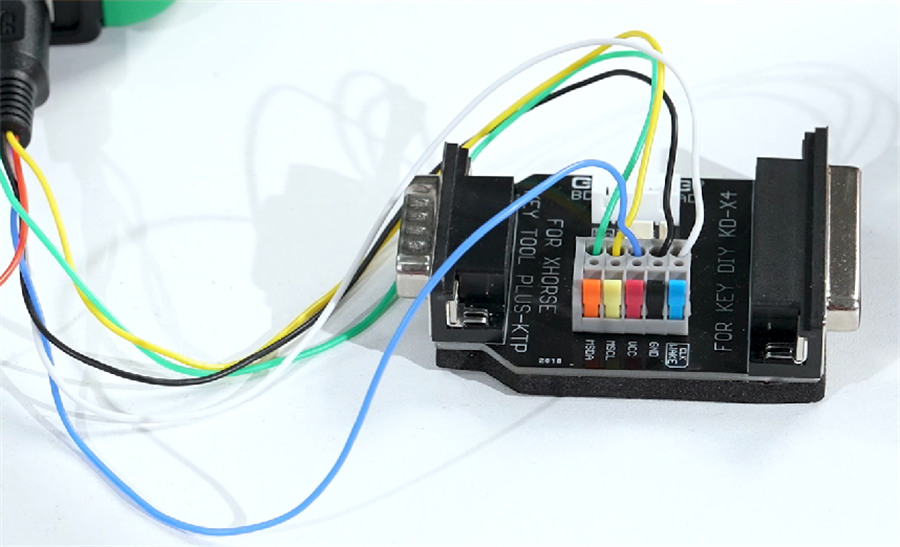
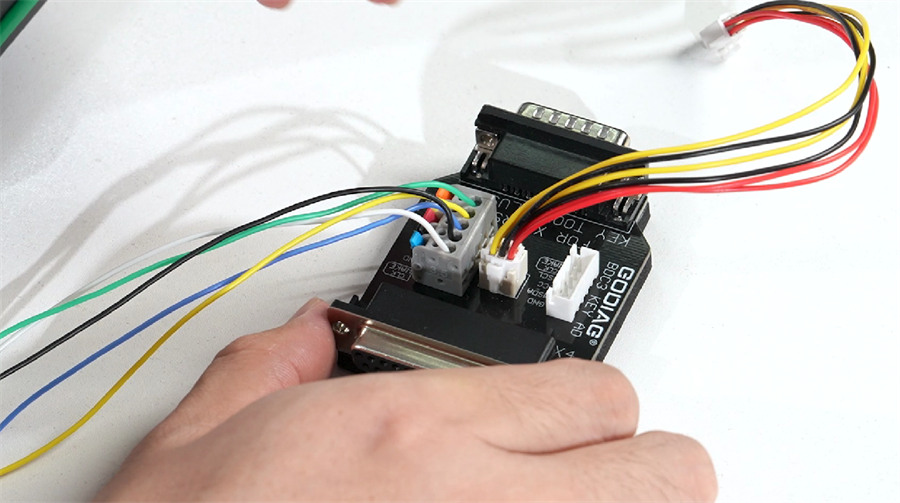
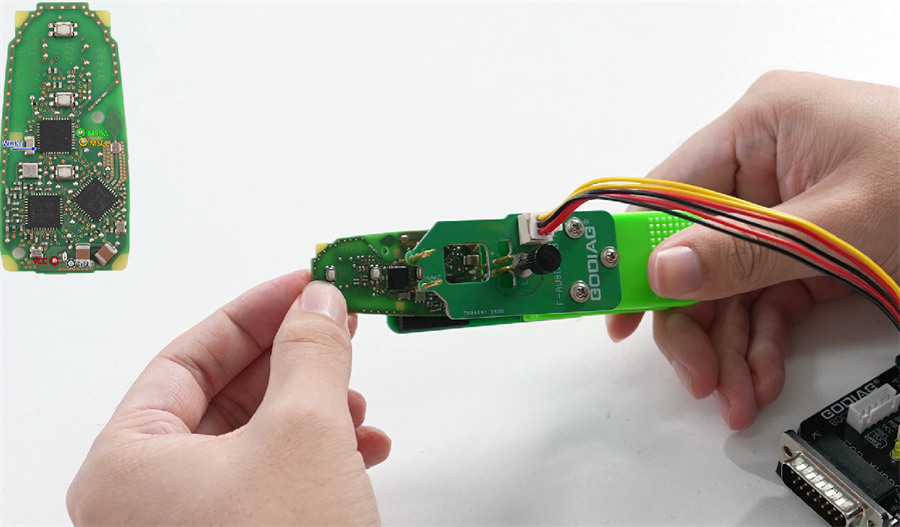
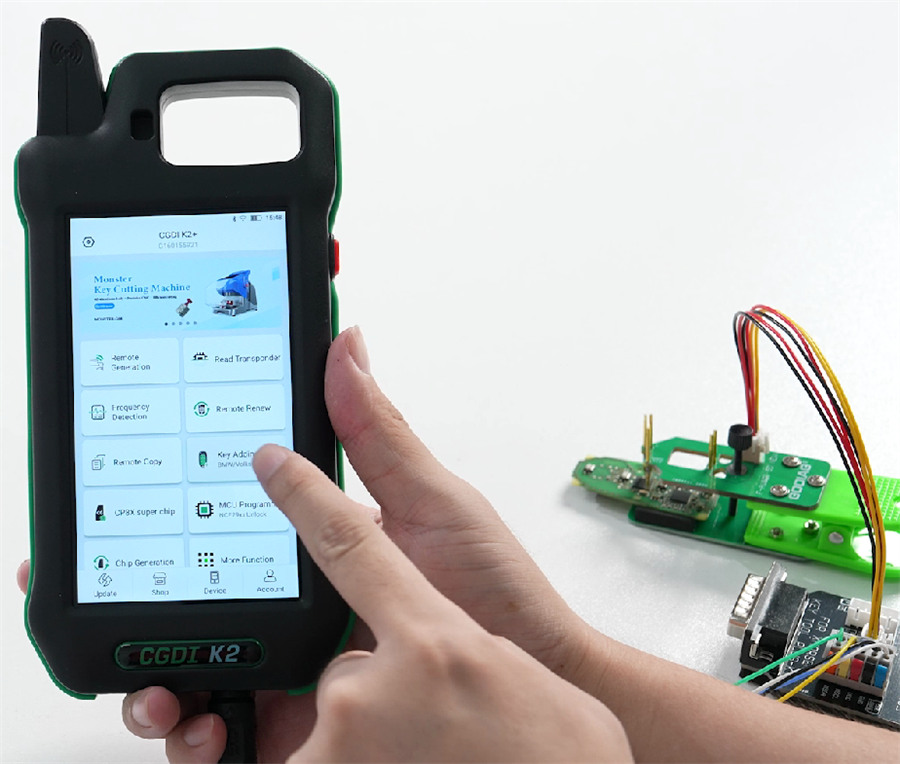
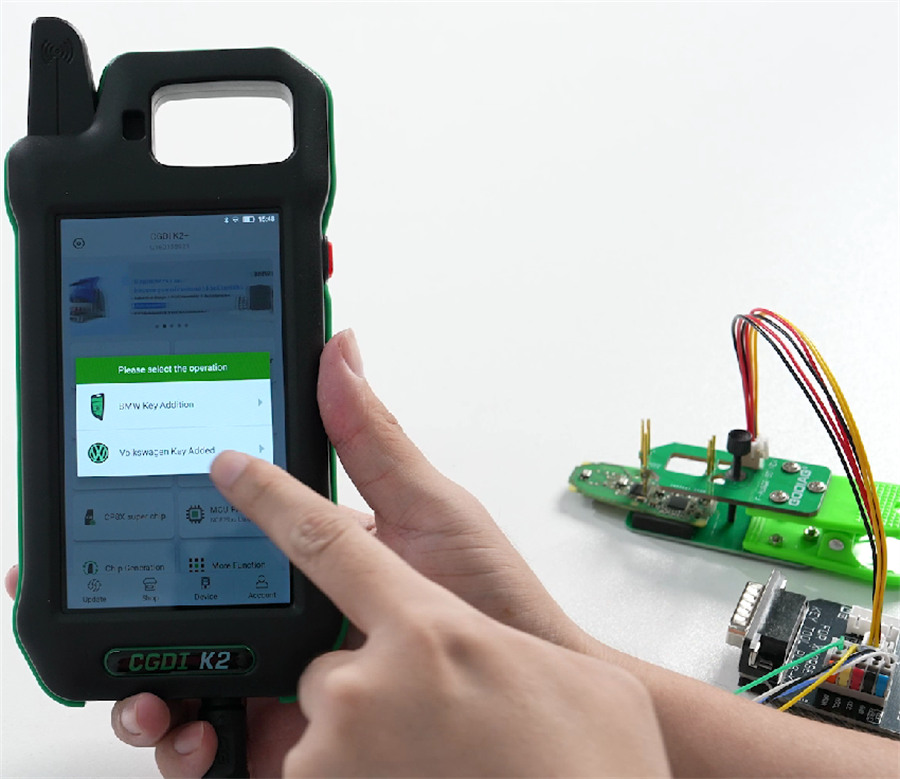
After connection, turn on CGDI K2 key tool, navigate to Key Adding-> Volkswagen Key Added
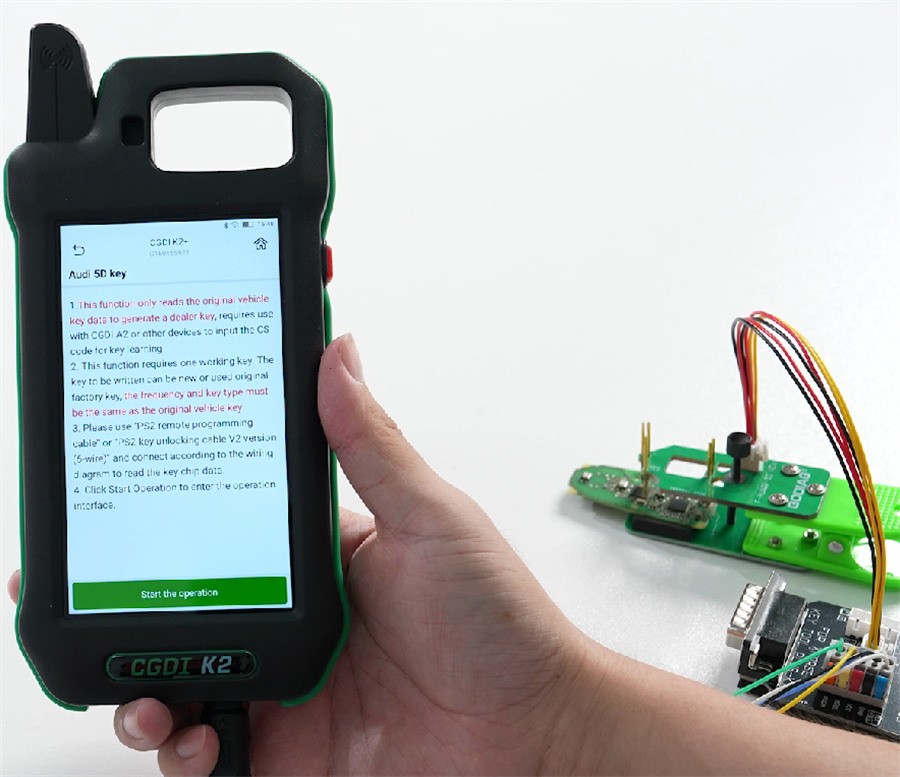
Read the instruction below:
- This function only reads the original vehicle key data to generate a dealer key, requires use with CGDI A2 or other devices to input the CS code for key learning.
- This function requires one working key. The key to be written can be new or used original factory key, the frequency and key type must be the same as the original vehicle key.
- Please use “PS2 remote programming cable” or “PS2 key unlocking cable V2 version (6-wire)” and connect according to the wiring diagram to read the key chip data.
- Click Start Operation to enter the operation interface.
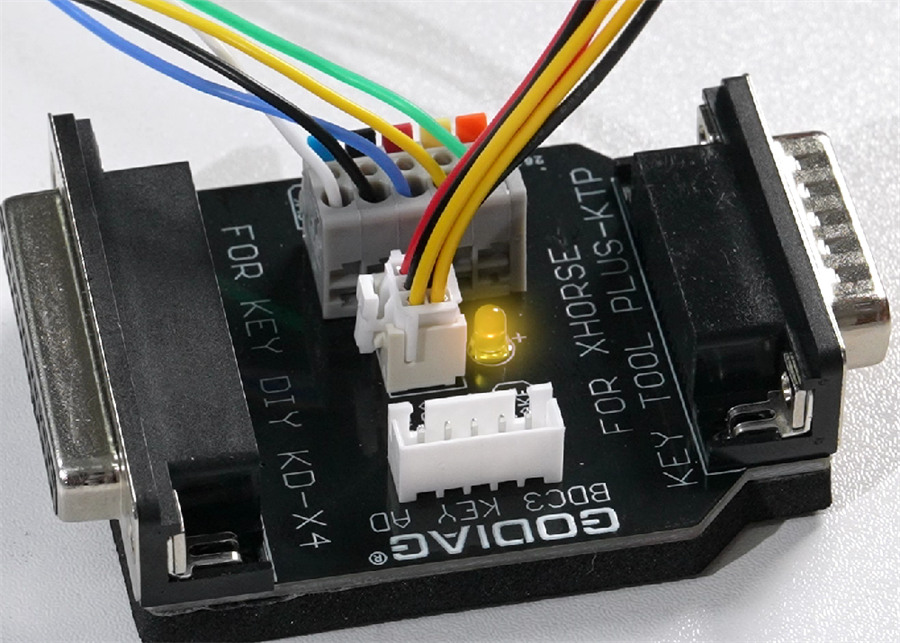
When reading the key data, the yellow indicator light will turn on
Read CS ode successfully