

This guide explains how to create a spare smart key for the Kia K3 (2025-2026) using CGDI K2 key programmer, without needing the PIN code. Make sure your CGDI K2 device firmware is updated, as the latest version supports the NCF29Ax smart key duplication function. The process also applies to other NXP NCF29Ax smart keys.
Required Tools:
- CGDI K2 Smart Key Tool
- Renew cable for CGDI K2
- Soldering equipment
Step 1: Read Original Key Information
Connect the original smart key circuit board to CGDI K2 using the renew cable.
Navigate to the MCU Programmer function.
Select the MCU chip type: NCF29Ax (Locked).
Read and save the original key data.
- Chip type: 4A
- MCU chip: NCF29Ax
- ID: 480288E9
- Locked status: Locked

Step 2: Prepare New Key
Ensure the new key is a blank original key (ID will appear as FFxxxxxx).
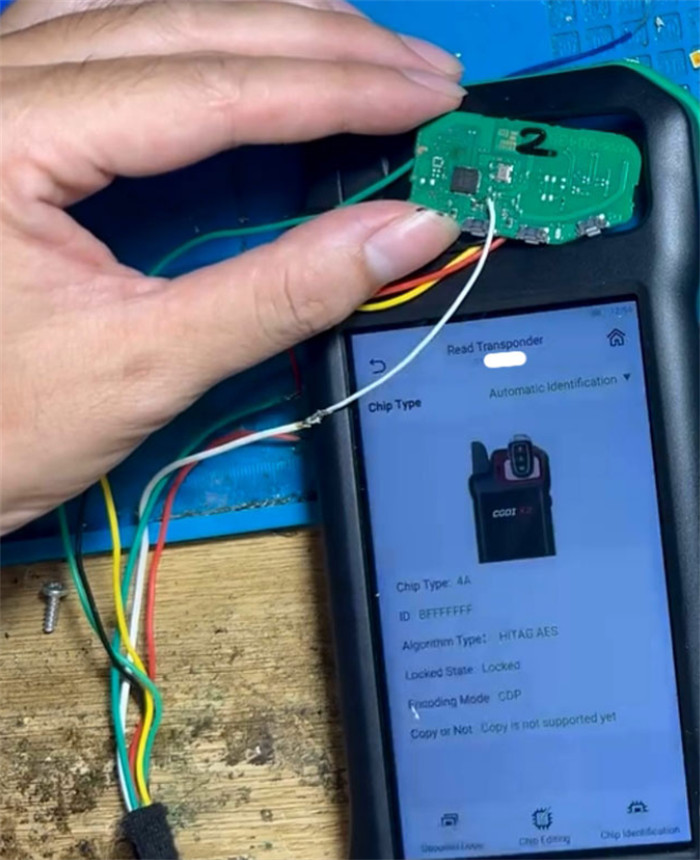
Remove the key shells from both the original and new keys.
Solder wires to both key circuit boards following the wiring diagram shown on CGDI K2 after selecting the correct NCF29Ax type.
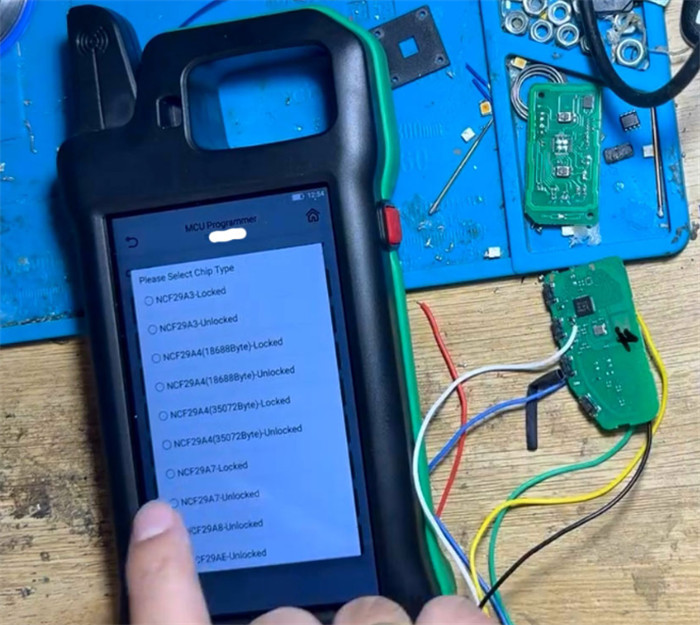
Step 3: Copy Key Data
Connect the original key board to CGDI K2 via the renew cable.
Use the Read Chip Data function and save the data.
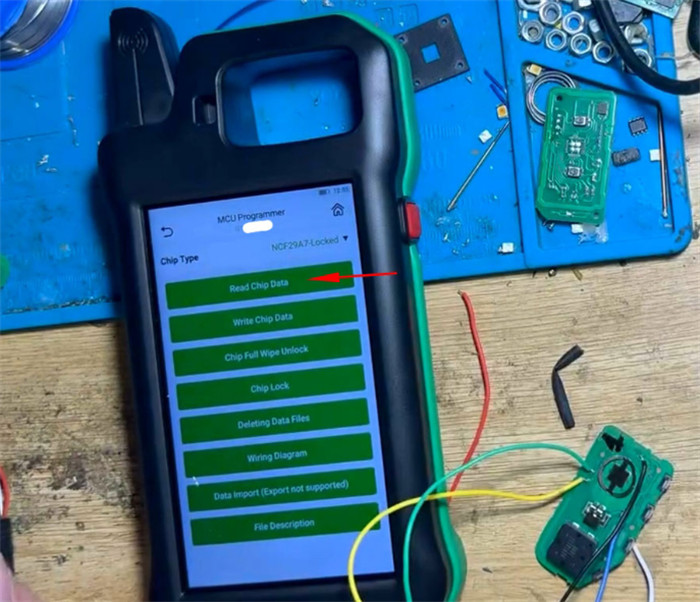

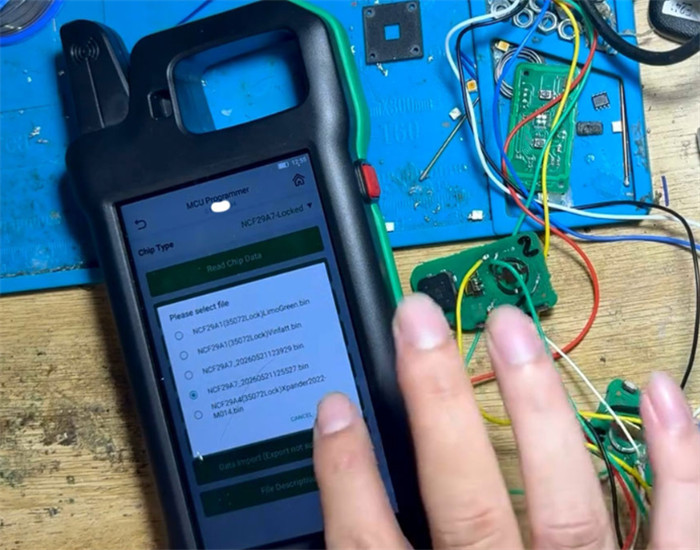
Disconnect the original key and connect the new key board using the renew cable.
Select Write Chip Data and choose the previously saved original key file.

When prompted, modify the new key ID to match the original key.
Complete writing the chip data.

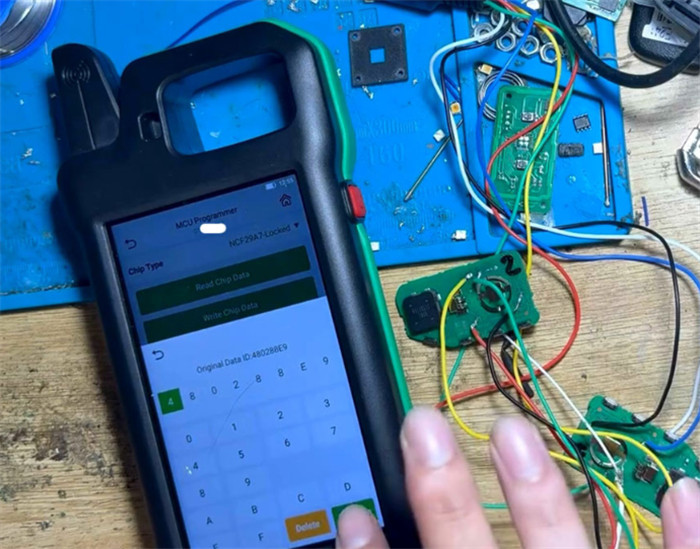

Step 4: Verify and Assemble
Read the new key information to confirm that it shares the same ID as the original.
Desolder the wires from both keys and reassemble the key shells.
Test the remote control function to ensure proper operation.

Notes:
This method saves money by avoiding the need to purchase the PIN code or perform key learning on the car.
Some users report that incorrect soldering does not damage the chip, providing an extra margin of safety.
Result: The new smart key is fully functional and matches the original key ID using CGDI K2 key programmer.
