CGDI MB FBS4 Mileage repair – Restore factory setting version Instruction:The following steps all by OBD and no need any filter.
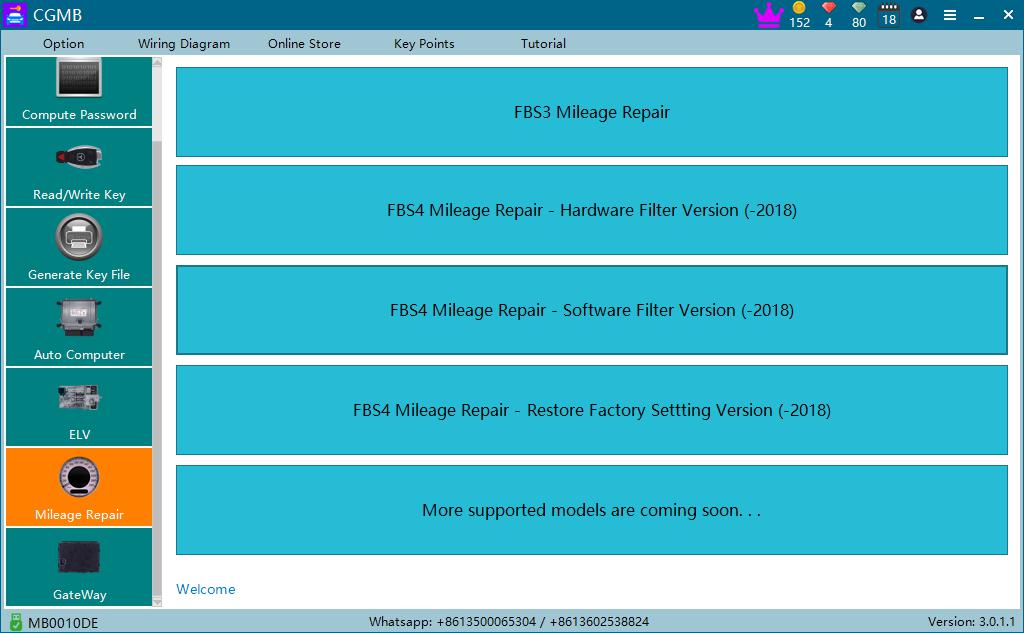
- Click “mileage repair “->FBS4“mileage repair “- “Restore factory setting version” as shown in picture 1:
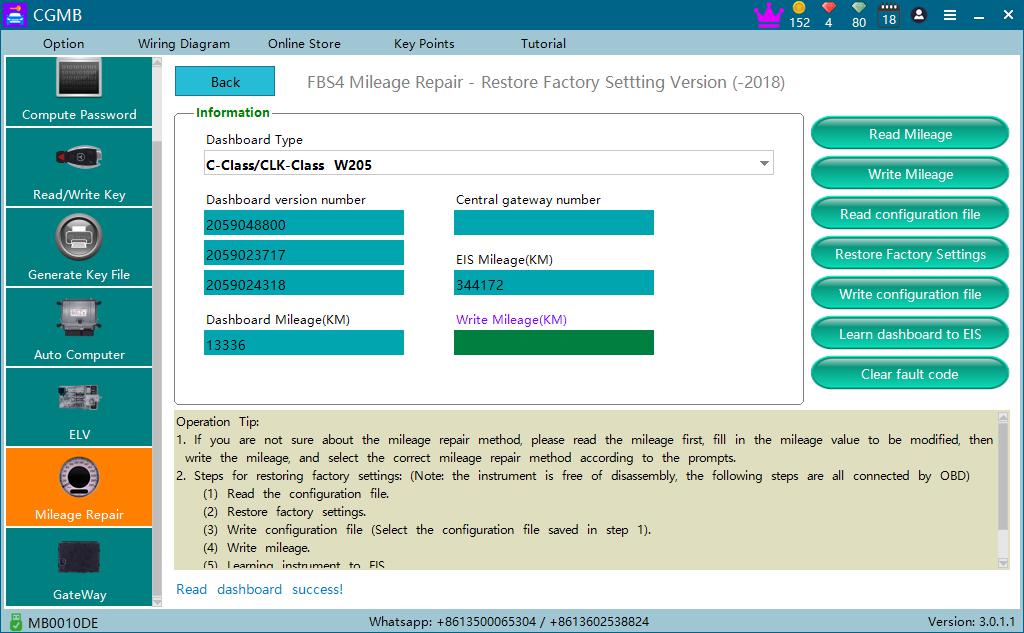
- Read mileage as shown in picture 2:
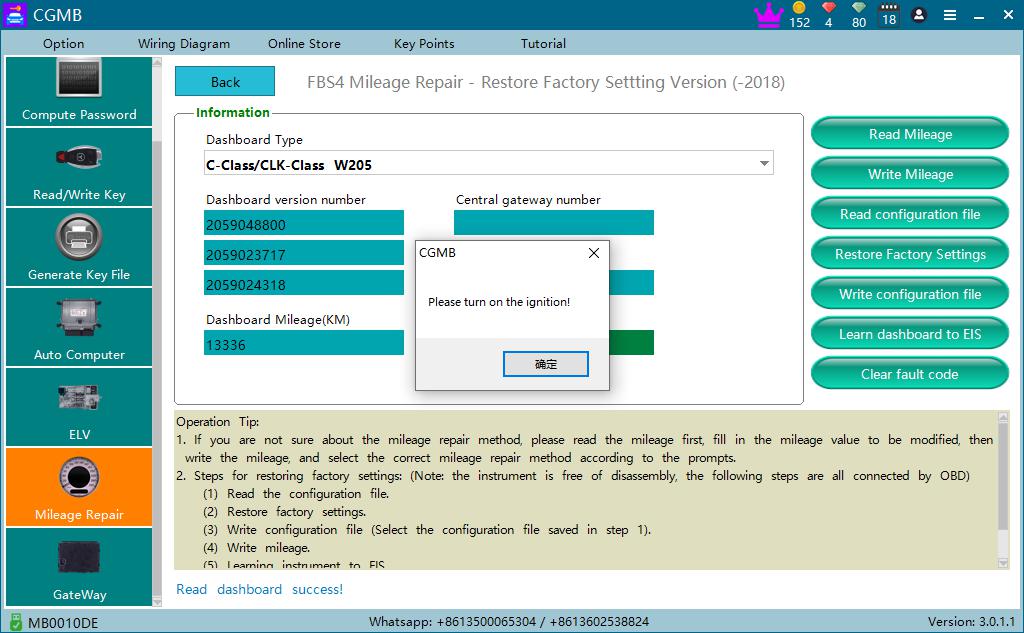
- Read configuration file:
3.1 Click configuration file as shown in picture 3:
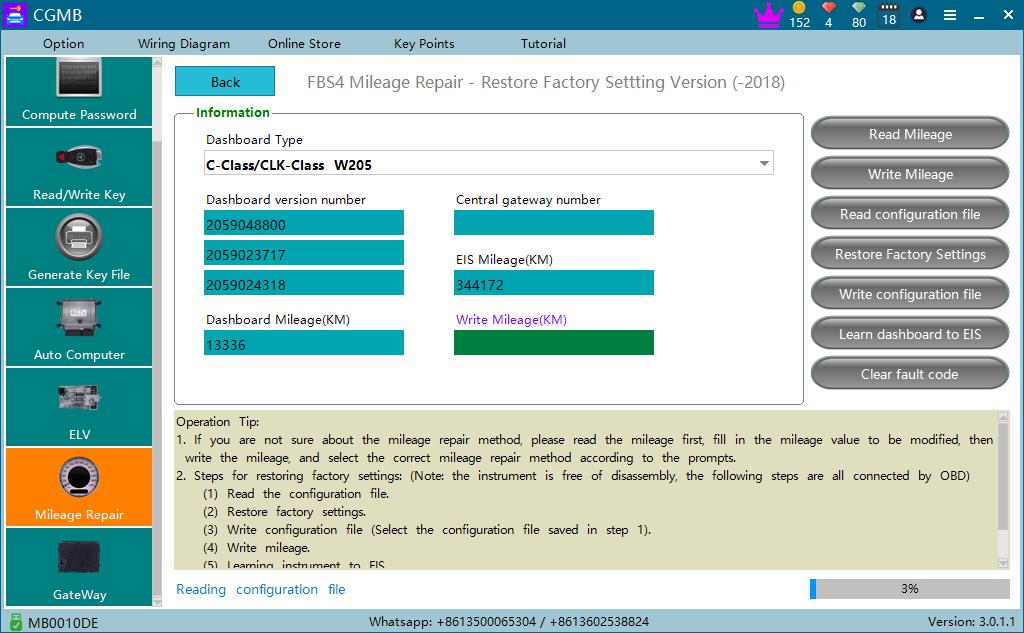
3.2 Start to read configuration file and save it after finished,as shown in picture 4:
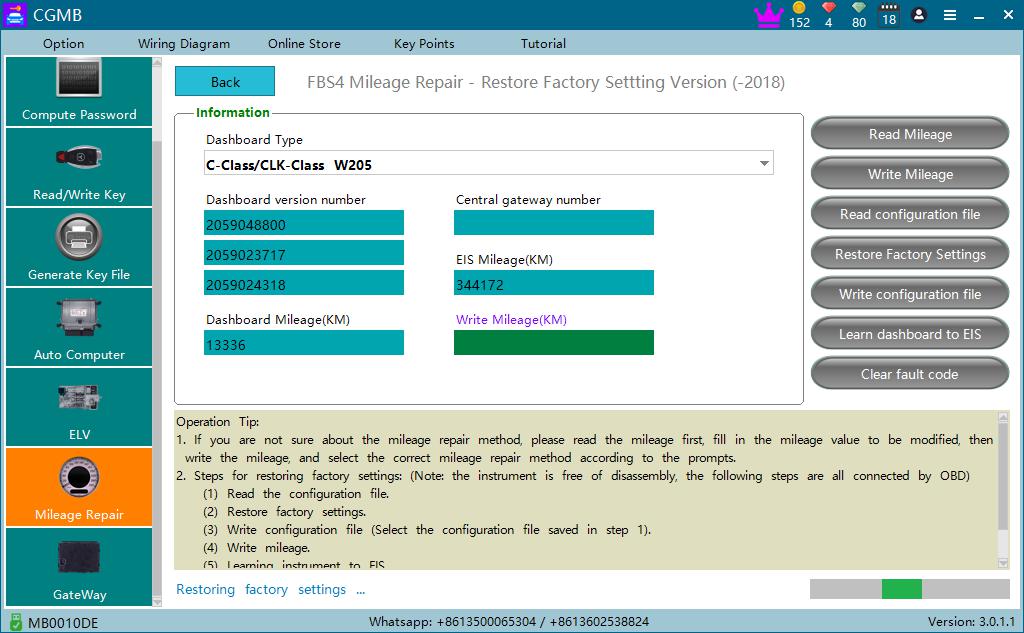
- Restore factory setting as shown in picture 5:
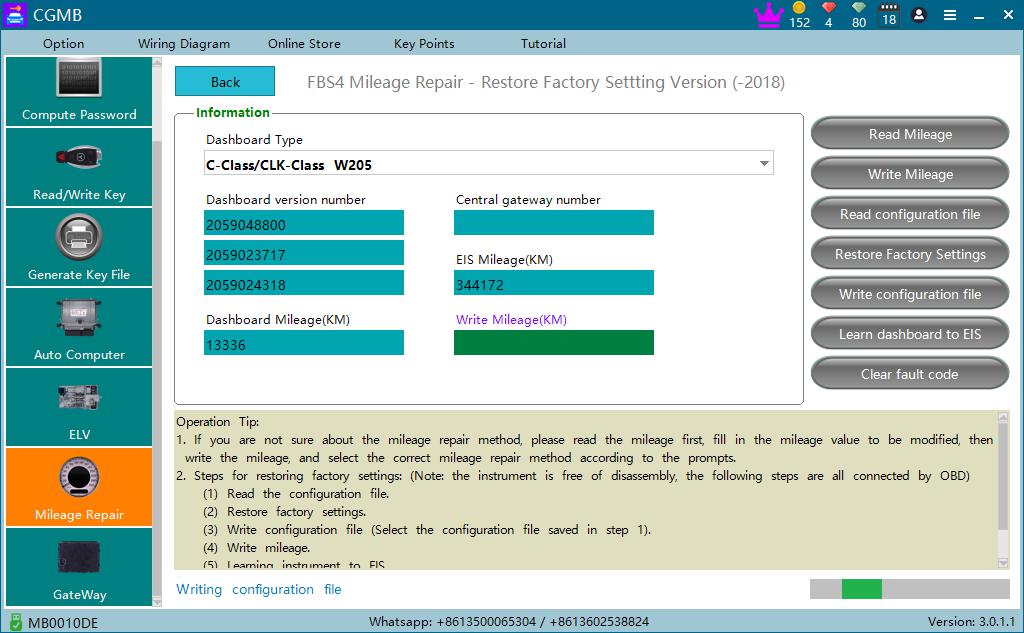
- Write configuration file as shown in picture 6:(Load configuration file read on step 3)
- Fill the mileage value you want and then click “write mileage”, as shown in picture 7:
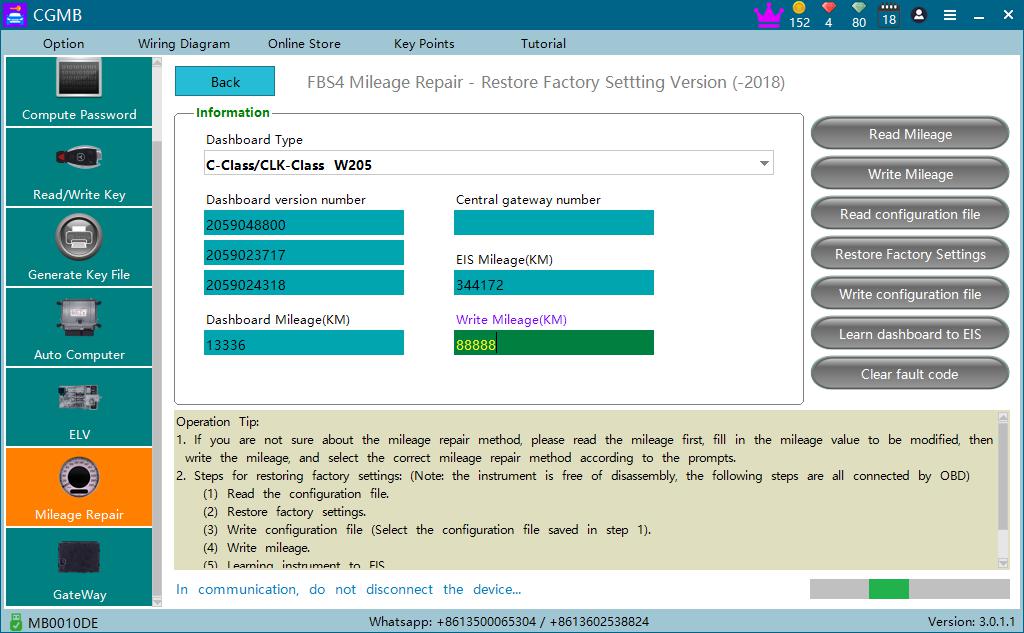
Note:After the mileage is written, it is recommended to learn from the instrument to the EIS and clear the fault code.
- Learn dashboard to EIS success as shown in picture 8:
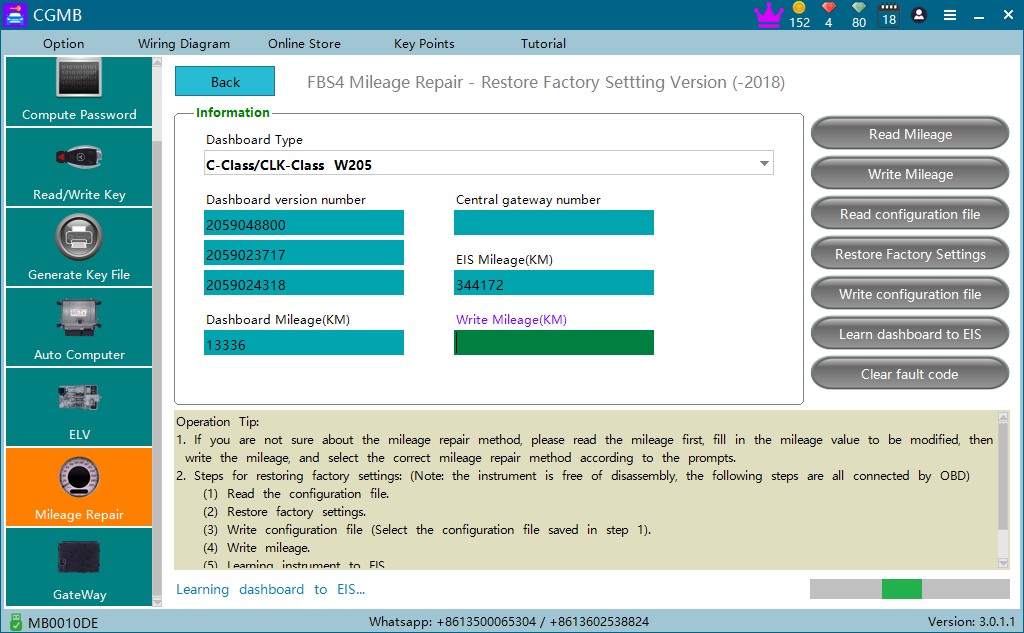
- Clear fault code success! Done! As shown in picture 9:
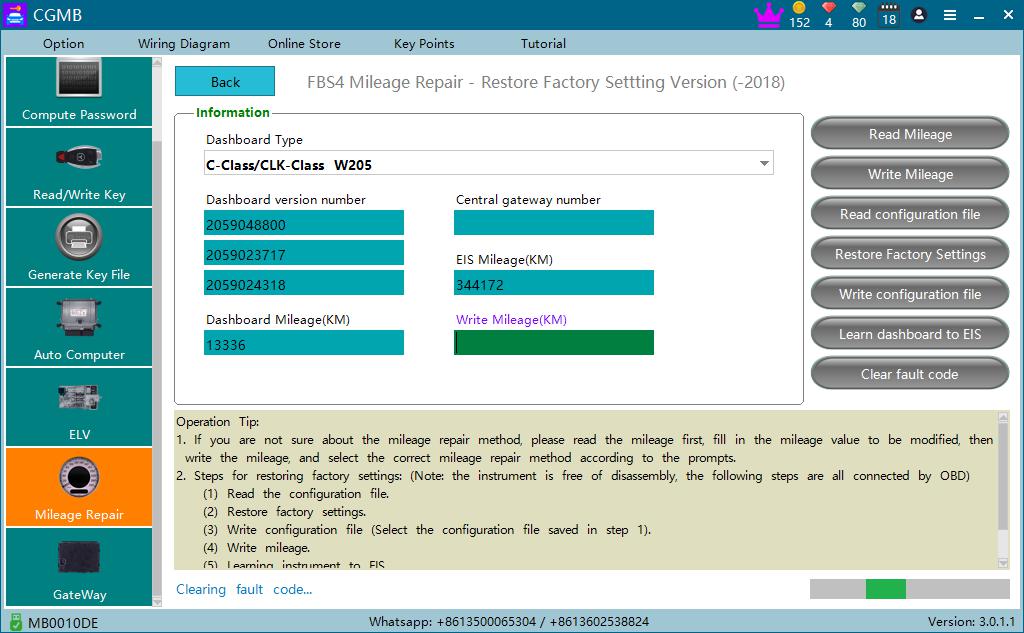
Note: Read the mileage. If the mileage is not displayed that you write , power on the instrument again and read it again.
CGDI MB FBS4 Mileage Repair Authorization: https://www.cgdishop.com/producttags/cgdi-mb-fbs4-mileage.html
CGDI MB: https://www.cgdishop.com/wholesale/cgdi-prog-mb-benz-car-key-programmer.html
