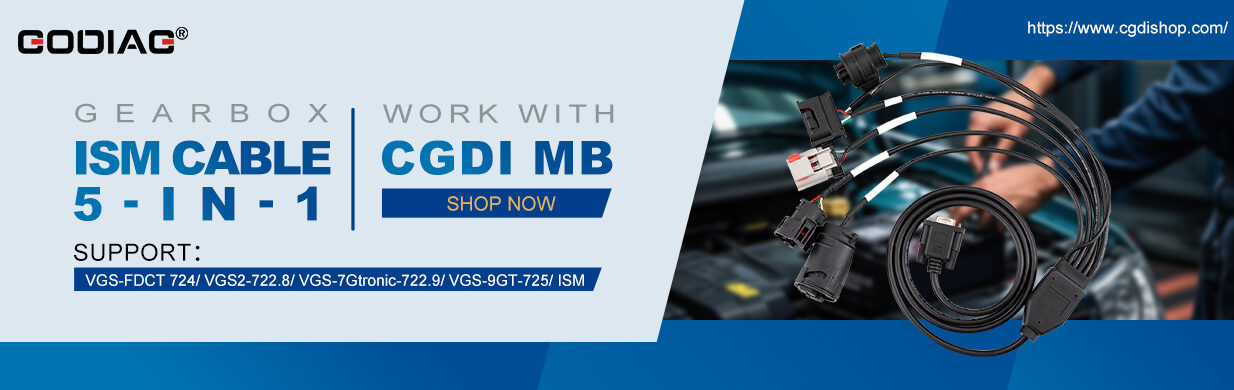
How to use CGDI Prog MB to read and write Mercedes-Benz FBS4 DSM/DSM222?
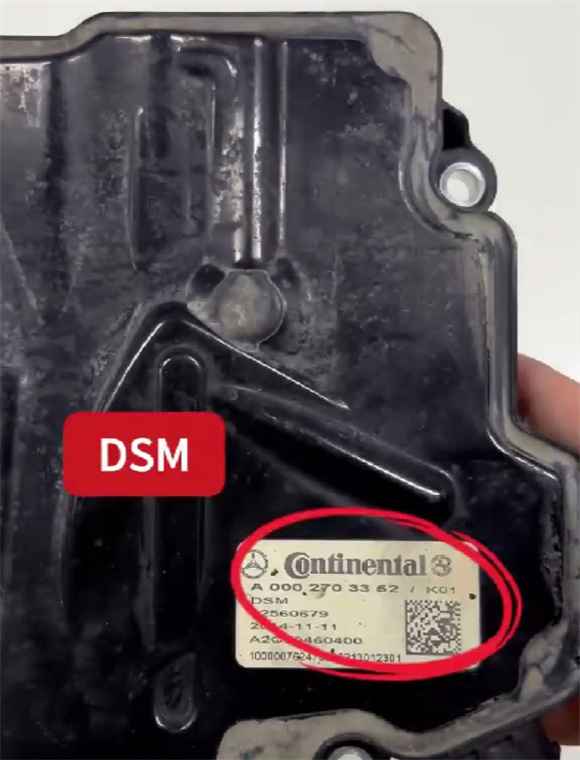
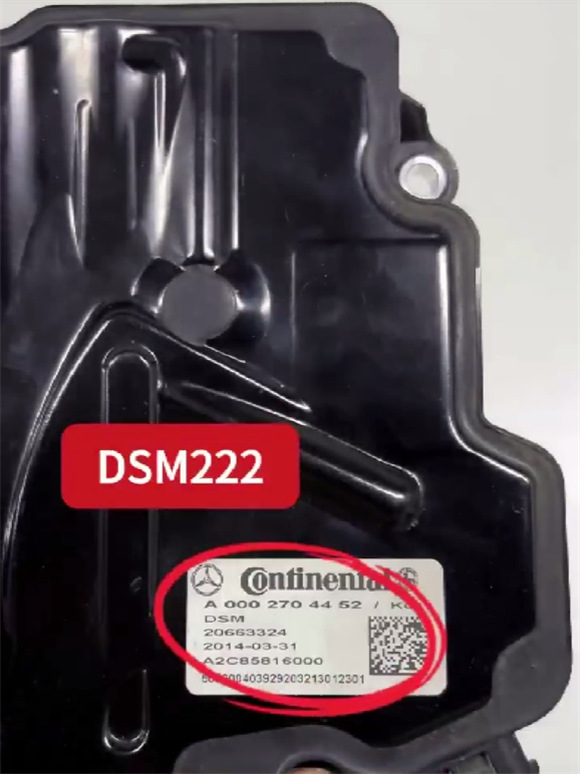
Check the detailed operation guide below.
Requirement:
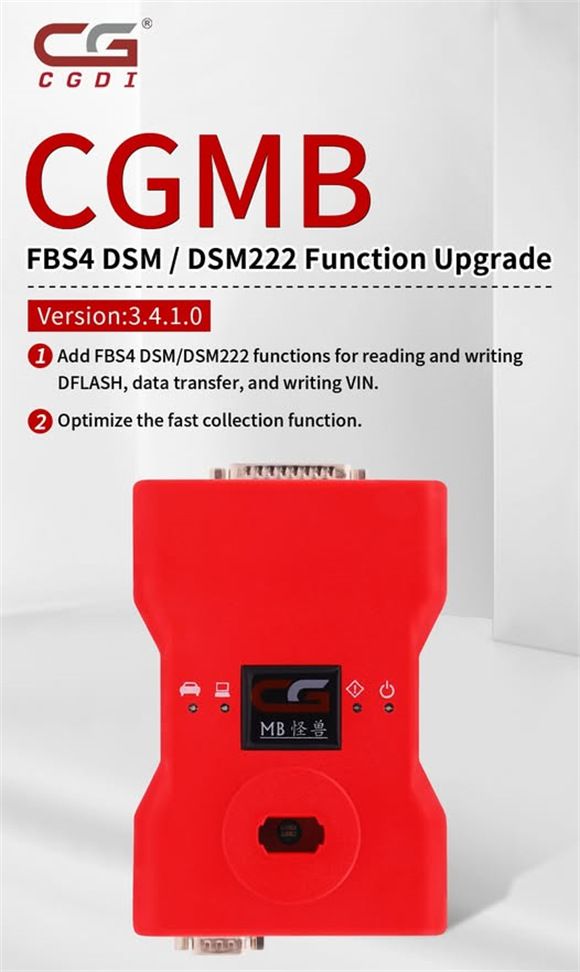
Update CGMB software to V3.4.1.0 or above
CGDI MB V3.4.1.0 Update Info:
- Added FBS4 DSM/DSM222 functions for reading and writing DFLASH, data transfer, and writing VIN;
- Optimized the fast collection function.
Operation Guide:
e.g. FBS4 DSM
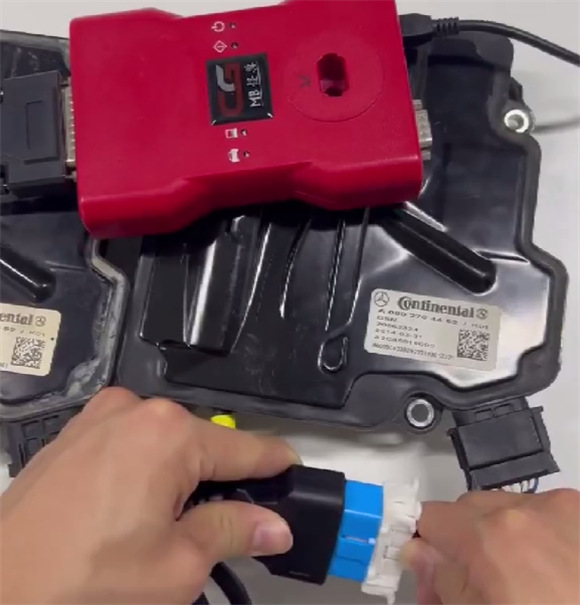
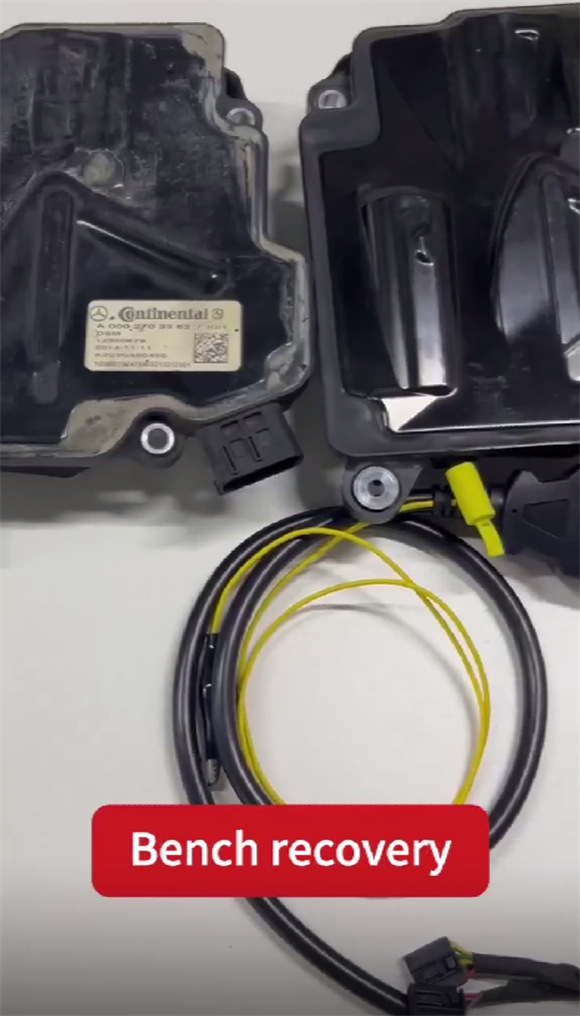
Connect CGDI Prog MB key programmer to Benz FBS4 DSM properly
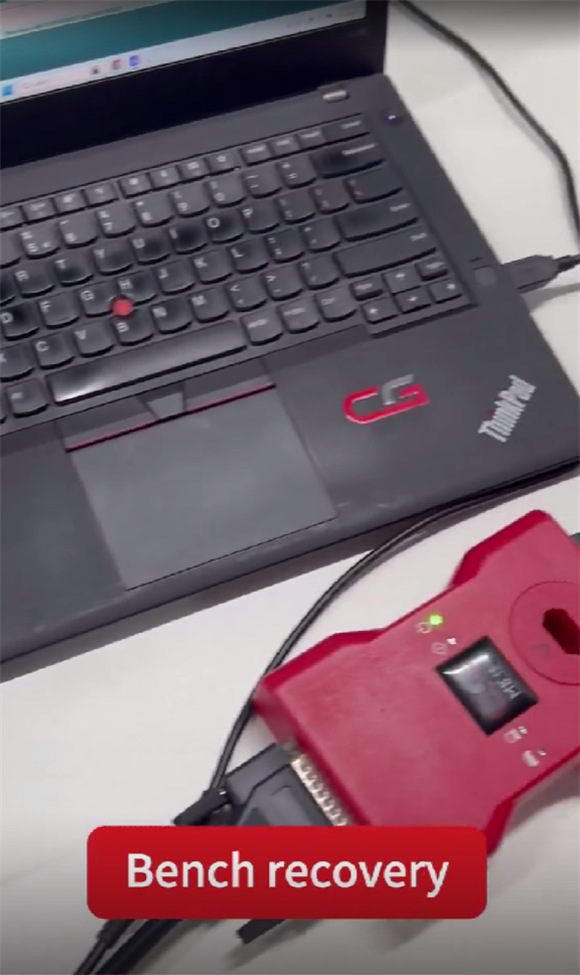
Connect CGDI MB to a PC via USB cable
Select “ISM/DSM/ESM”
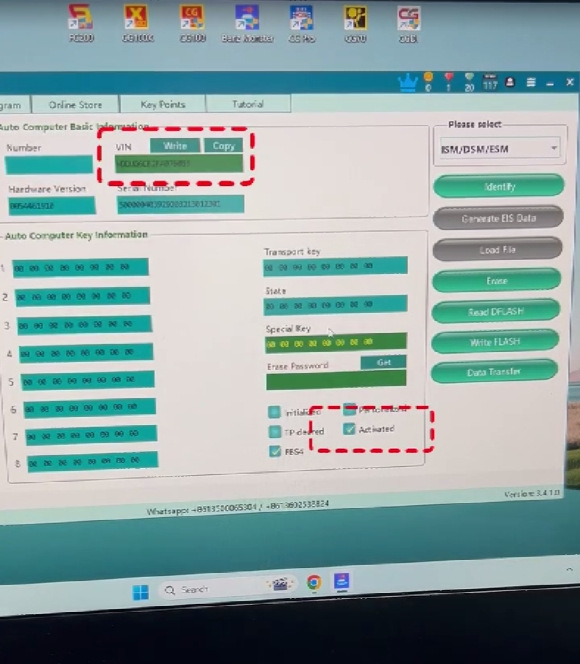
Click “Identify” to read vehicle info (incl.VIN) and key Info
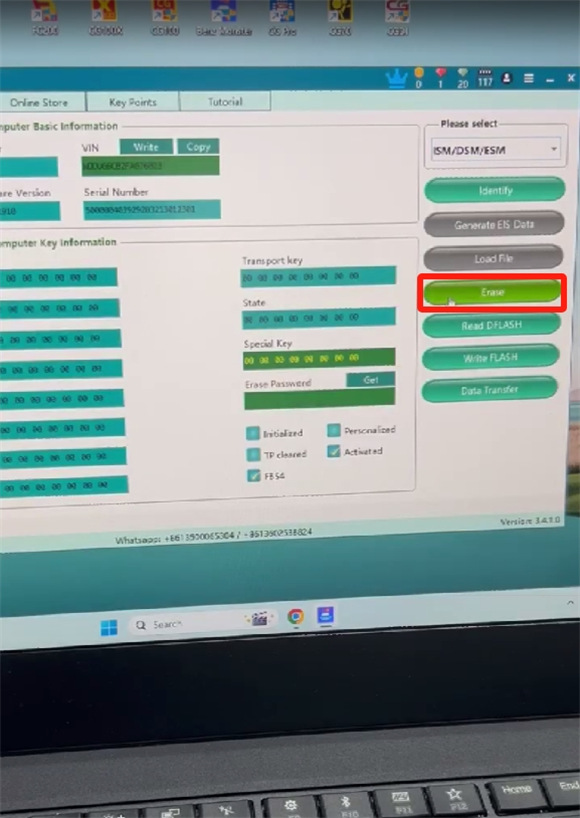
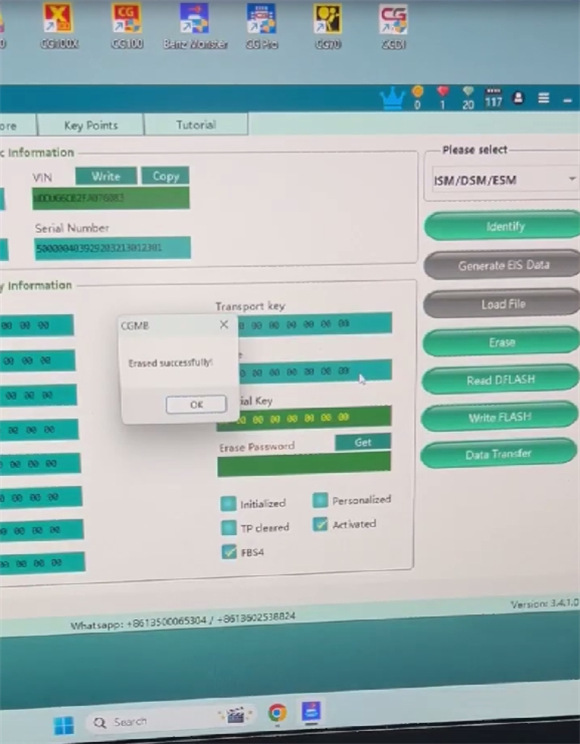
Click “Erase” to execute erasing process
The “Activated” status is marked before erasing.
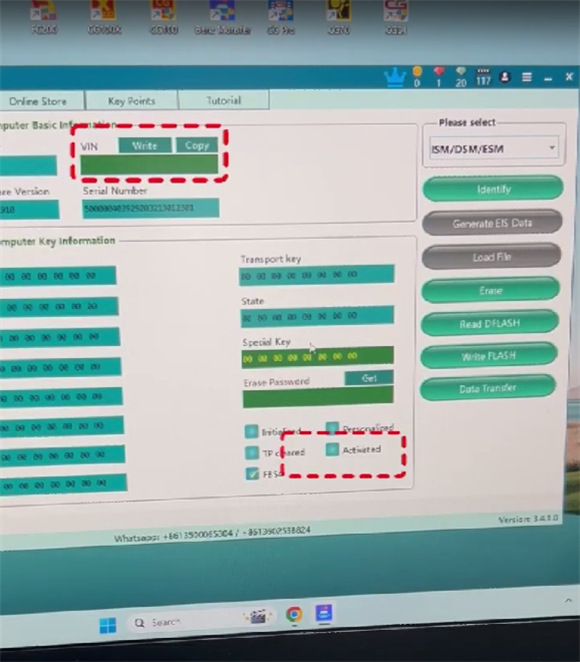
The “Activated” status is not marked, and there is no VIN info after erasing.
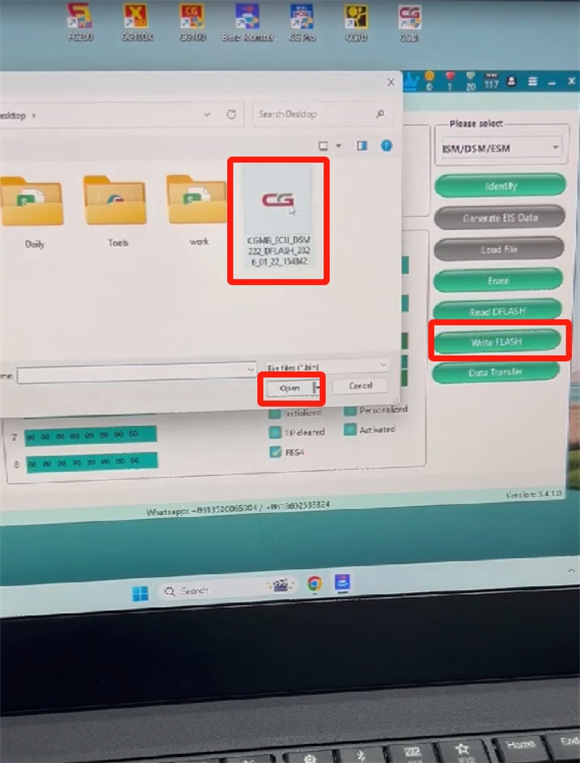
Click “Write FLASH”
Write the required file into the new DSM
Wait a moment until the writing process is complete
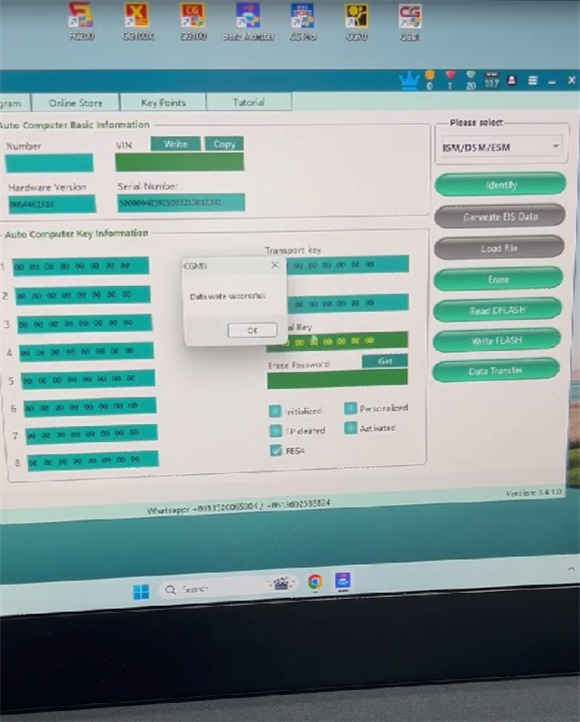
Once the writing process is complete, CGDI MB software shows VIN info and activated status.