


It is successful to change the instrument panel of a 2008 Hyundai Tucson and correct the kilometers using CGDI CG100X Programmer.
Requirement:
- CGDI CG100X main unit
- EEPROM Adapter with EEPOM Clip
- 12V power adapter
- DB25/USB connection cables
- A PC running the latest CG100X software
Step-by-Step Operation Guide
Step 1: Software Configuration & Wiring Diagnostics
Plug the EEPROM Adapter into CGDI CG100X main unit and connect the 12V power supply.
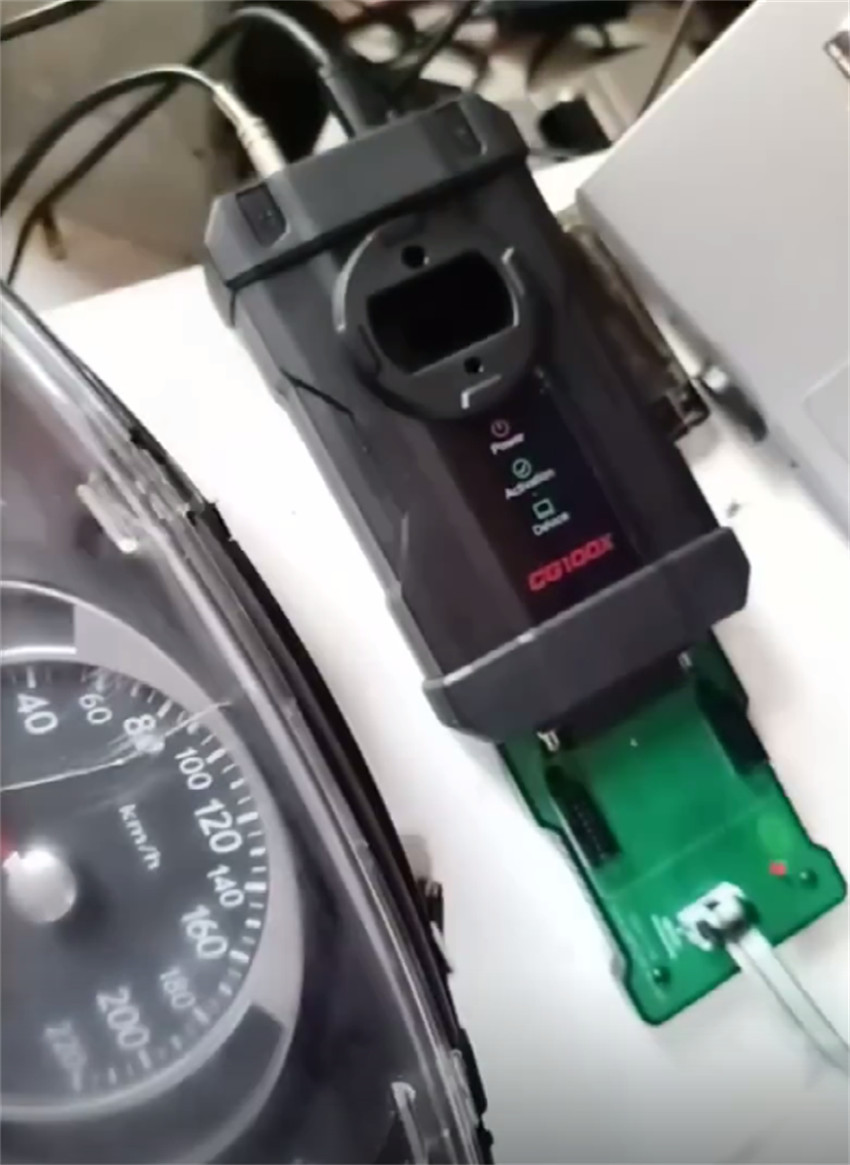
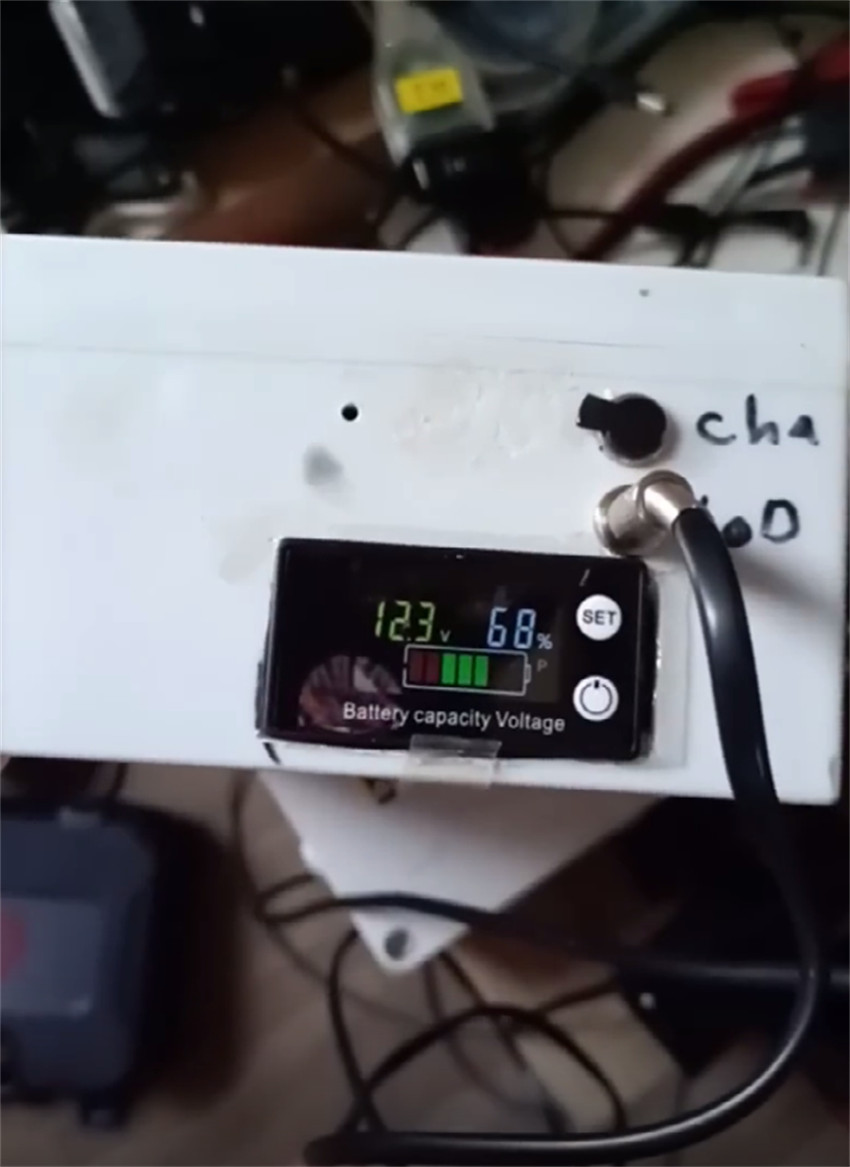
Launch CG100X software on your PC and navigate to:
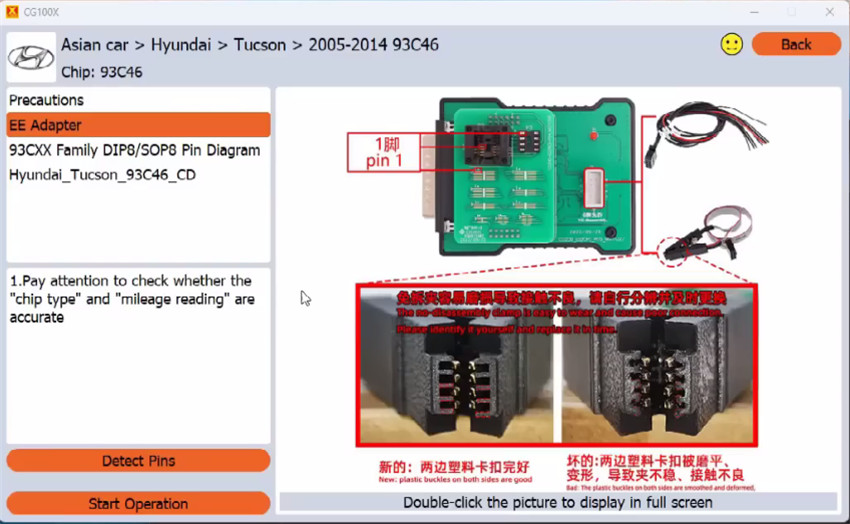
Dashboard ➡Asian Car ➡ Hyundai ➡ Tucson ➡ 2005-2014 93C46
Click on “EE Adapter” within the menu to display the official connection diagram.
Step 2: Chip Connection
Carefully remove the Hyundai instrument cluster from the vehicle and disassemble the outer casing to expose the circuit board.
Locate the 93C46 8-pin EEPROM chip.
Securely attach the EEPROM Clip directly onto the chip, ensuring accurate pin alignment.
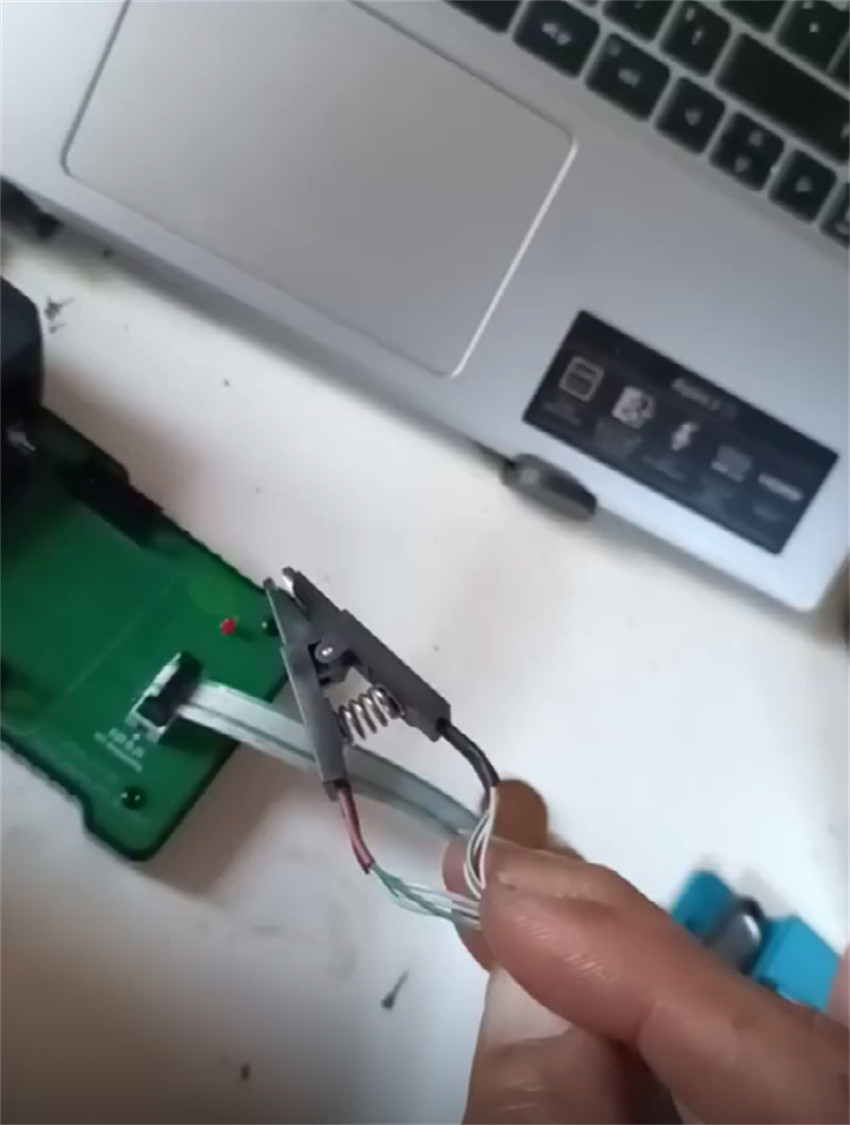
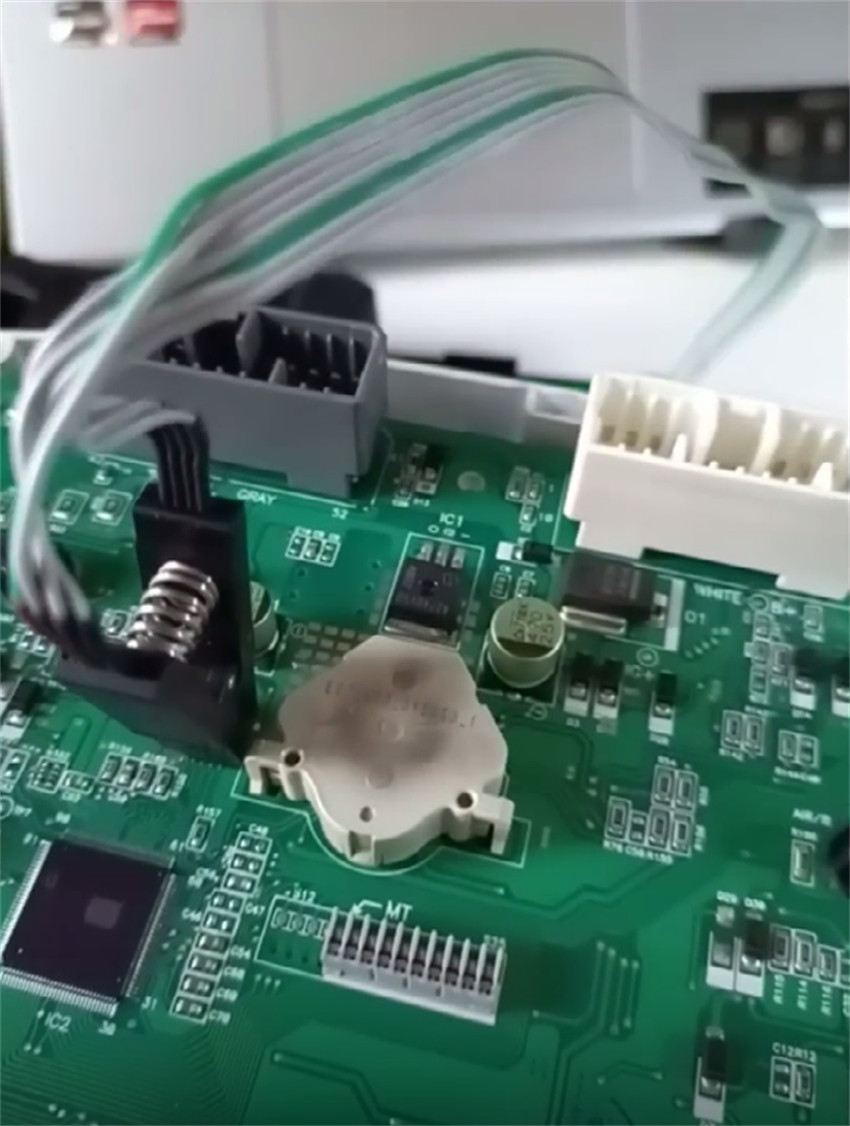
In the software, click “Detect Pins” to audit the socket connection. The system will confirm if you have clean contact across all pins.
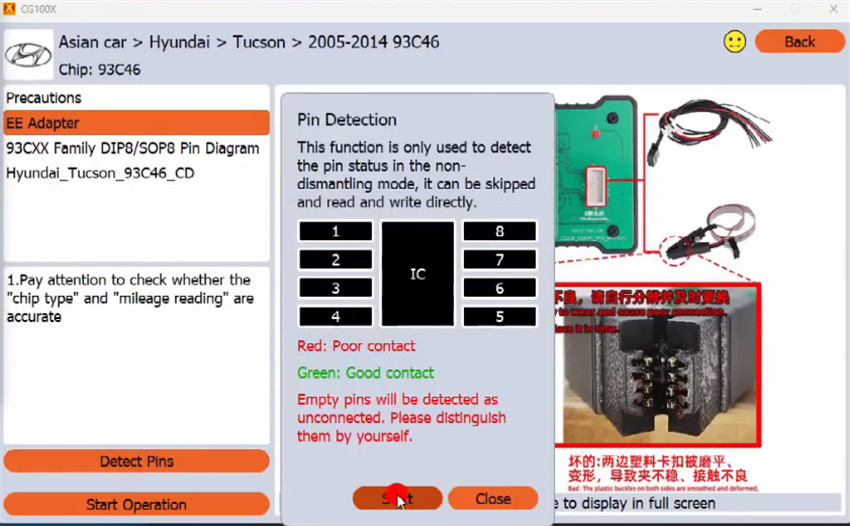
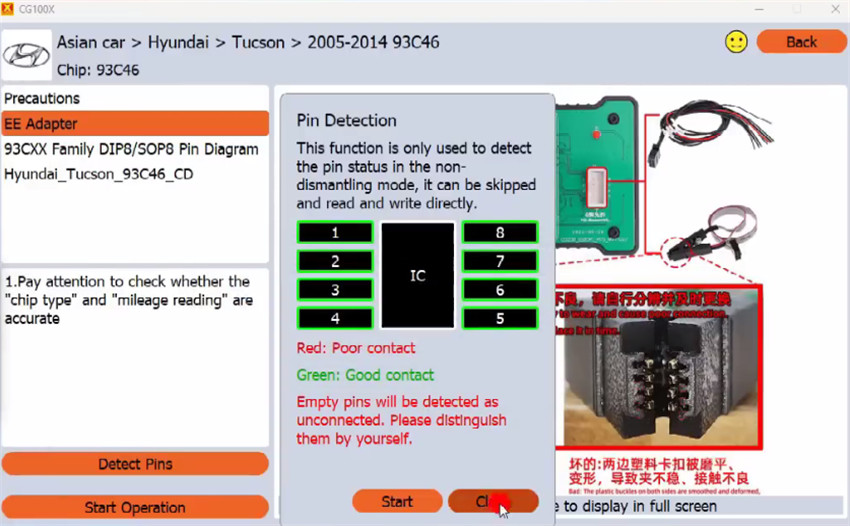
Step 3: Data Backup & Mileage Calibration
Once good contact is confirmed, click “Start Operation”.
CG100X will read the original hex string. Save this backup file immediately to your PC before making any modifications.
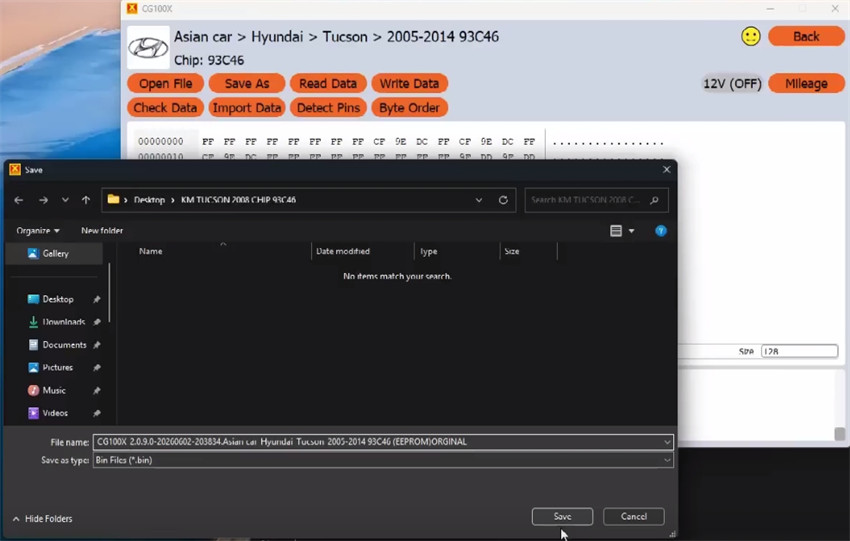
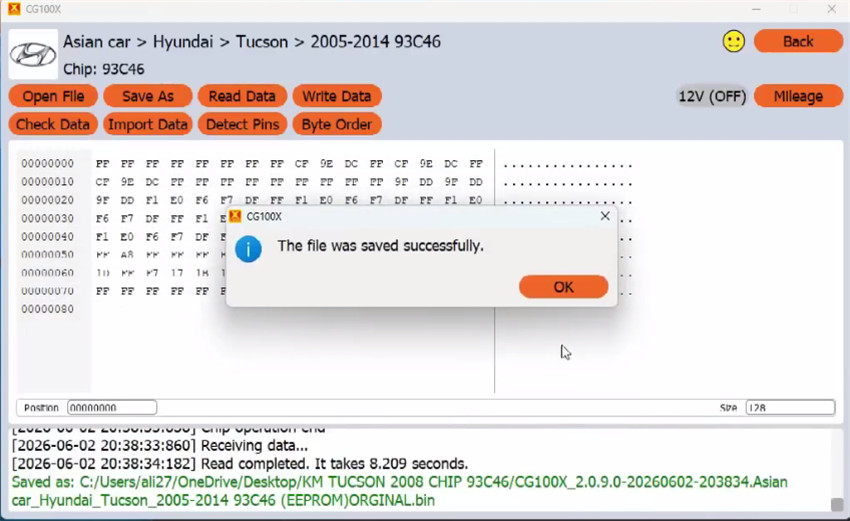
After saving, the software will automatically parse the dump and display the current mileage value: 236,130 km.
Input your required new mileage value: 214,222 km.
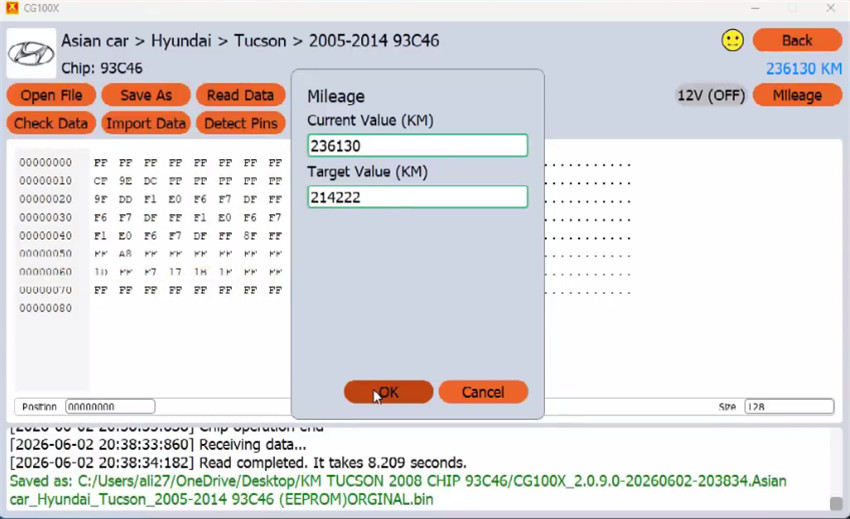
Click to write the new data profile. The software will prompt you once the modification is successfully written.
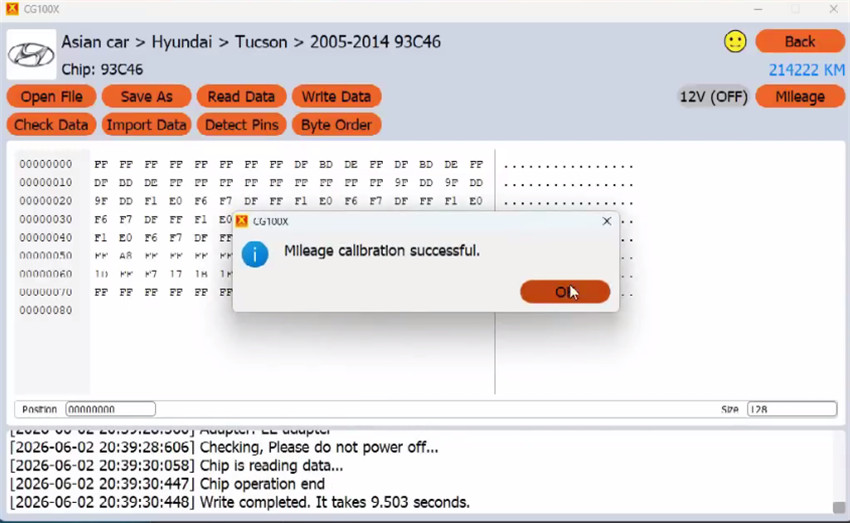
Step 4: Verification
To ensure data integrity, read and save the EEPROM contents a second time.
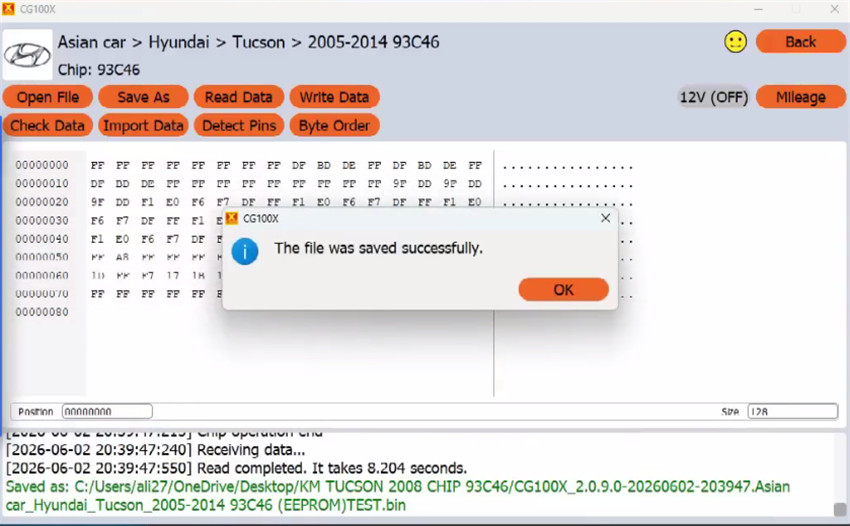
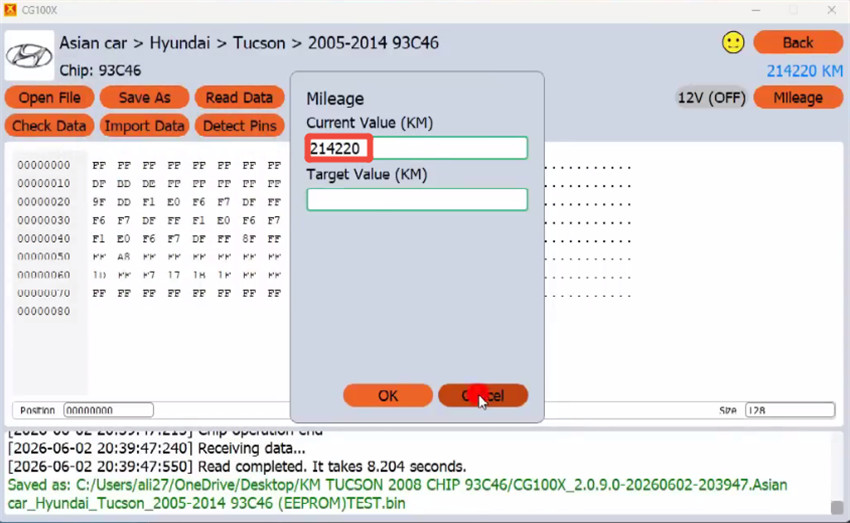
Load and compare the original backup file against the modified file. The visible variance in the hex coding confirms that the new data has been properly structured and written.
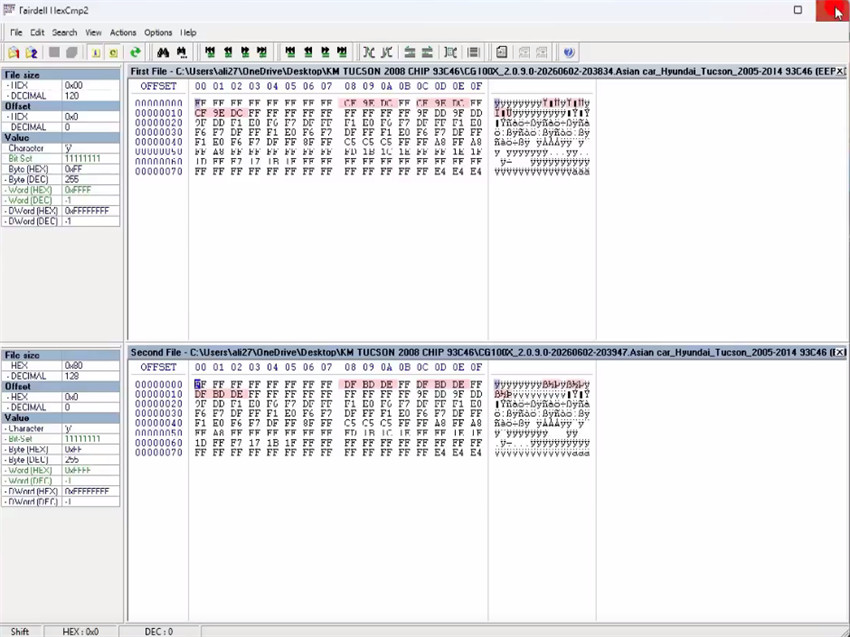
You can now reinstall the instrument panel back into the vehicle—the bench calibration is complete!
