

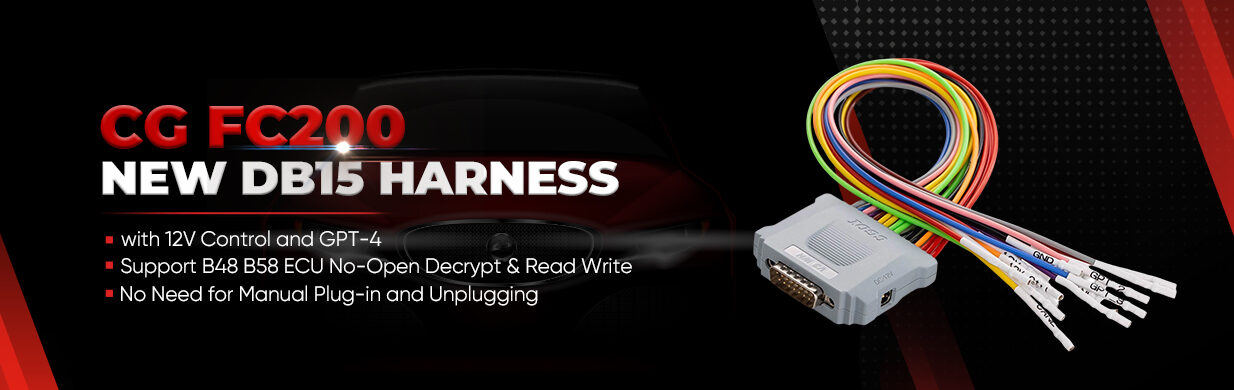

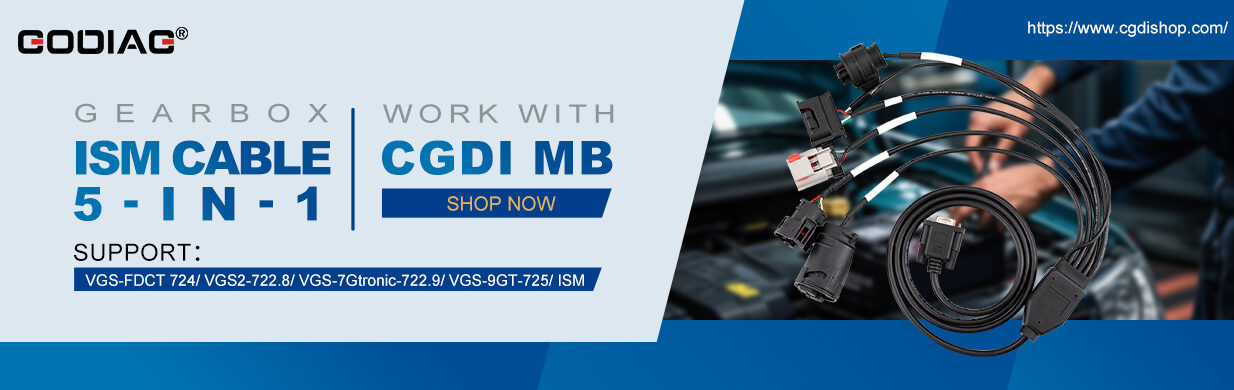
When a 2022 Volvo XC90 encounters a crash event, the airbag ECU deploys and forces the 48V hybrid battery into protection mode. Below is the step-by-step procedure to reset the crash data and unlock the battery using CGDI CG100X Programmer.
Step 1: Physical Inspection & Wiring
- Inspect CG100X connector pins. Use a small screwdriver to loosen the hard rubber seal to avoid bending pins during cable insertion.
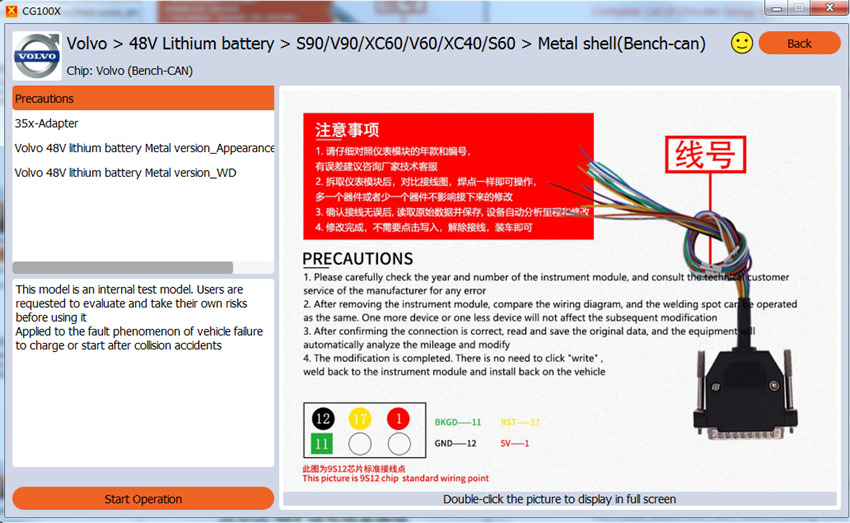
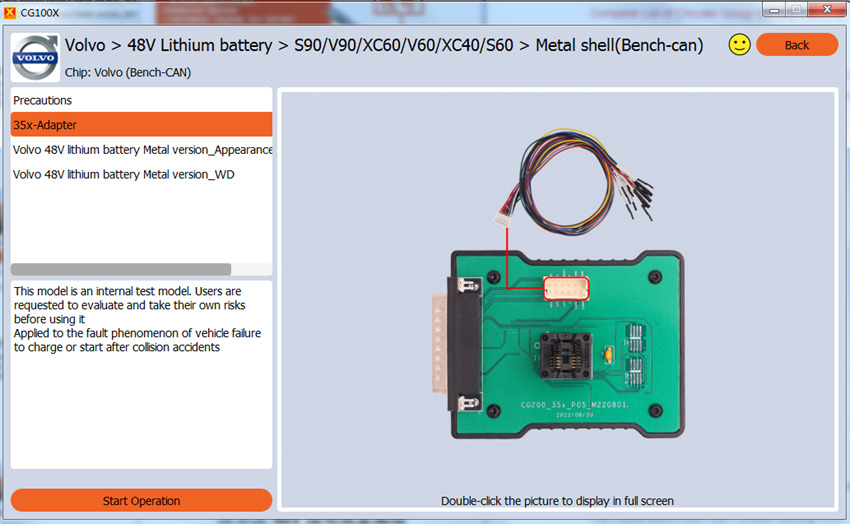
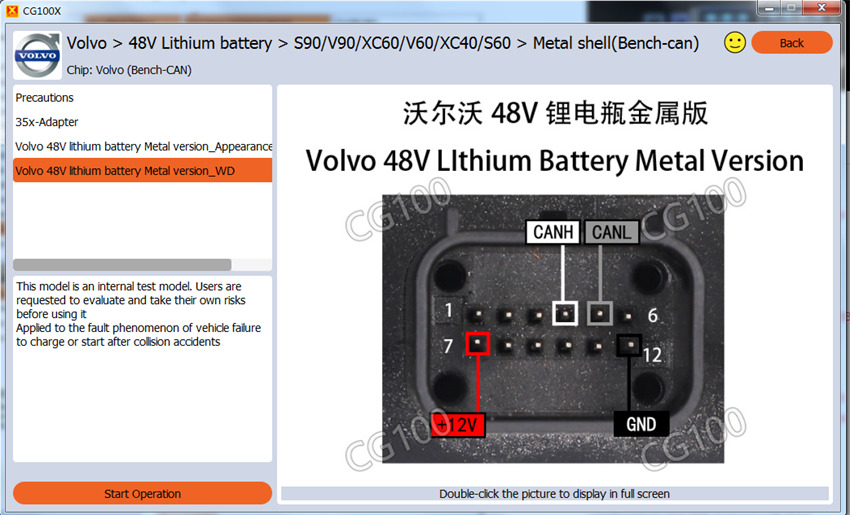
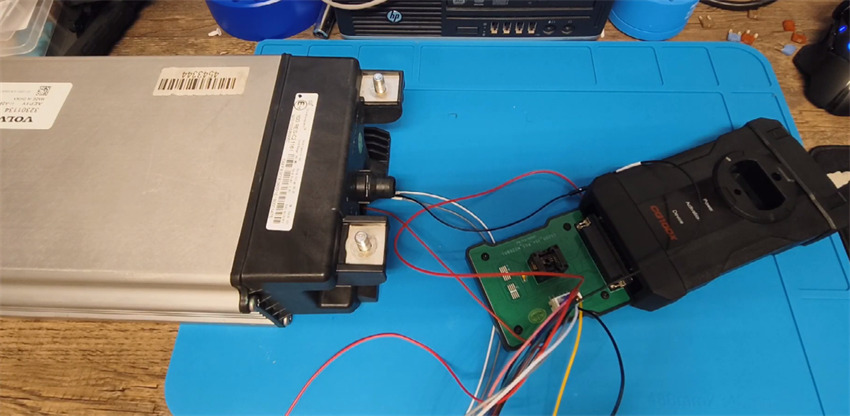
- Connect CAN-H, CAN-L, 12V (+), and GND wires according to CG100X BCM menu wiring diagram.
- Use the included bench adapter rather than direct pin solderless clips for a more stable connection.
Step 2: Power Supply Calibration (Crucial Troubleshooting)
- Issue:Connecting a 14V–15V power adapter causes the software to prompt “Please connect external power supply” even when powered.
- Fix:Swap to a steady 6V 2A power supply. Once connected, the blue power LED will stay solid, and the software will recognize the hardware.
Step 3: Crash Data Reading & Clearing
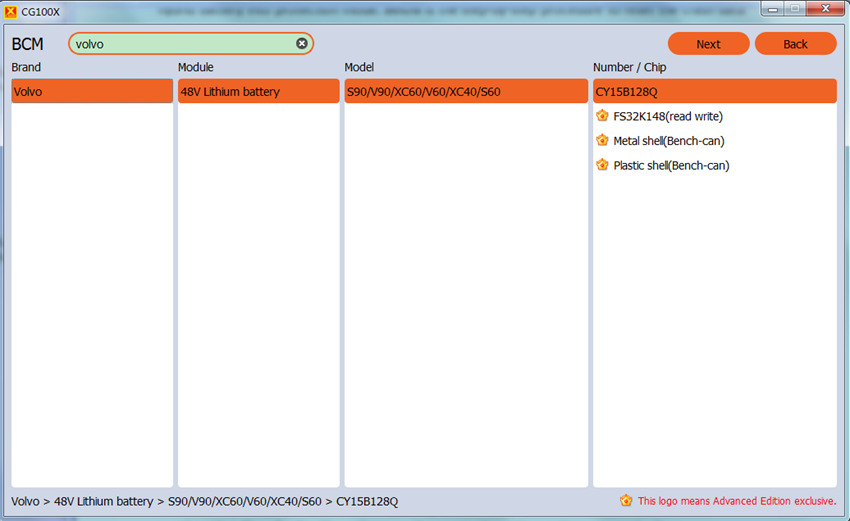
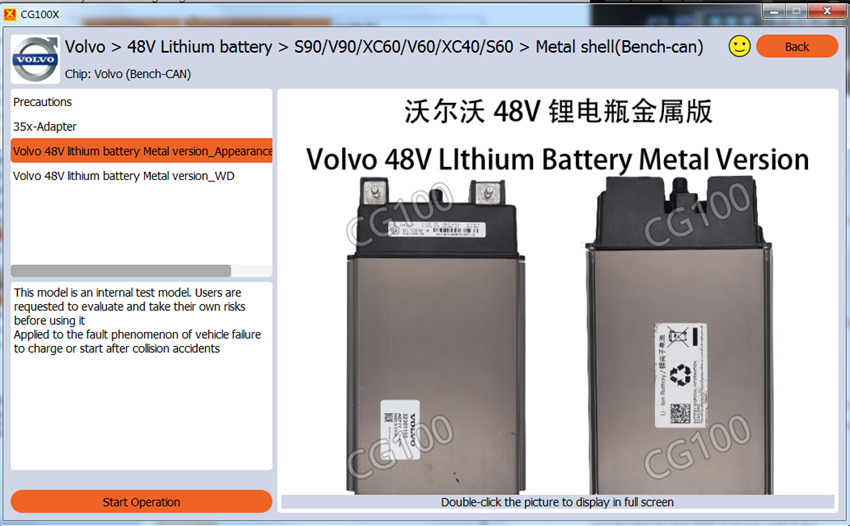
- Open CG100X softwareand navigate to: BCM ➔ Volvo ➔ Select Metal Shell Battery Module.
- Click Readto backup original eeprom/crash records.
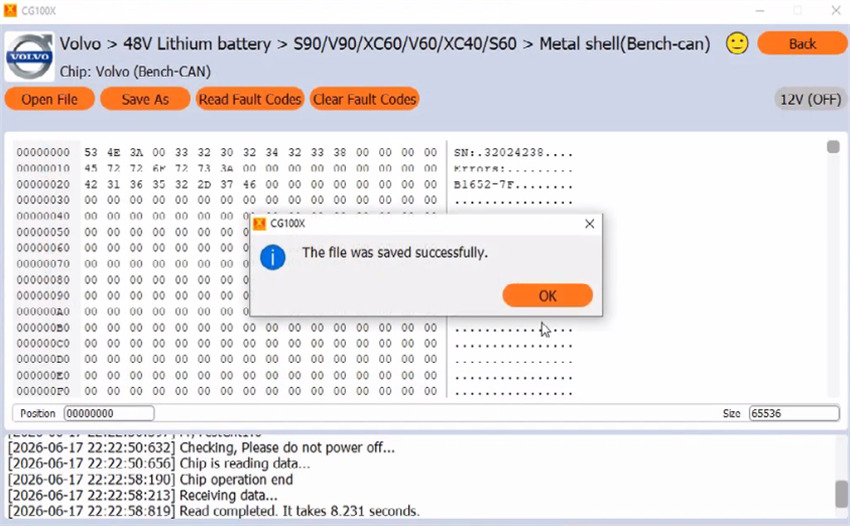
- Click Clear Faults. The software will execute the write routine automatically.
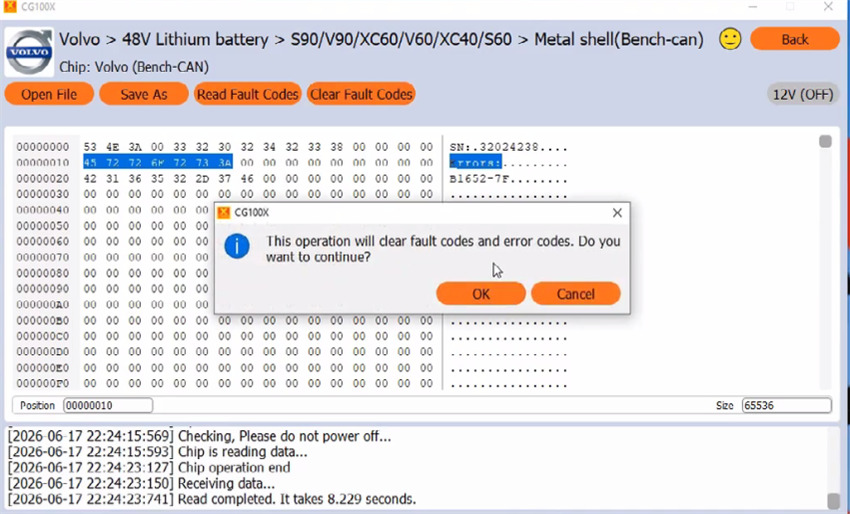
- Verify the modified data (check hex addresses 10 and 20 to confirm crash codes have changed to 00/cleared status).
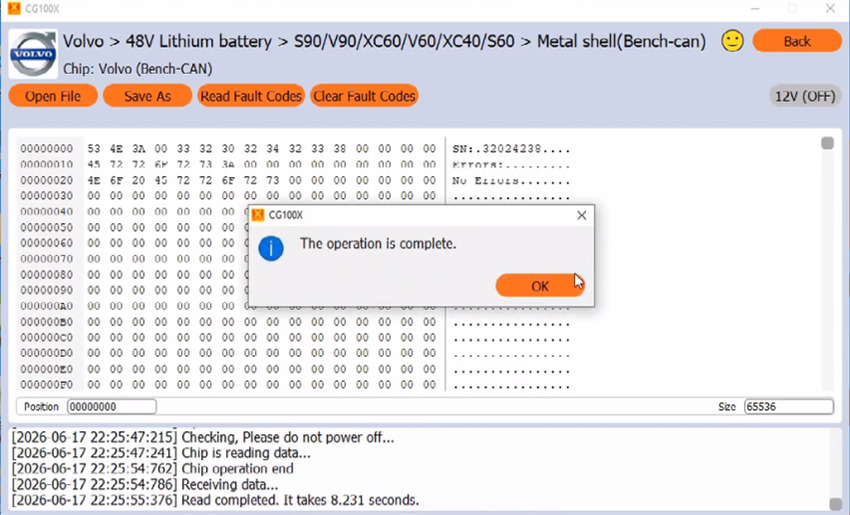
- Reinstall the battery into the vehicle to verify crank initialization.
