
If you have recently acquired CG-MLB Programmer, getting your software configured correctly is the first step toward programming keys for high-end VAG group vehicles.
This comprehensive user guide covers everything you need to know about setting up your CG MLB tool—including software downloading, step-by-step installation, account registration, and password recovery.
Overview & Supported Vehicle Functions
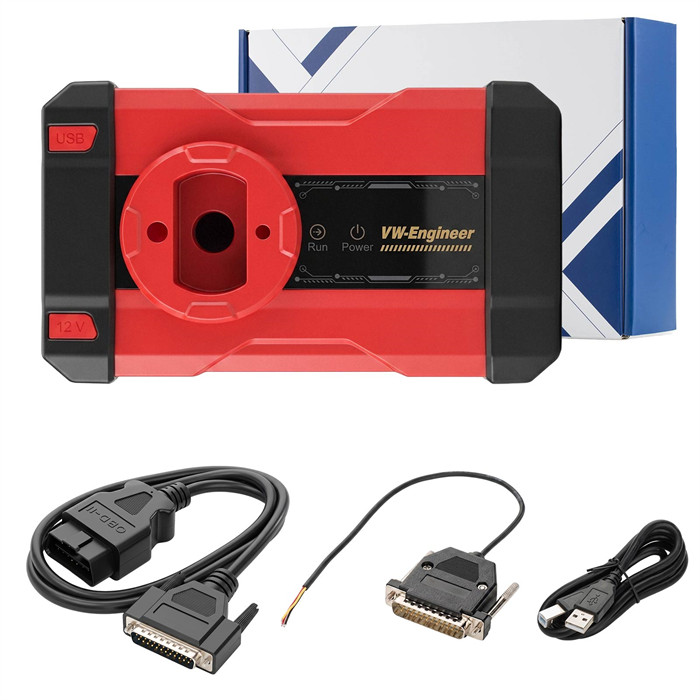
CG-MLB is a dedicated key programming tool designed for Advanced VAG (Volkswagen Auto Group) immobilizer platforms.
Key Features & Capabilities:
- MLB-EVO Key Programming:Supports key data reading and key adding for Porsche, Bentley, Audi, Volkswagen, and Lamborghini MLB-EVO immobilizer systems.
- Dealer Key Generation:Generates dealer keys for Porsche, Bentley, Audi, VW, and Lamborghini models.
- OBD Key Learning:Direct key learning via OBD diagnostic port.
- Key ID Modification:Allows modification and writing of vehicle key IDs.
- MQB48 Support (Coming Soon):Future software updates will enable key reading and adding for VW, Audi, and Skoda MQB48 platform systems.
Step 1: Free Download CG MLB Software (V1.3.1.0)
Ensure you download the official software build to get the latest vehicle database, firmware updates, and online calculation protocols.
- Software Version:3.1.0 (Build 260727)
- Download Link:Download CG-MLB Software V1.3.1.0
https://mega.nz/file/AuohSI4A#8XzIwt7xLHnZQysTc73SmpdhRaIESlnwN1rqh14znts
- Supported Languages:English, French, Simplified Chinese
Step 2: Software Installation Setup
Follow these simple steps to install the software on your Windows PC:
- Locate and extract the downloaded ZIP archive file on your PC.
- Double-click the installer setup file: CG-MLB_Setup_V1.3.1.0 Build 260727.exe.

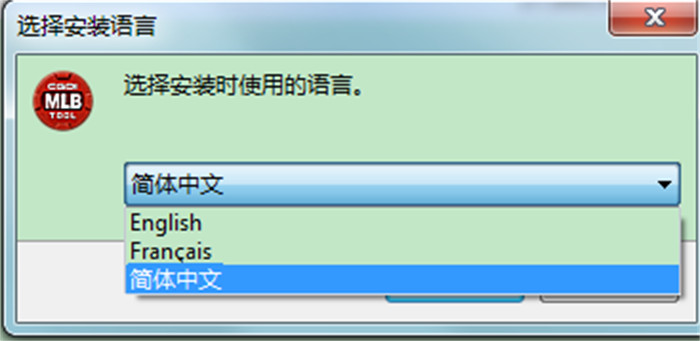
- Choose your preferred language (English, French, or Simplified Chinese) and click OK.
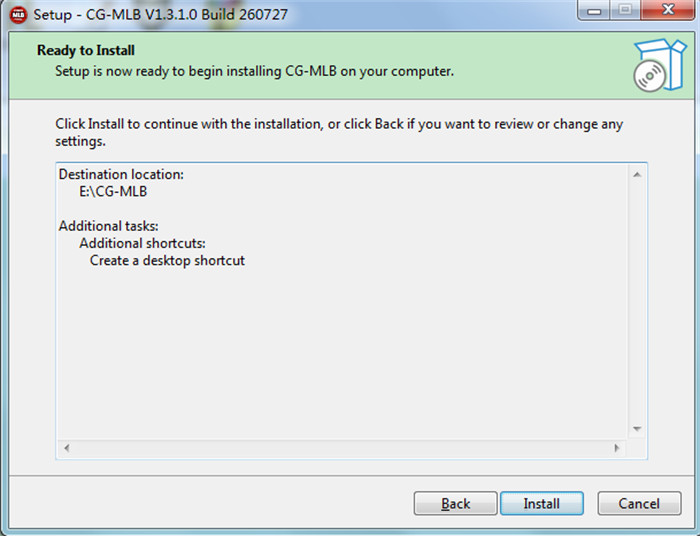
- Select the destination folder on your hard drive where you want the software installed.
- Select any additional tasks (such as creating a desktop shortcut) and click Next.
- Click Installand wait for the progress bar to finish.
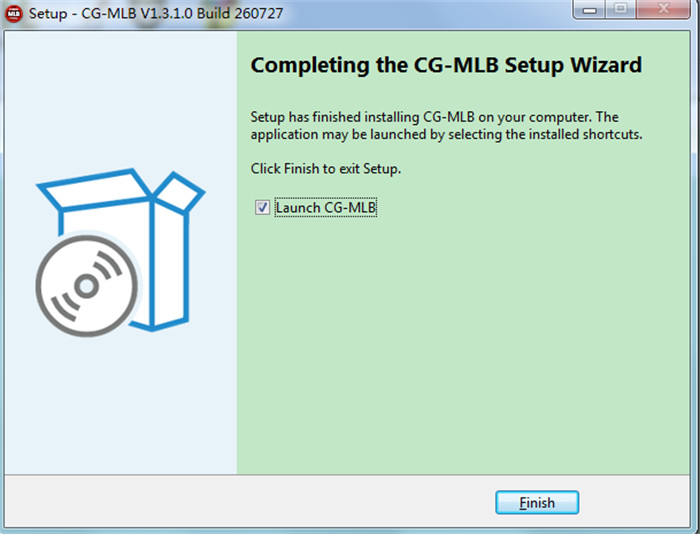
- Click Finishto complete the installation process.
Step 3: Register a New CGDI Account
An active account is required to connect to CGDI online servers for key calculations and token redemptions.
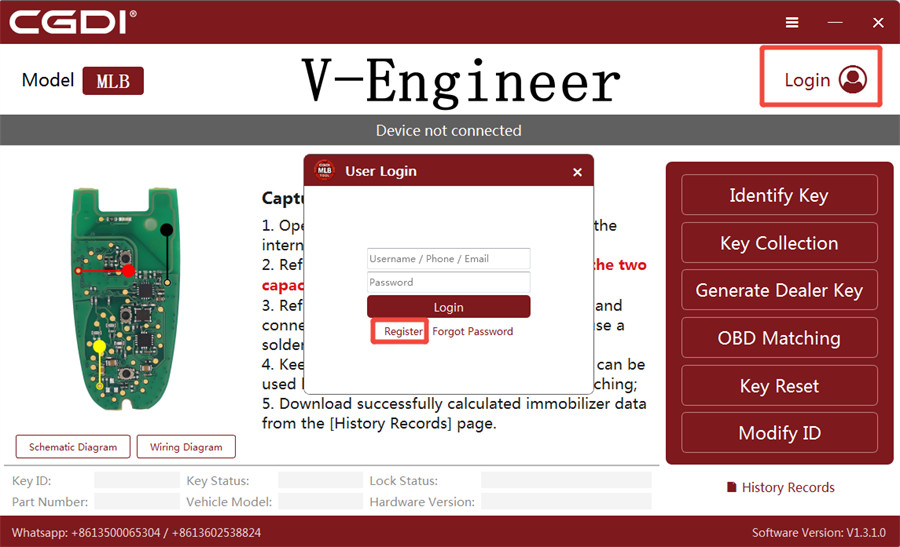
- Launch CG-MLBsoftware on your desktop.
- Click Loginin the top-right corner of the software interface.
- Click Registerto create a new user account.
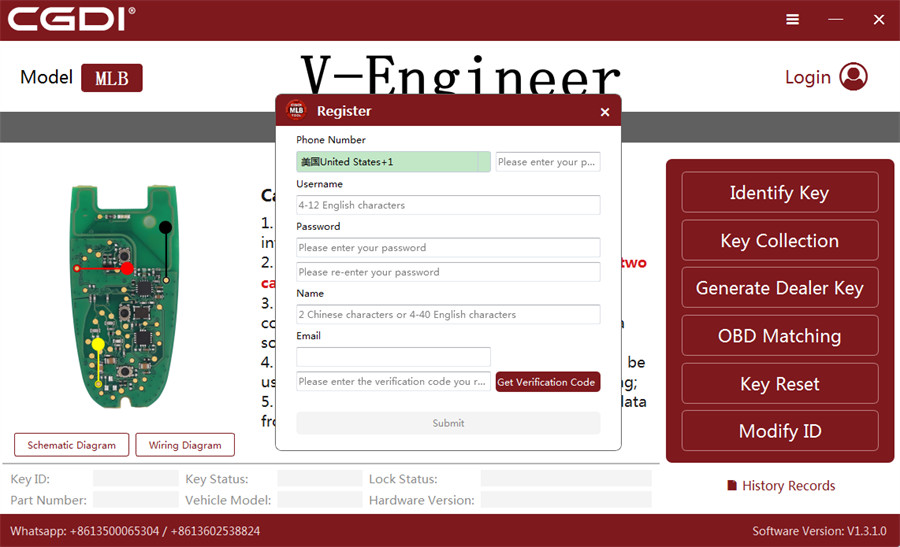
- Fill in the required user information:
- Phone Number
- Username
- Password & Password Confirmation
- Full Name
- Email Address
- Click Get Verification Codeand select your preferred delivery method (Send to Phone or Send to Email).
- Enter the security code received via SMS/Email, then click Submitto finalize account activation.
Step 4: Login & Password Reset Instructions
How to Log In
Once registered, log into CG-MLB desktop application by entering your Username / Phone / Email along with your Password.
How to Reset Forgotten Password
If you forget your account login password, you can quickly reset it directly inside the application:
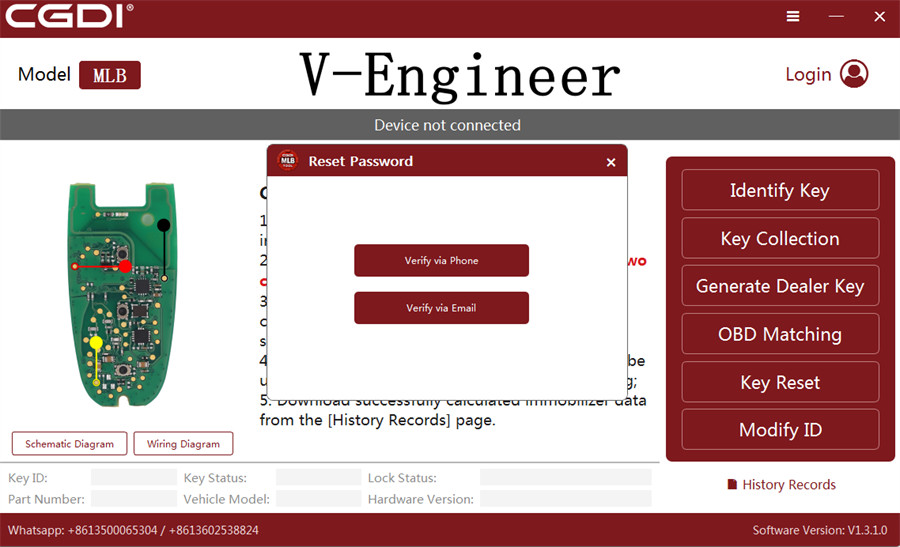
- Click Forgot Passwordon the login screen.
- Choose your preferred verification method: Verify via Phoneor Verify via Email.
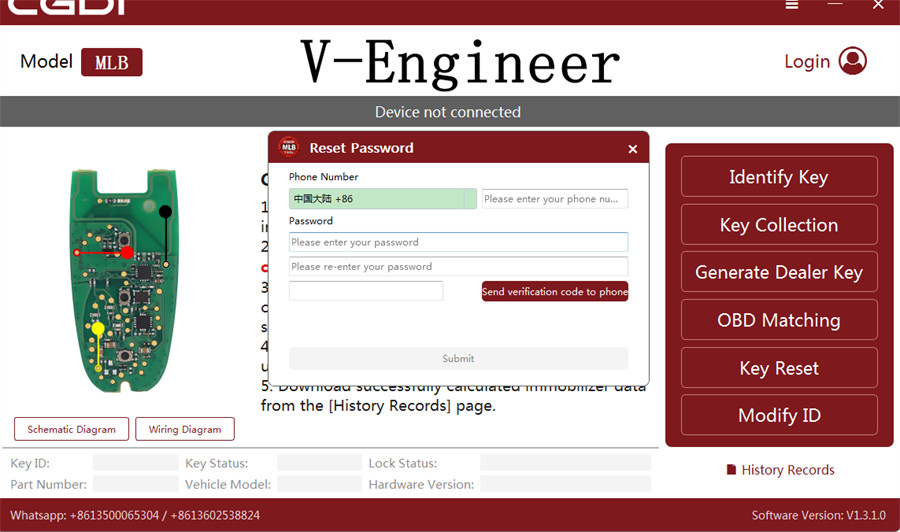
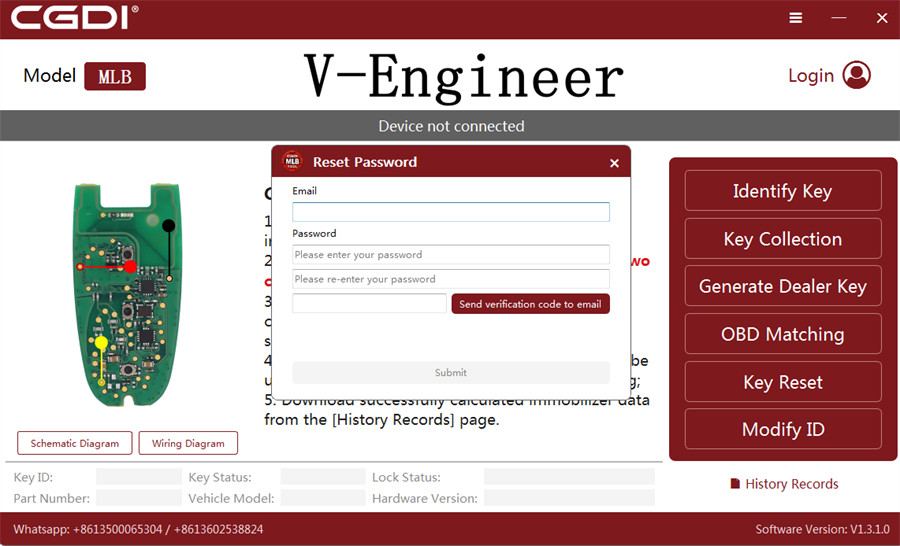
- Enter your registered Phone Number or Email address along with your New Password.
- Click Send verificationcode to phone or email, enter the verification code sent to your phone or inbox, and click Submit.
- Your password will be updated immediately, allowing you to log back in.
Read also:
