
If you need to duplicate a Hyundai or Kia smart key using NCF29Ax NXP chips, CGDI K2 provides a straight-forward cloning function. You can write the extracted data onto either a brand-new original key or a used original key, as long as the frequency matches the original key.
Important: NCF29AG chip types are not supported at this time.
What Tools You Need
- CGDI K2 Smart Key Tool
- Original Smart Key
- Target Key (New or used original key with identical frequency)
- CGDI K2 Key Unlock Renew Cable(for soldering) or GODIAG Solder-Free Clip Adapter
How to Do It (Step-by-Step)
- Connect the Key PCB
Take apart the original key shell to expose the circuit board.
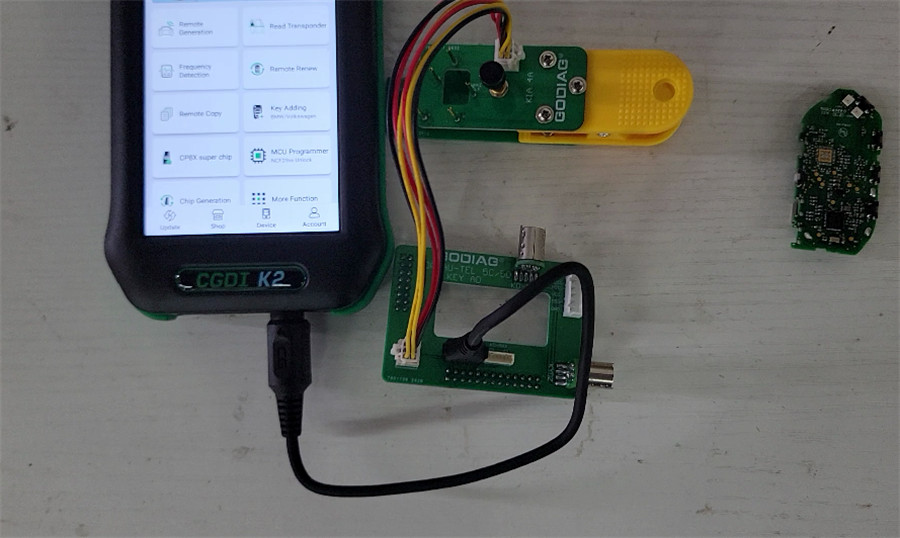
If you are using GODIAG solder-free clip, line it up with the PCB and connect it to your CGDI K2 through the converter.
If you don’t have the clip adapter, solder CGDI K2 renew cable directly to the board’s solder points.
- Read the Original Key Data
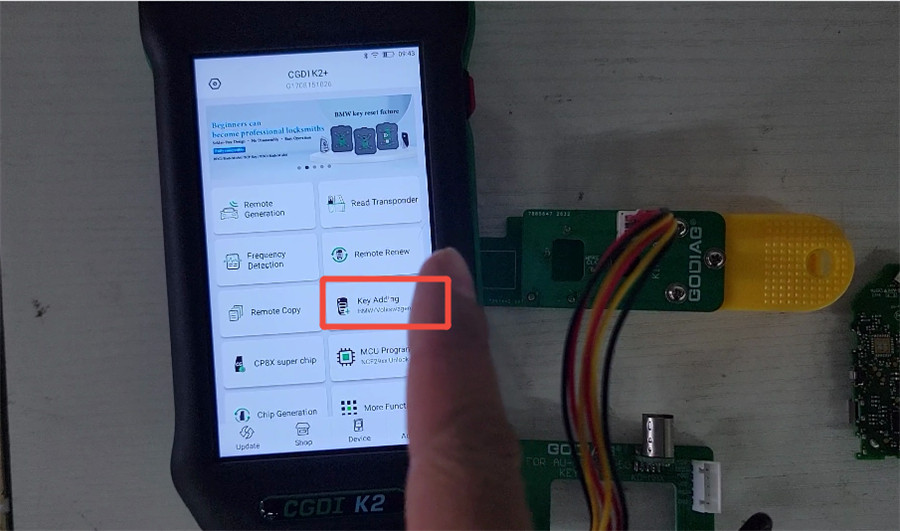
Open CGDI K2 software and select Key Adding, then choose Hyundai/Kia Smart Key Cloning.
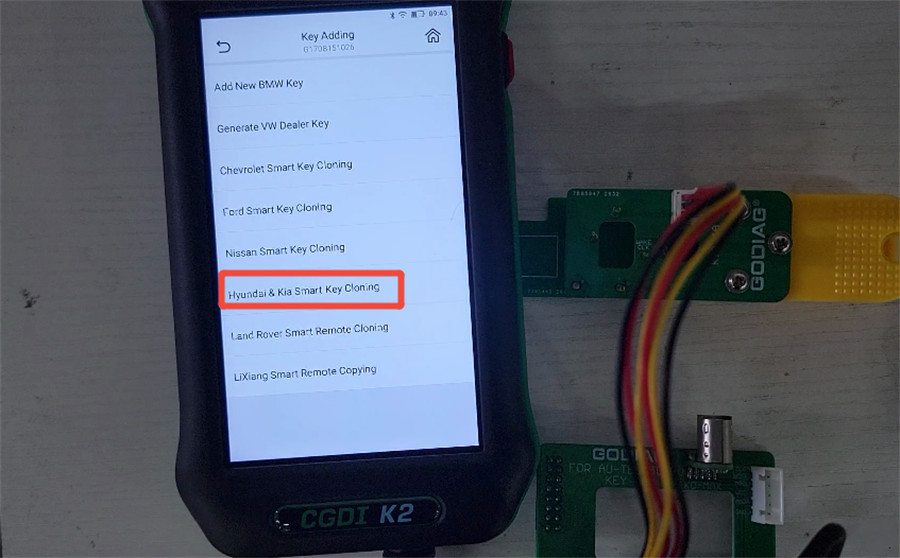
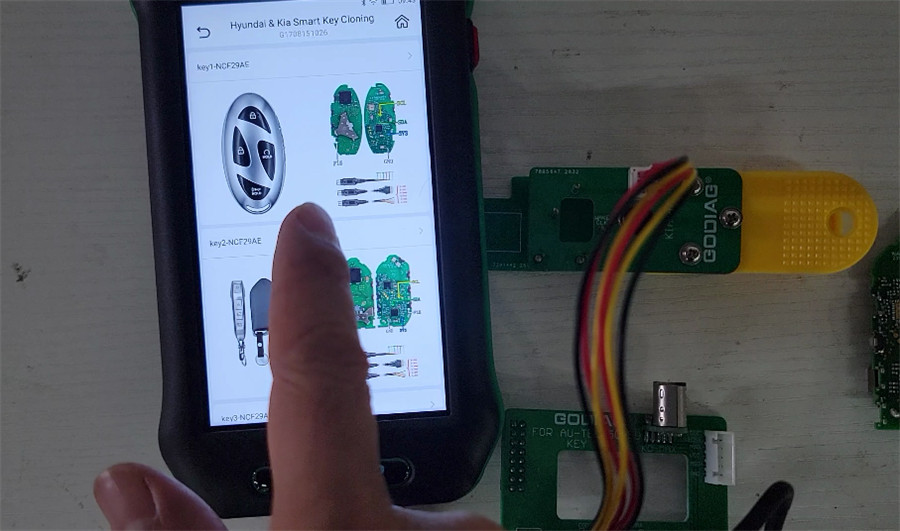
The app will show various key board layouts—pick the one that matches your original PCB.
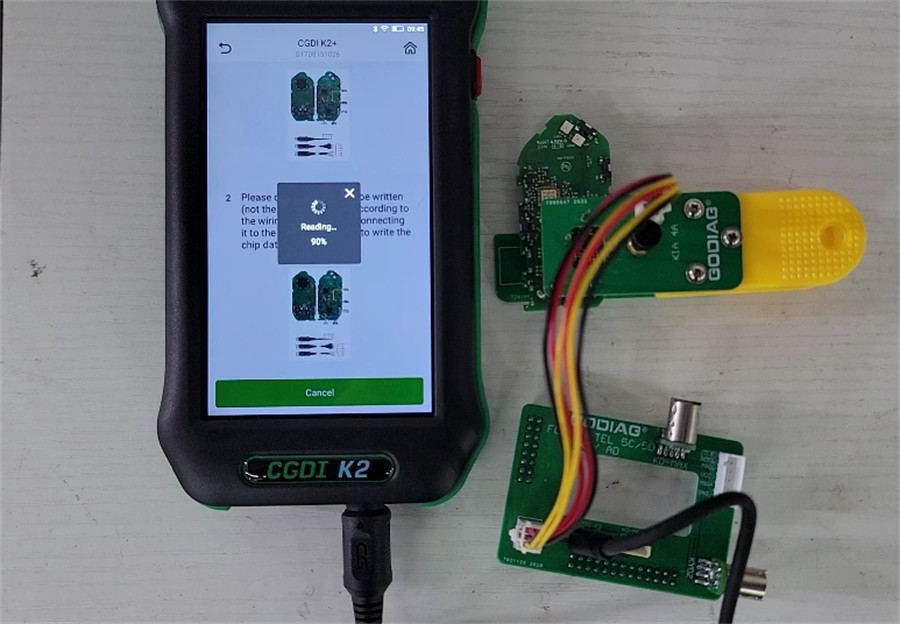
Tap Start the operation and hit Continue. The tool will read the chip data.
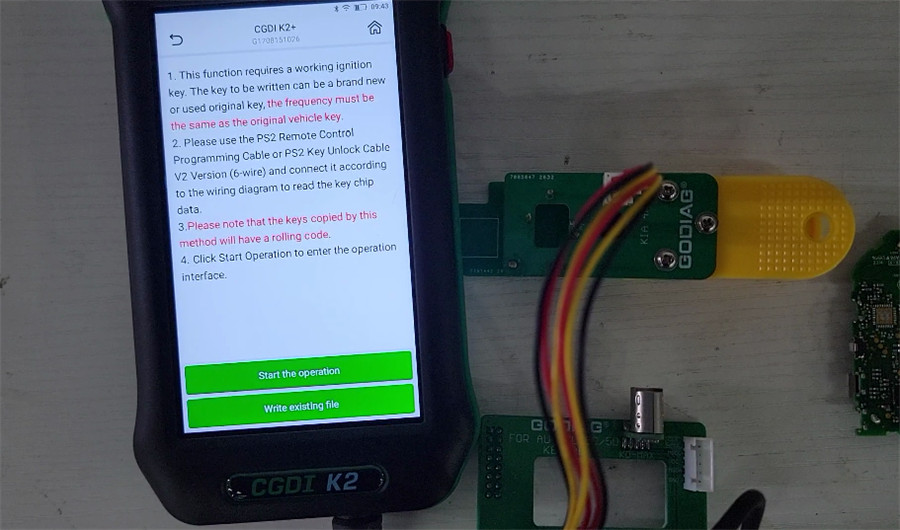
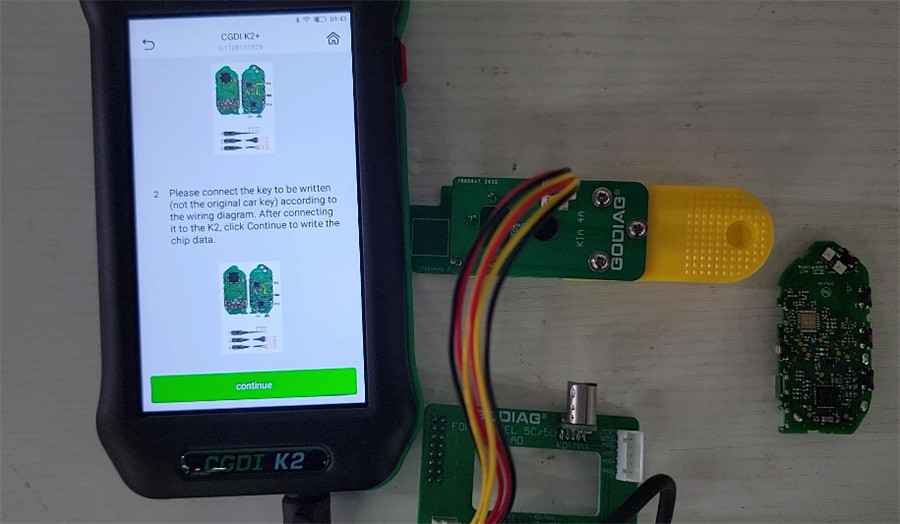
Once the reading process completes, save the file.
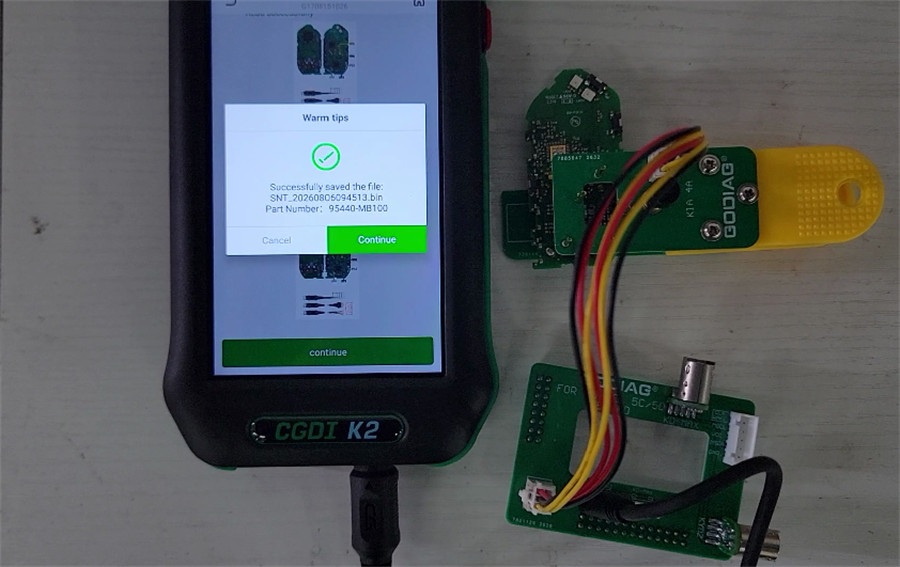
- Write to the New Key
Go back to the previous screen, hook up your target key (new or used), and upload the saved file. Once the writing process finishes, your cloned smart key is ready to use.
