
If your CG FC200 shows an “E121 version not supported” error while reading ME7.8.8, ME7.9.7, or M7.8 ECUs on Chery, Great Wall, BAIC, Geely, or Changhe vehicles, you do not need to switch to BOOT mode immediately. You can complete the process on bench mode using CAN line.
Step-by-Step Bench Reading Instructions
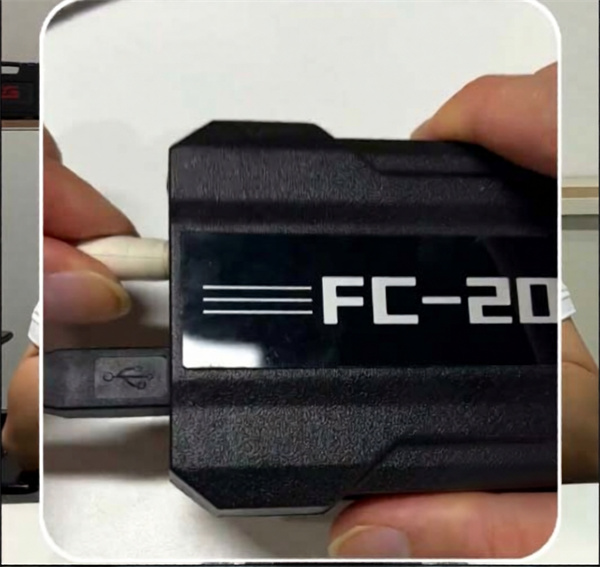
1.Perform a Quick Power Reset: Unplug the 12V power supply and plug it back in quickly. This power cycling step is required for the system to respond properly.
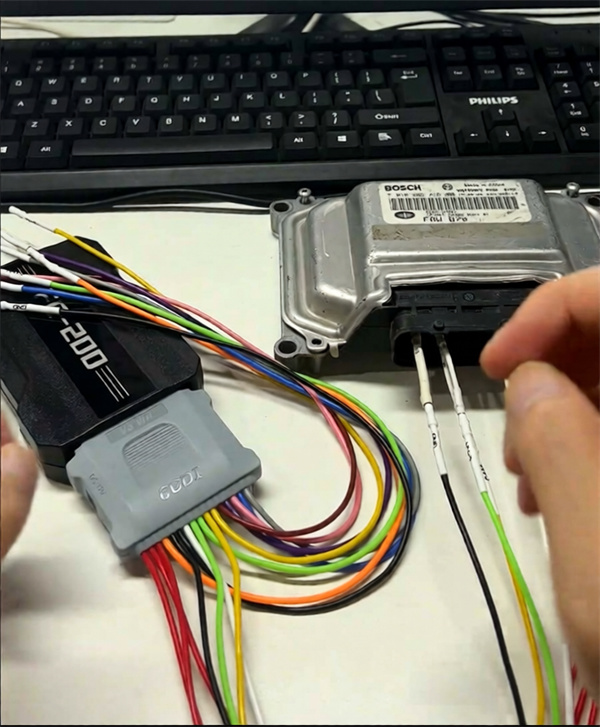
2.Connect the Wiring: Wire the ECU according to FC200 wiring diagram using the CAN wires.
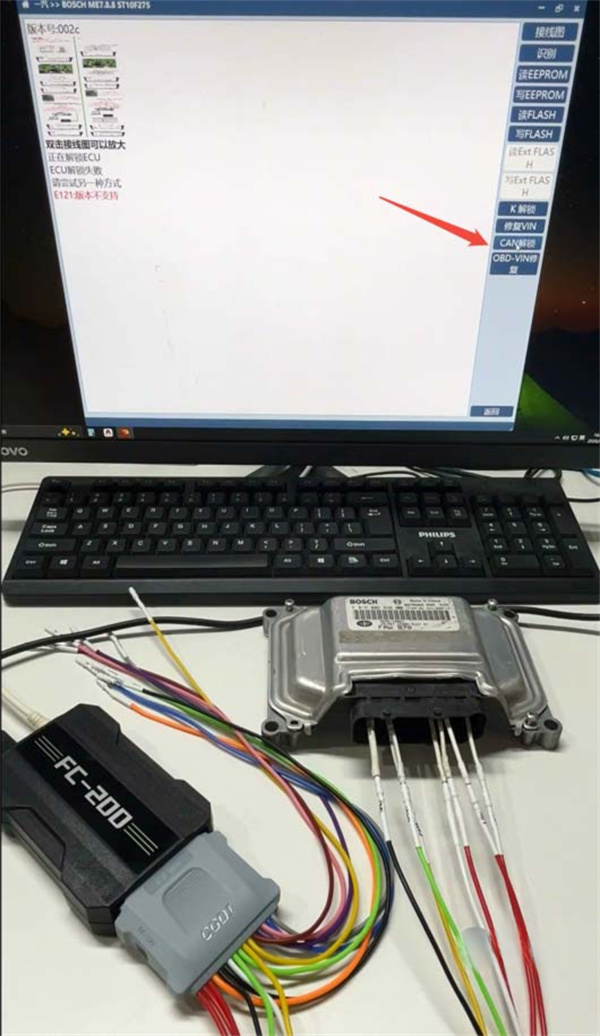
3.Run CAN Unlock: Click the CAN Unlock button in FC200 software. The tool uses Gen 2 CAN Unlock technology to bypass protection on ME7.8.8 and ME7.8 modules.
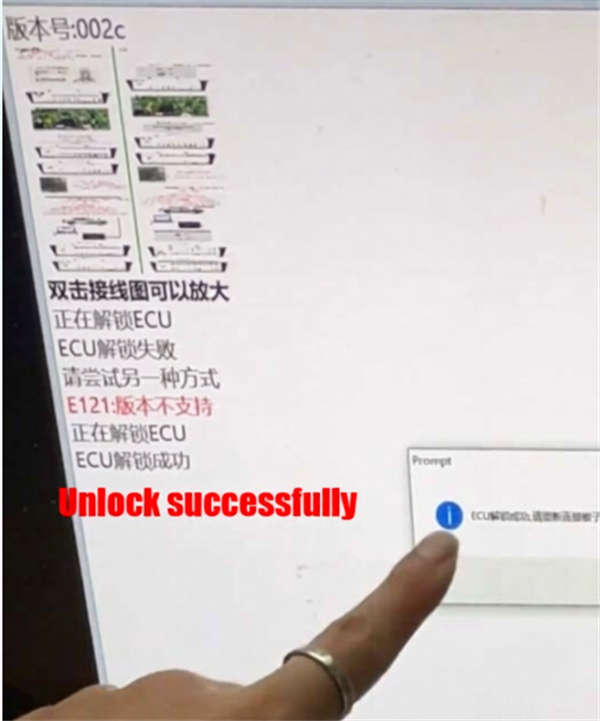
4.Read and Write Data: Once the unlock confirmation appears on screen, proceed to read or write the ECU data.
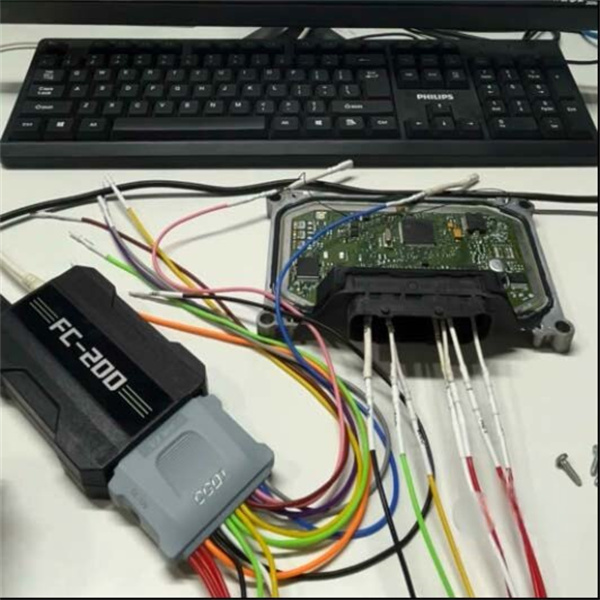
Note: BOOT mode remains available on CG FC200 ECU Programmer as an alternative method for these ECUs.
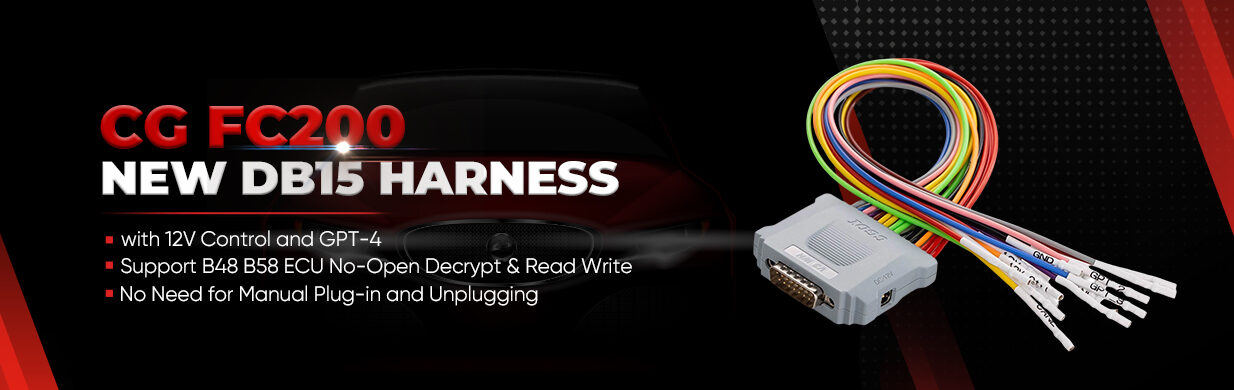
No extra resistor is needed because the new DB15 cable already includes an internal resistor.
Tech support:
Email: sales@CGDISHOP.com
Whatsapp: +86-13995696053
