



This guide details the procedure for calibrating the odometer mileage on a Toyota Lexus instrument cluster (R7F701441 MCU) using CGDI CG100X Programmer in CAN-connection mode.
Requirement:
Software:
Ensure CG100X software is updated to version V1.9.8.0 or later.
[Free download CG100X V1.9.8.0]
Hardware:
- CGDI CG100X
- 35X-CAN Adapter (included in the CG100X package)
- Target Lexus R7F701441 Dashboard
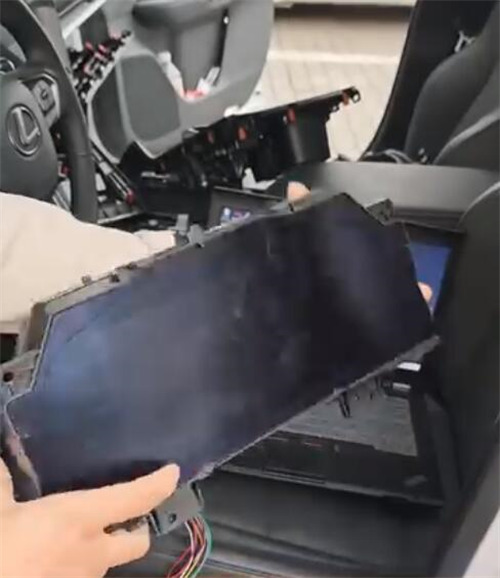
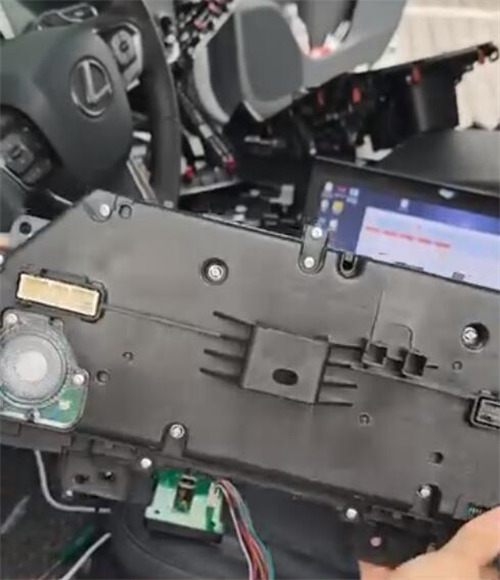

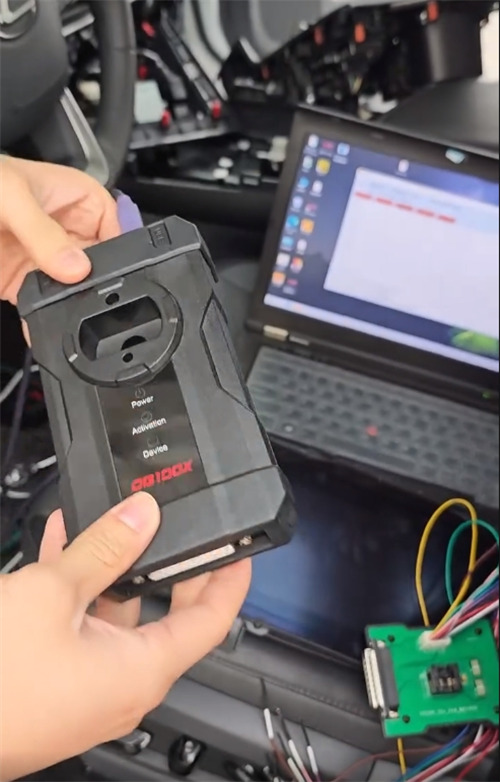
Connection Procedure:
1.Establish the physical connection between the dashboard, the 35X-CAN adapter, and the CG100X programmer.
2.Crucial: Follow the specific connection diagram provided within CG100X software interface to ensure correct pin alignment.
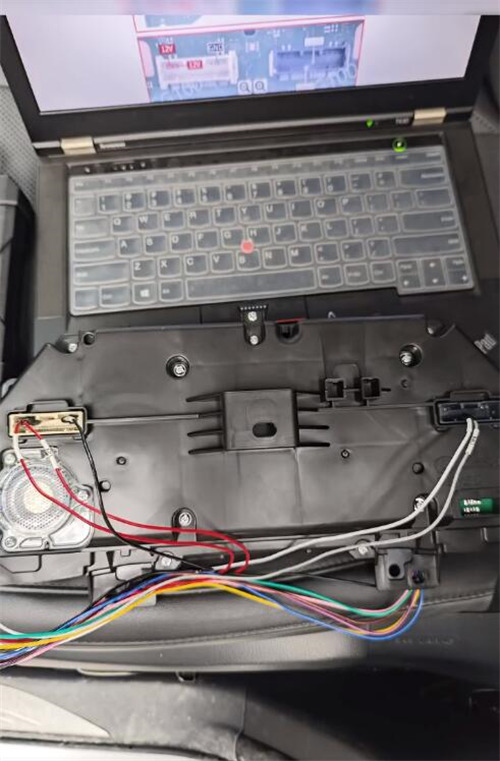
Calibration Process:
1.Once connected, use the software to read the current dashboard data.
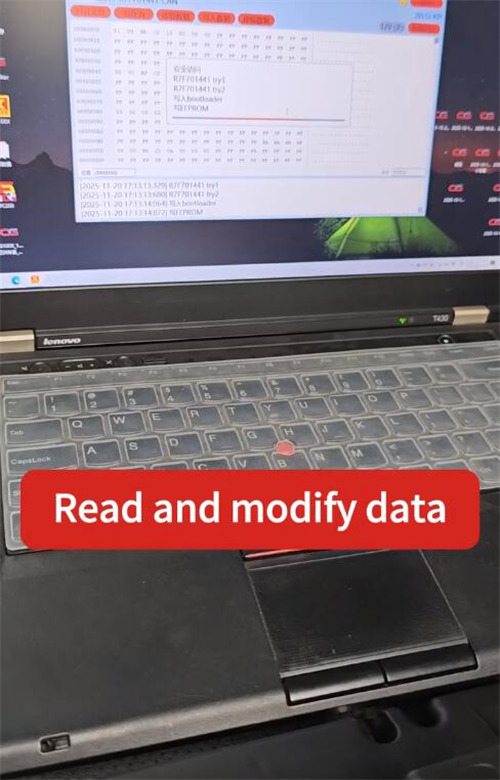
2.Proceed to modify the mileage value as required.
Verification:
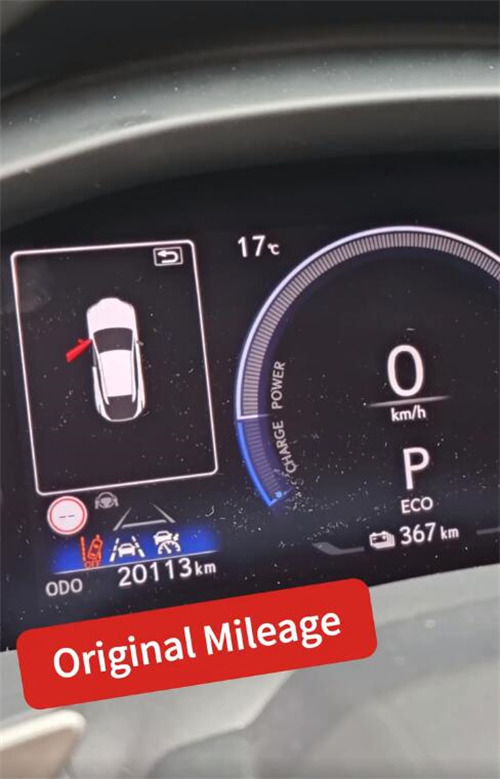
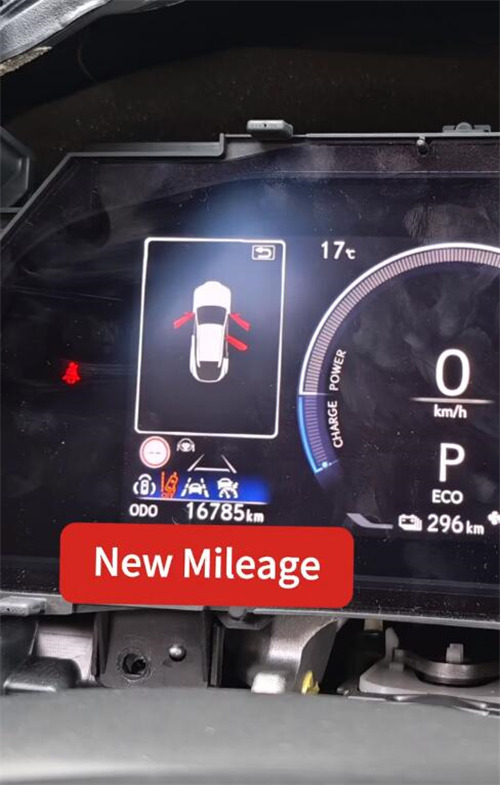
Upon successful calibration, the instrument cluster will display the new mileage.
In this instance, the original mileage of 20,113 km was adjusted to 16,785 km.
Read also:
CG100X V1.9.8.0 Update Toyota Lexus S6J3001 R7F701401 R7F701441 CAN Models
