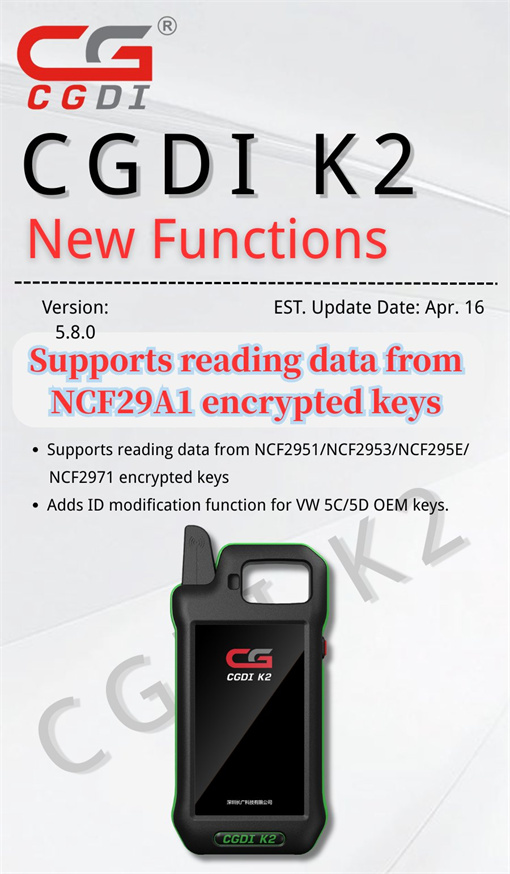
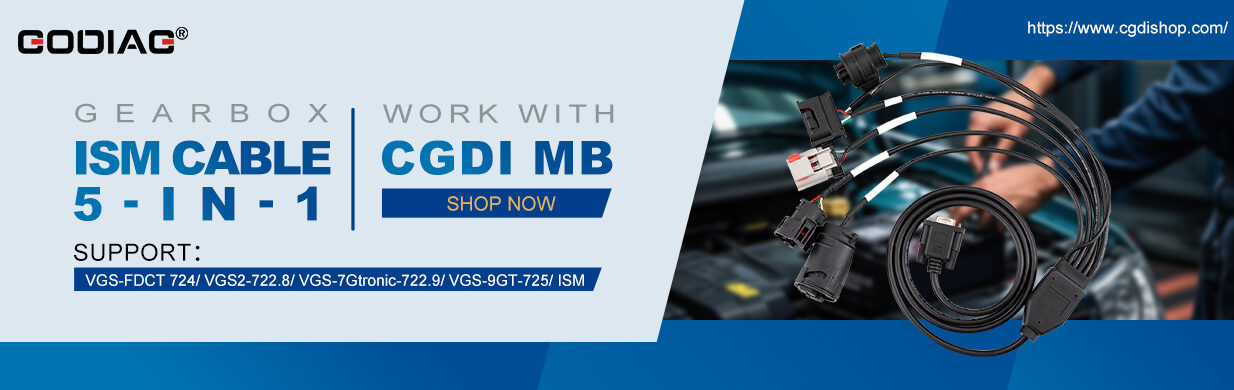
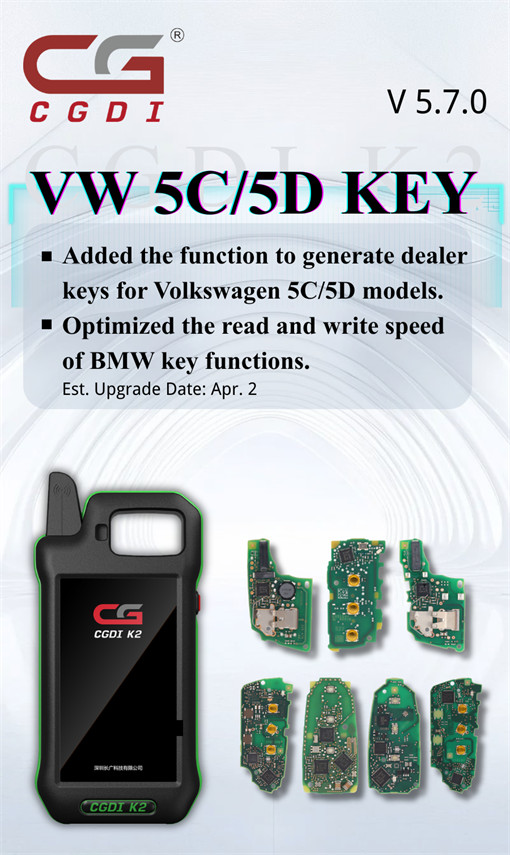
With V5.7.0 software, CGDI K2 Smart Key Tool supports dealer key generation for VW/Audi 5C/5D models. There’s no need to activate any license, simply update the software at no cost.
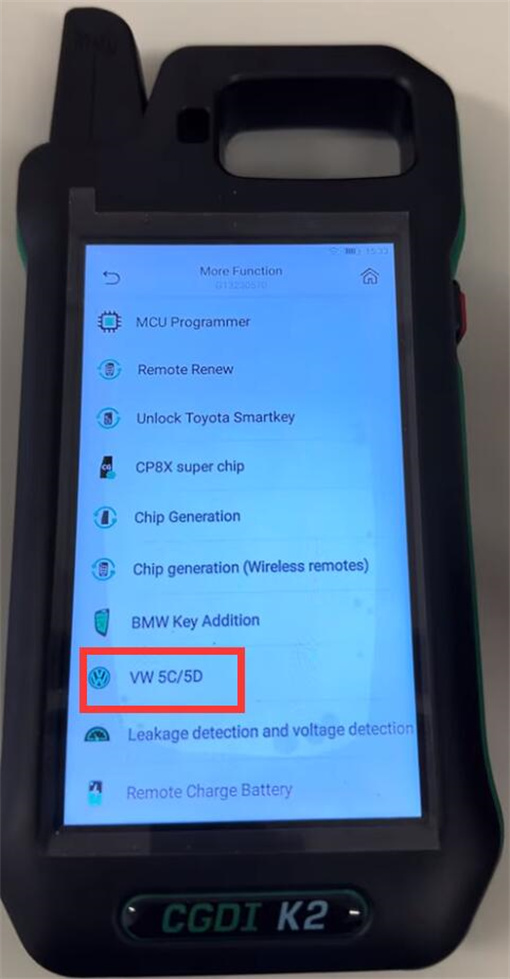
Where to start?
Go to More Function → VW 5C/5D
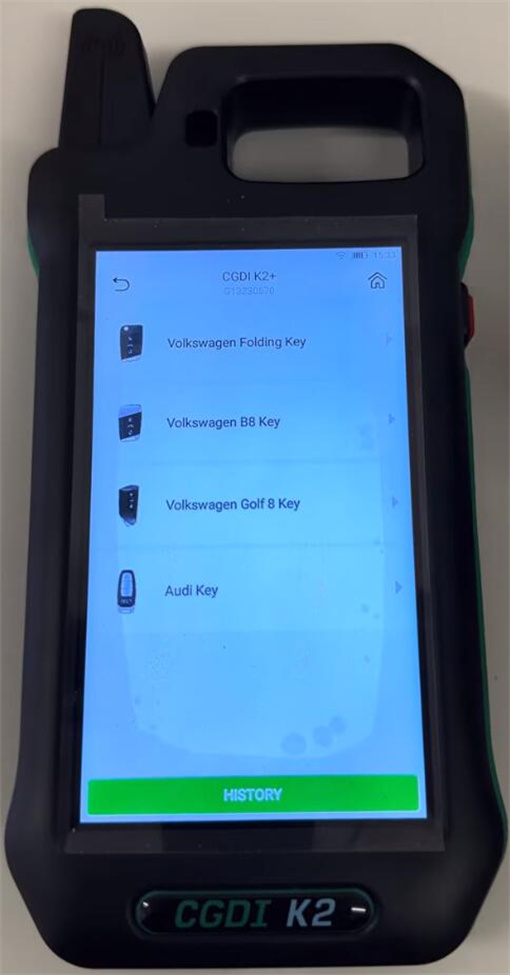
Then pick your key type:
- Volkswagen Folding Key
- Volkswagen B8 Key
- Volkswagen Golf 8 Key
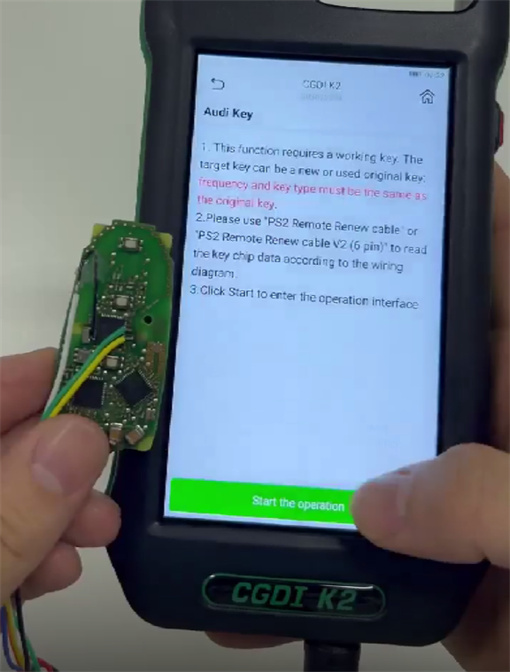
- Audi Key
How to copy key?
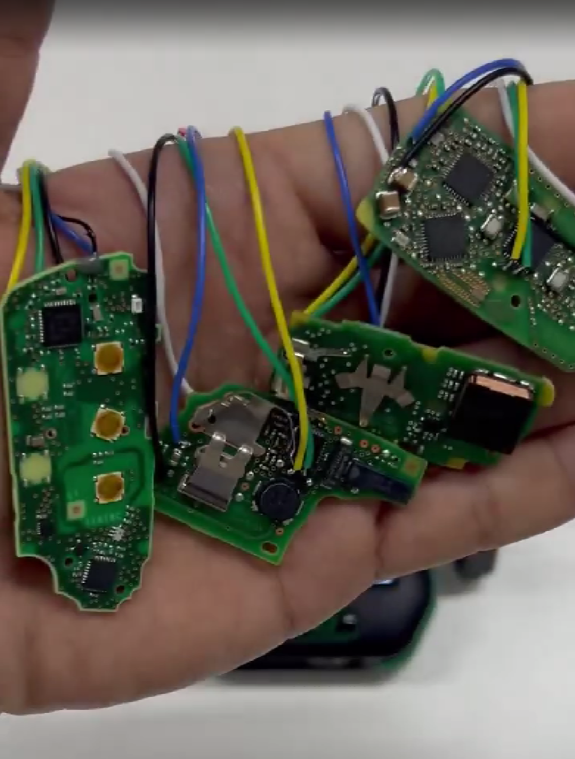
- VW Folding Key
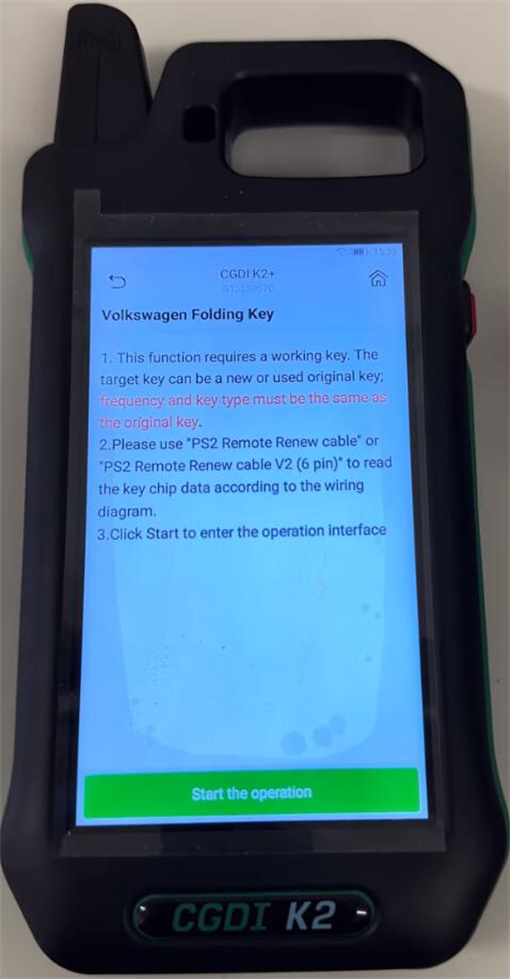
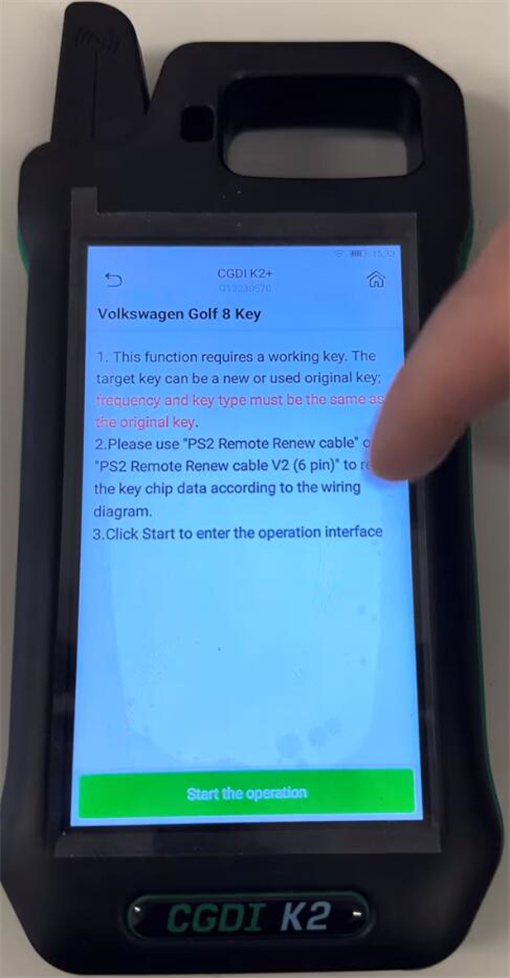
You’ll need a working key first. The new key (can be new or used original) has to match the original in frequency and type.
Grab your “PS2 Remote Renew cable” (or the V2 6-pin version), hook it up following the wiring diagram, and read the chip data.
Hit “Start the operation” – that’ll open the interface
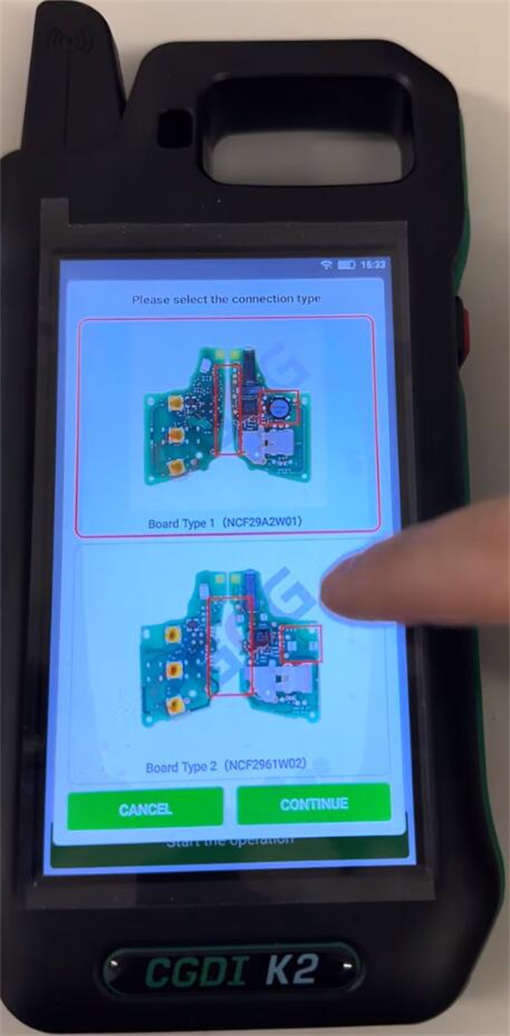
- VW B8 Key
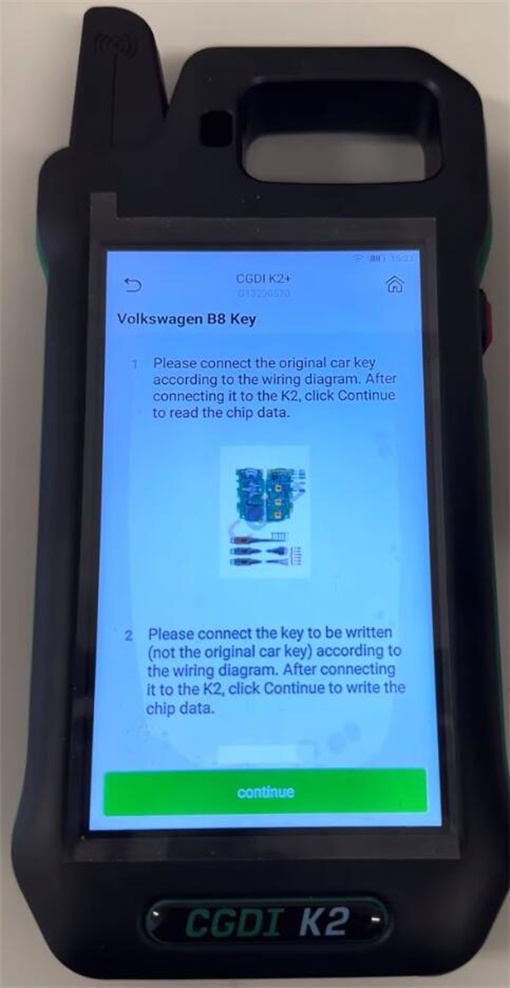
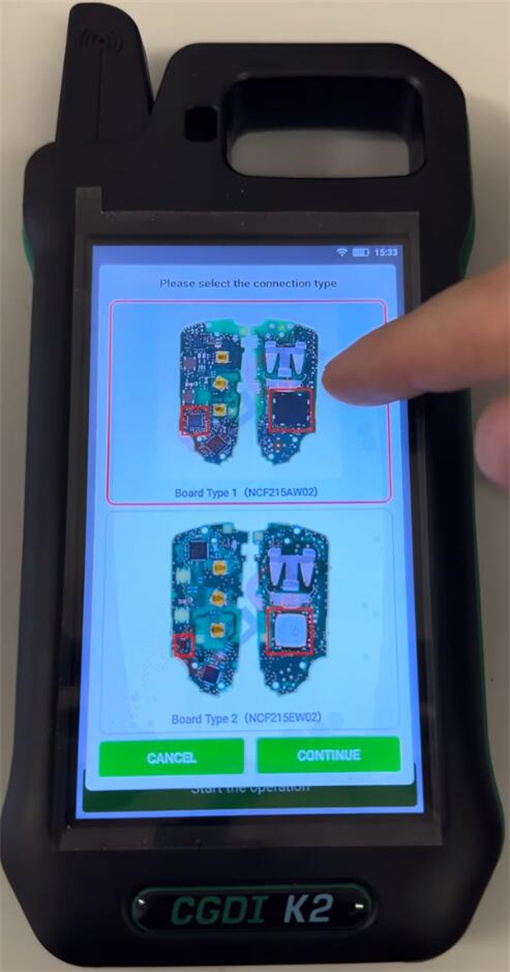
Connect the original key as shown in the diagram. Once it’s linked to K2, click “Continue” to read the chip.
Then connect the key you want to program (not the original one) the same way, click “Continue” again, and write the data
- VW Golf 8 Key
Same steps as VW Folding Key
- Audi Key
Same as the Folding Key too!
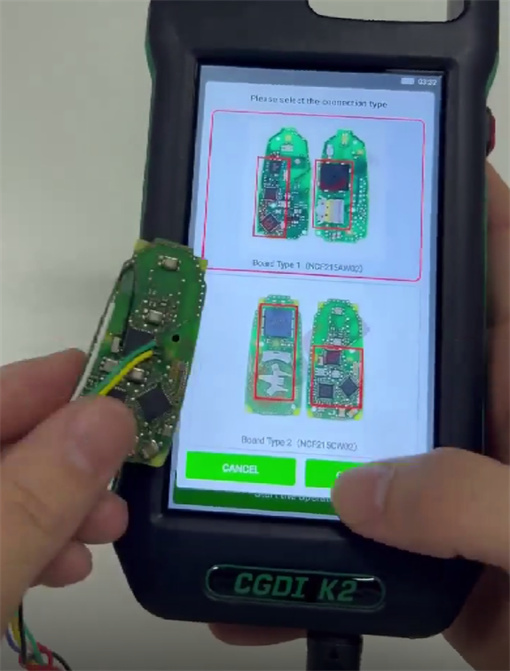
Follow the wiring diagram to connect the original car key. After connecting it to CGDI K2 key programmer, click “Continue” to read the chip data.
Connect the key to be written (not the original car key) and K2 correctly, continue to write the chip data
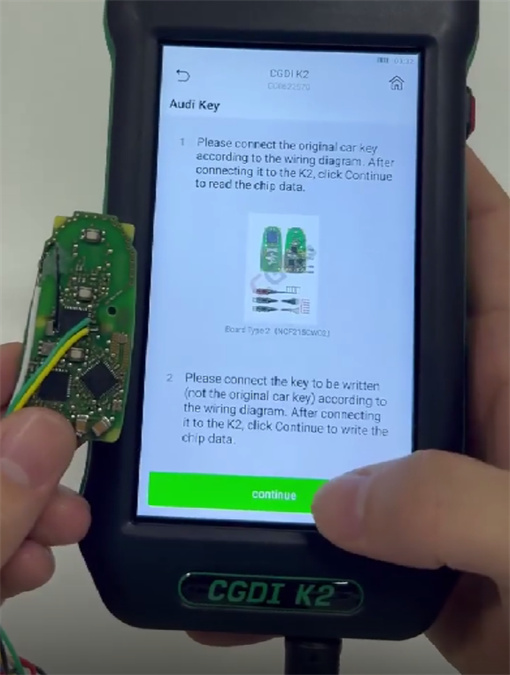
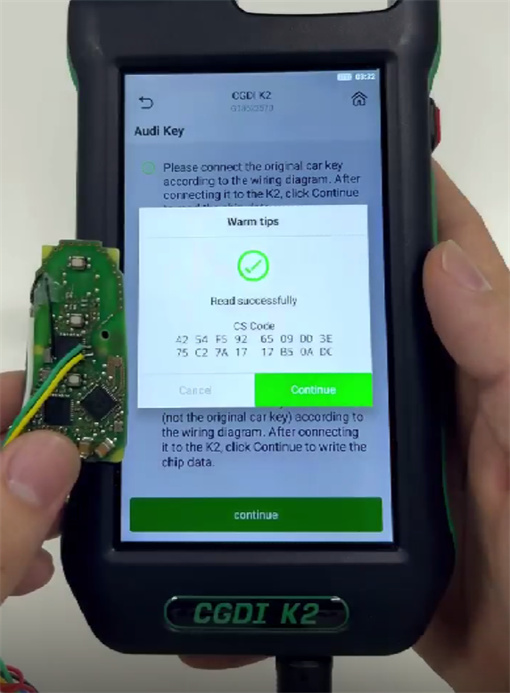
In addition, CGDI K2 also works for BMW keys!
You can add:
- BMW BDC2 Blade key (needs a working key + the PS2 cable to read chip data)
- BMW BDC3 knife-style key
- U-Chassis/BCP key
- Display key
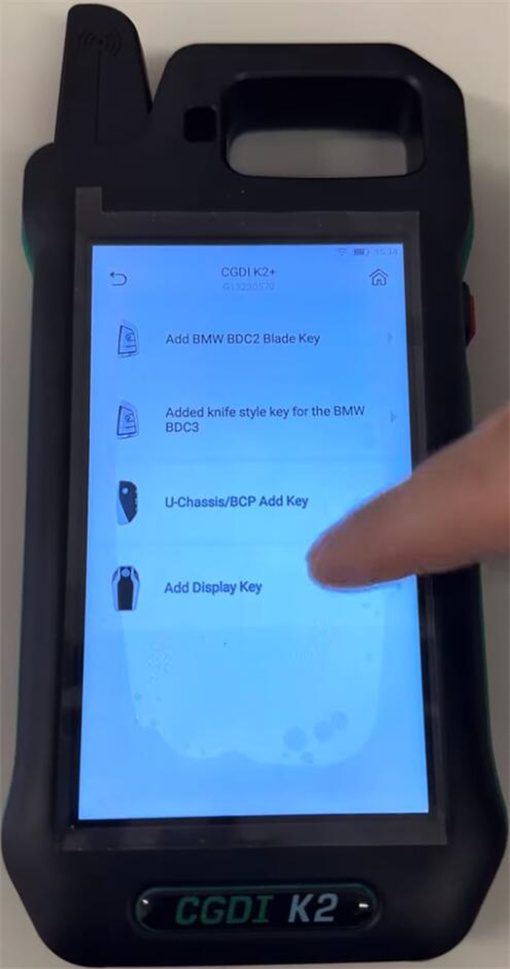
What’s more, CGDI K2 software V5.8.0 adds ID modification function for VW 5C/5D OEM keys on April 16, 2026. This new version also supports reading data from NCF29A1/ NCF2951/NCF2953/NCF295E/NCF2971 encrypted keys.